Every WhatsApp number, looked after in one place
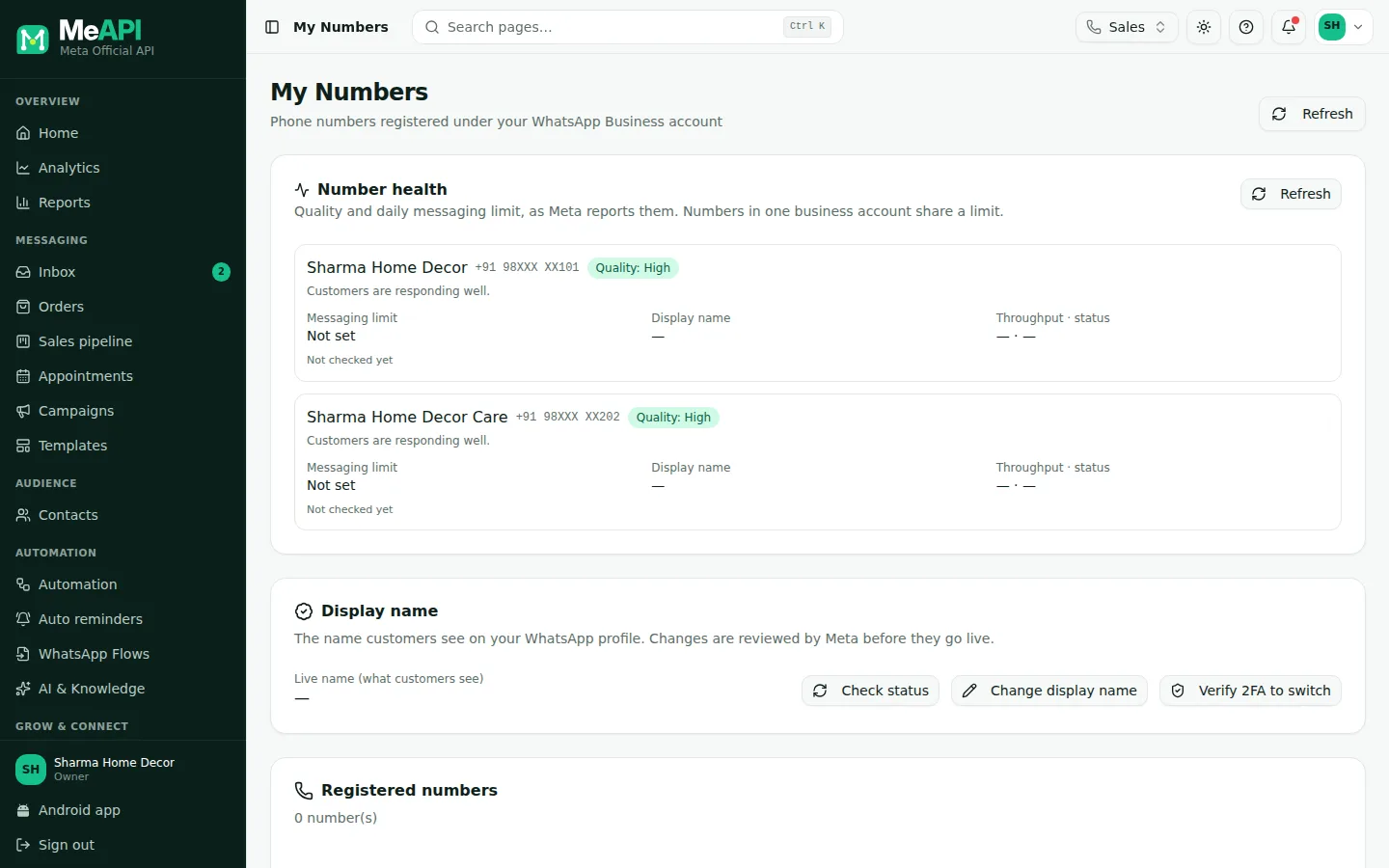
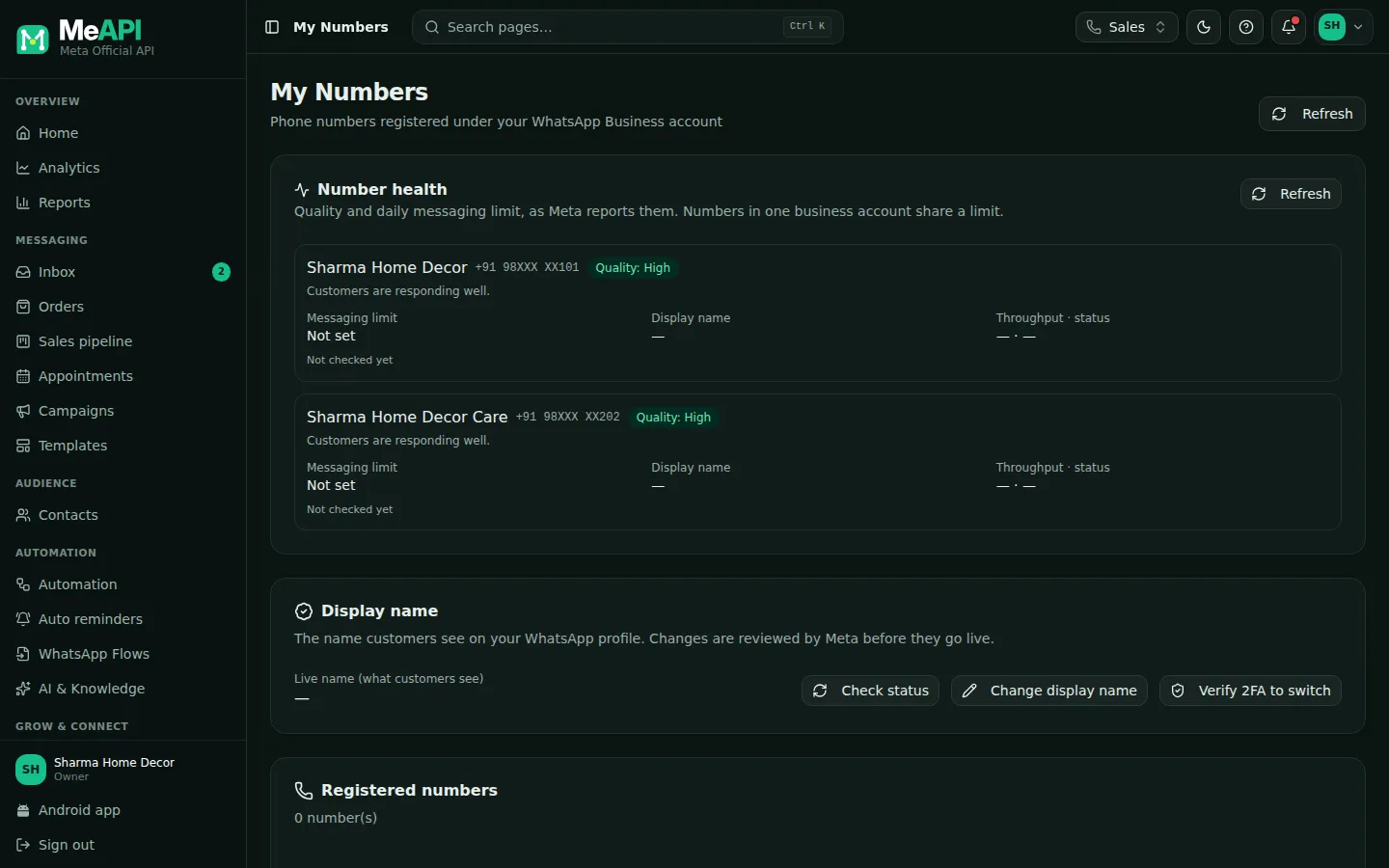
WhatsApp Numbers lists every number on your account as a card: its status, quality rating and messaging limit, with Load details to read the latest from Meta. Problems you need to fix in Meta show on the number with the steps.
Open a number to edit its WhatsApp business profile (photo, about, description, address, email and websites), ask for a display name change, and make QR codes and wa.me links with a pre-filled message. Set a two-step verification PIN, choose when customers see blue ticks (when a message arrives, when someone opens the chat, or never) and whether they see “typing…” while an agent types.
Templates belong to a WhatsApp account, so numbers on the same account already share them; Copy to another number sends them to a number on another account. When a number leaves, Disconnect offers to export your contacts and campaign reports first and keeps the number registered, so you can move it to another provider; the Move page lists what the new provider needs.
How it works
Add numbers
WhatsApp Numbers → Add number, through Meta’s Embedded Signup, up to your plan’s limit. Keep the WhatsApp Business app with coexistence.
Set up each number
Profile, display name, QR codes, two-step PIN, blue ticks and typing, from the number’s page or the ⋮ menu on its card.
Keep it healthy
Watch quality and limits, fix what the card asks, and copy templates when you add a number on another account.
What’s included
- Every number on one page: a card with its status, quality and messaging limit, and everything you need to look after it. Edit the WhatsApp business profile, make QR codes, set a two-step PIN, choose blue ticks and typing, copy templates to another number, or disconnect and move a number.
- Business profile: photo, about, description, address, email, websites; display name changes
- QR codes and wa.me links with a pre-filled message
- Two-step verification PIN, blue ticks on arrival / when opened / never, typing indicator while an agent types
- Copy templates to a number on another WhatsApp account
- Disconnect with an export first, or move the number to another provider
Businesses use it for
- A business with separate sales and support numbers, each with its own profile
- Printing a QR code with a pre-filled “Hi” on packaging
- Moving a number to MeAPI from another provider, or away again
Question
Can I manage my WhatsApp numbers from MeAPI?
Yes. WhatsApp Numbers shows a card per number with its status, quality and messaging limit, and Load details reads the latest from Meta. From each number you edit the WhatsApp business profile (photo, about, description, address, email, websites), ask for a display name change, make QR codes and wa.me links, set a two-step verification PIN, choose when customers see blue ticks and whether they see “typing…” while an agent types, and copy templates to a number on another WhatsApp account. Disconnect asks whether to export contacts and campaign reports first and leaves the number registered, so you can move it to another provider; the Move page lists what the new provider needs.
Related features
Try it on your own WhatsApp number
Every plan includes every feature, with no mark-up on Meta’s message charges. Set up in about ten minutes.