

Developer API — send WhatsApp messages from your own systems
🎯 Goal
Send WhatsApp messages from your website, CRM or app, and receive events back, using a simple REST API.
🧰 What you need
- Owner or admin-agent login
- A developer, or a tool that can make HTTP requests (curl, Postman, your server)
- An approved template for business-initiated messages
What you can do
Section titled “What you can do”| Endpoint | What it does |
|---|---|
POST /messages |
Send a template, text, media or interactive message. Returns 202 with the message id; delivery is asynchronous |
GET /messages/:id |
Status: pending → sent → delivered → read, or failed with a reason |
GET /contacts |
Contacts with tags, custom fields and opt-in |
POST /contacts |
Create or update one contact by phone: name, tags to add or remove, custom fields |
GET /templates |
Approved templates you can send, with their components |
Base URL: https://login.meapi.in/api/v1. Full reference: meapi.in/docs.
Steps: your first API message
Section titled “Steps: your first API message”-
Open Developer → API keys. Under Create a key, type a Name (e.g. Website orders) and choose Sends from: Default number (or channel_id), or one specific number.
-
Copy the key. It starts with
mk_live_and is shown once (Your new API key — copy it now, it will not be shown again). Click I’ve stored it. -
Send a template to your own number:
Terminal window curl https://login.meapi.in/api/v1/messages \-H "Authorization: Bearer mk_live_your_key" \-H "Content-Type: application/json" \-d '{"to":"+919812345678","type":"template","template":{"name":"hello_world","language":"en_US"}}' -
You get
202and a message id. Check WhatsApp, or callGET /messages/<id>.
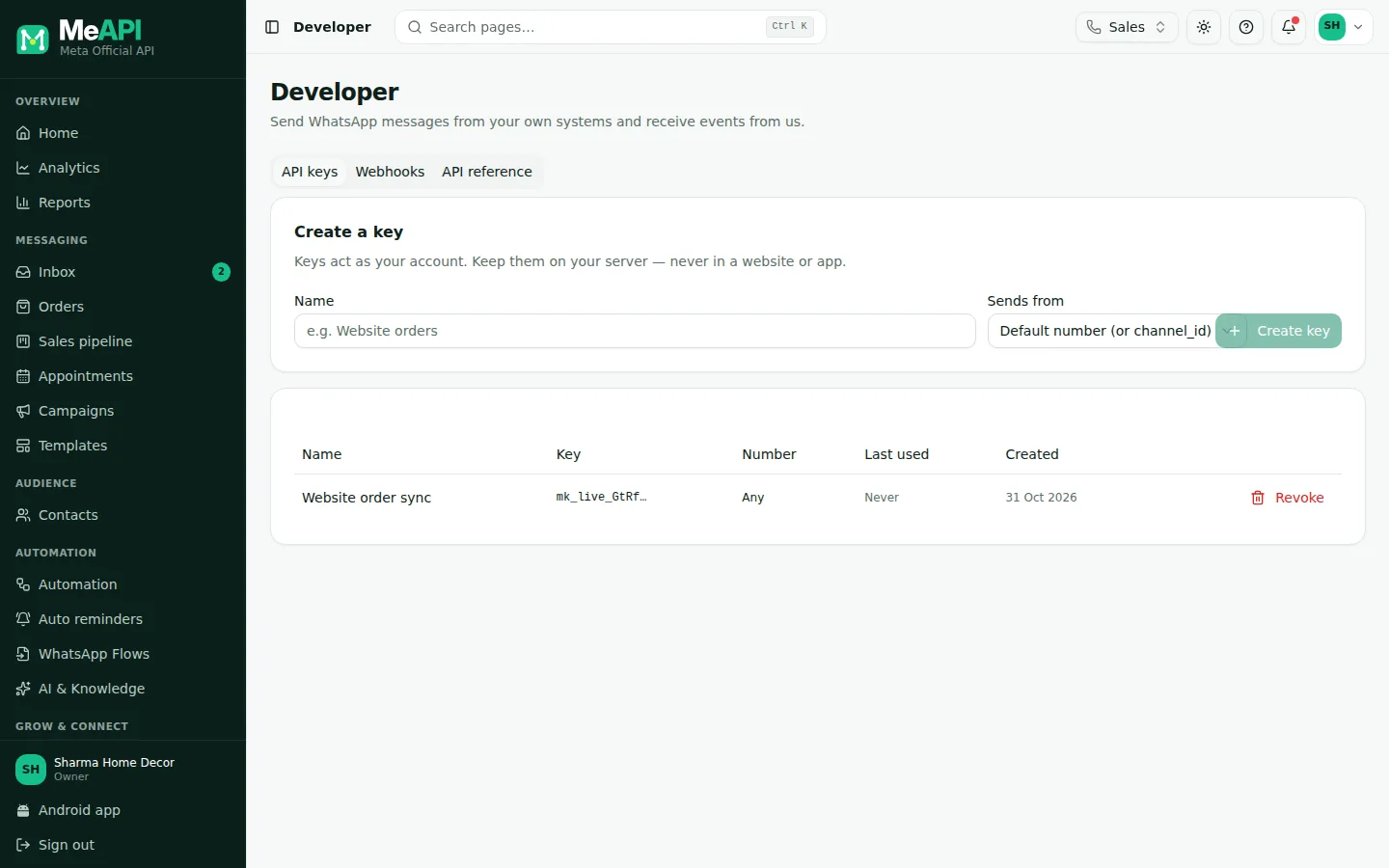
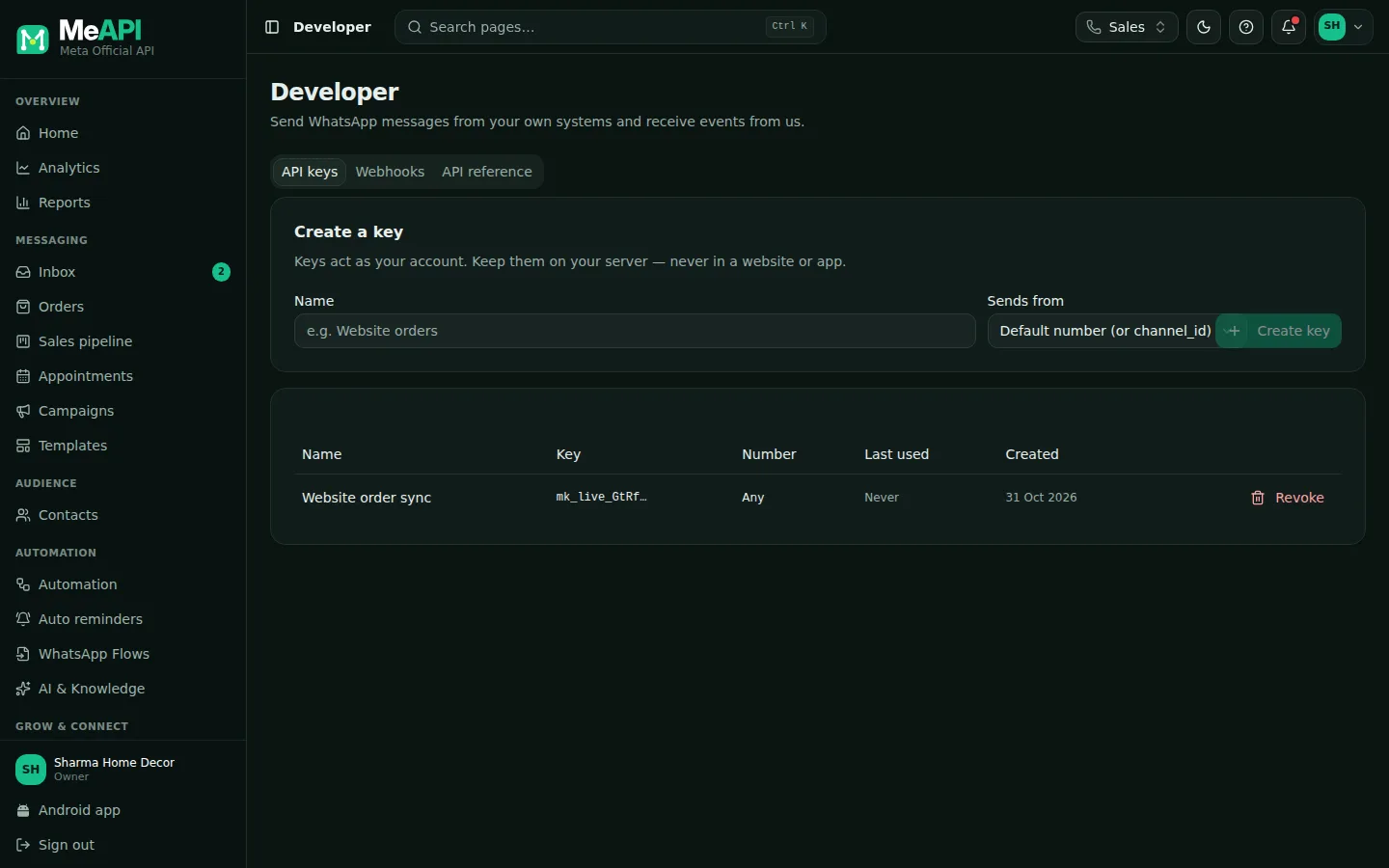
- Tabs: API keys, Webhooks and API reference (endpoints, errors and curl / PHP / Node.js examples).
- Create a key: a Name and Sends from (the default number, or one specific number).
- Your keys: name, the end of the key, number, Last used and created date. Revoke unused keys.
The one rule to remember
Section titled “The one rule to remember”Free-form messages (text, media, interactive) only go to people inside their 24-hour window. Otherwise the API answers 409 WINDOW_CLOSED, and you must send a template. See The 24-hour window.
What’s next
Section titled “What’s next”Was this page helpful?
Thank you — we read every comment.
Could not send right now. Please try again later.
© 2026 MeAPI by TheWebStore028 · RADHAMADHAV WEBSTORE LLP · GSTIN 27ABJFR6148J1ZO · Contact us ·Cookie settings