Official WhatsApp Cloud API

Sell, support and automate on WhatsApp — the official way.

One panel for your whole team: a Separate Inbox for Each Number, a sales pipeline, campaigns, chatbots and AI. Built for Indian businesses, priced in rupees.

No card for the trial · Set up in about 10 minutes · Cancel any time · See pricing

Android app iPhone & iPad

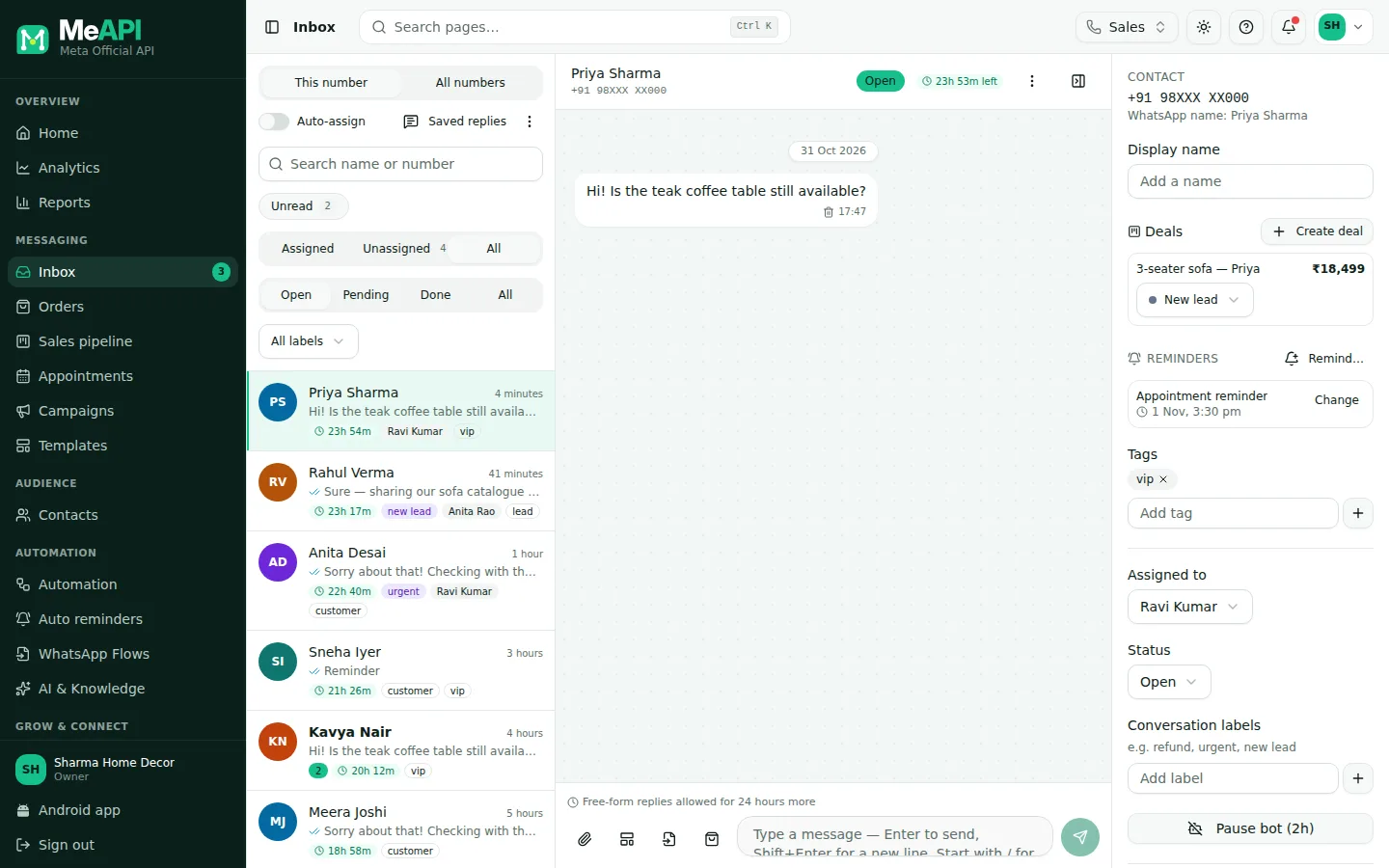
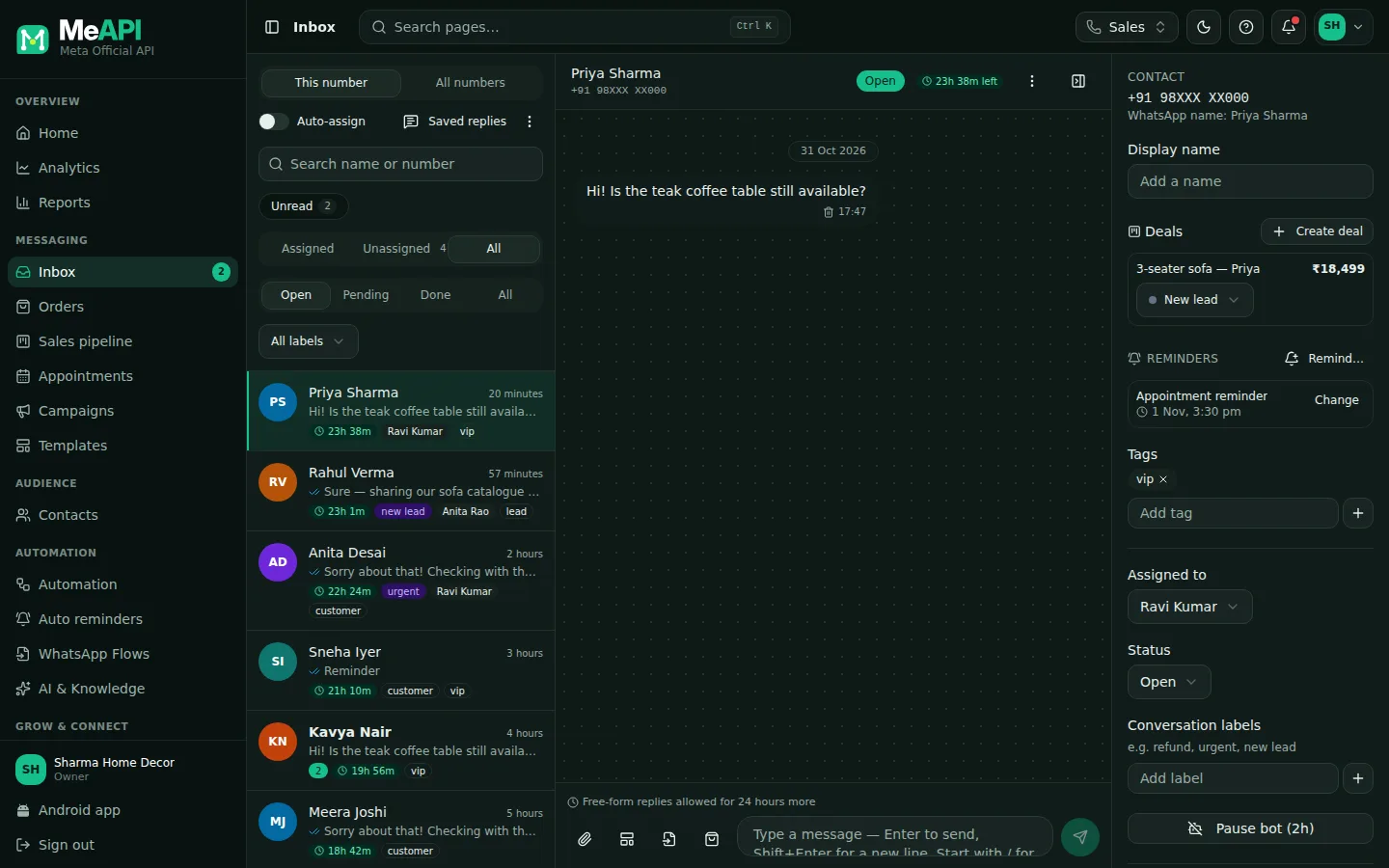
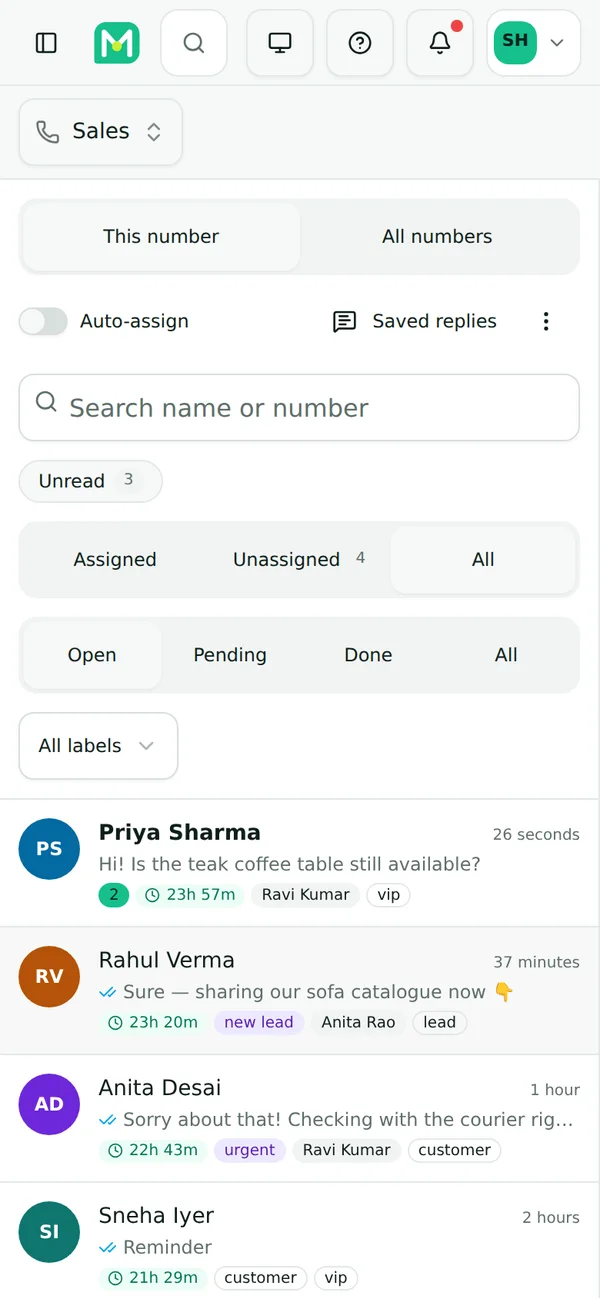
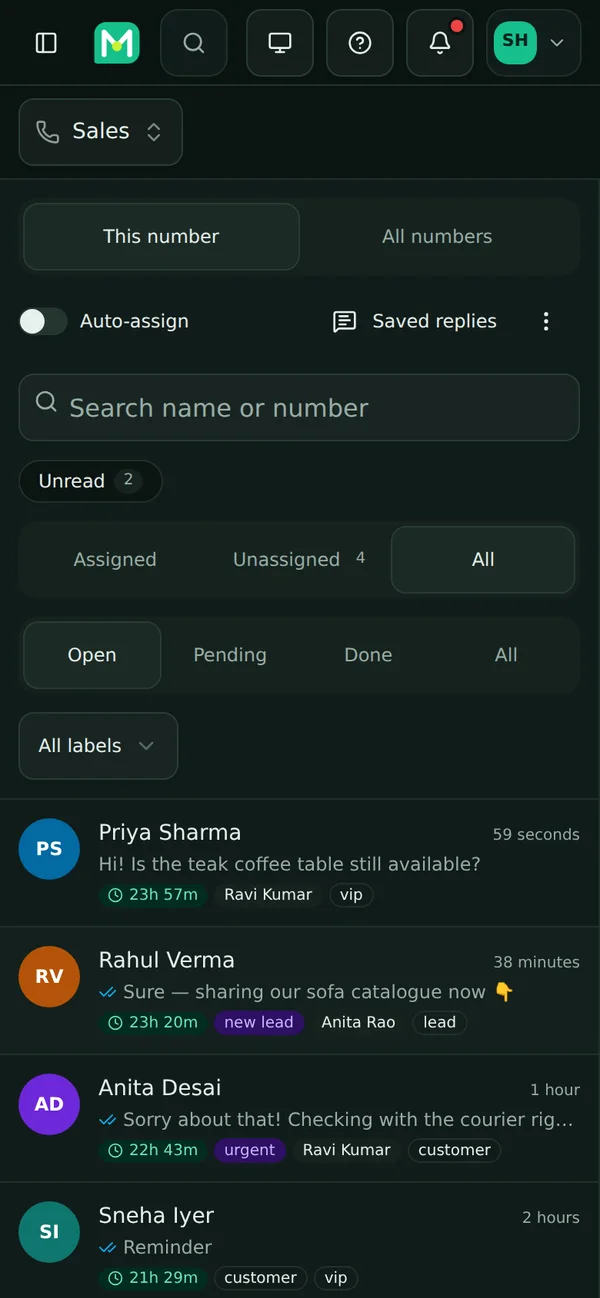
The MeAPI team inbox: a list of customer chats, an open conversation, and the contact's deal, reminders and tags beside it.The MeAPI team inbox: a list of customer chats, an open conversation, and the contact's deal, reminders and tags beside it.
API Panel, with sample data.
170+ready templates in 3 languages
10AI providers — bring your own key
136ready-made chatbots for 41 industries
₹0mark-up on Meta’s message charges
  • Is this official?Yes. You connect through Meta’s own Embedded Signup, on the WhatsApp Cloud API, with no WhatsApp Web automation.
  • Can I keep my WhatsApp app?Yes. With coexistence you use the WhatsApp Business app and MeAPI on one number.
  • Who do I pay?Us for your plan. Meta bills its message charges to your own account, with no mark-up from us.
  • Is it made for India?Priced in rupees with GST shown, in English, हिन्दी and ગુજરાતી, by a registered Indian company.
New · WhatsApp Calling (Beta)

Customers call your WhatsApp. You answer anywhere.

Customers call your WhatsApp; answer in the browser or the MeAPI Android app, even when your phone is locked. Incoming calls are free.

  • Your team’s panels and phones ring together; the first to answer gets the call
  • Choose who answers each number, your call hours and holidays
  • Every call in the customer’s chat, a Calls page and missed-call alerts
  • On numbers connected to the API with a messaging limit of 2,000 or more (not Coexistence numbers)
How WhatsApp Calling works →
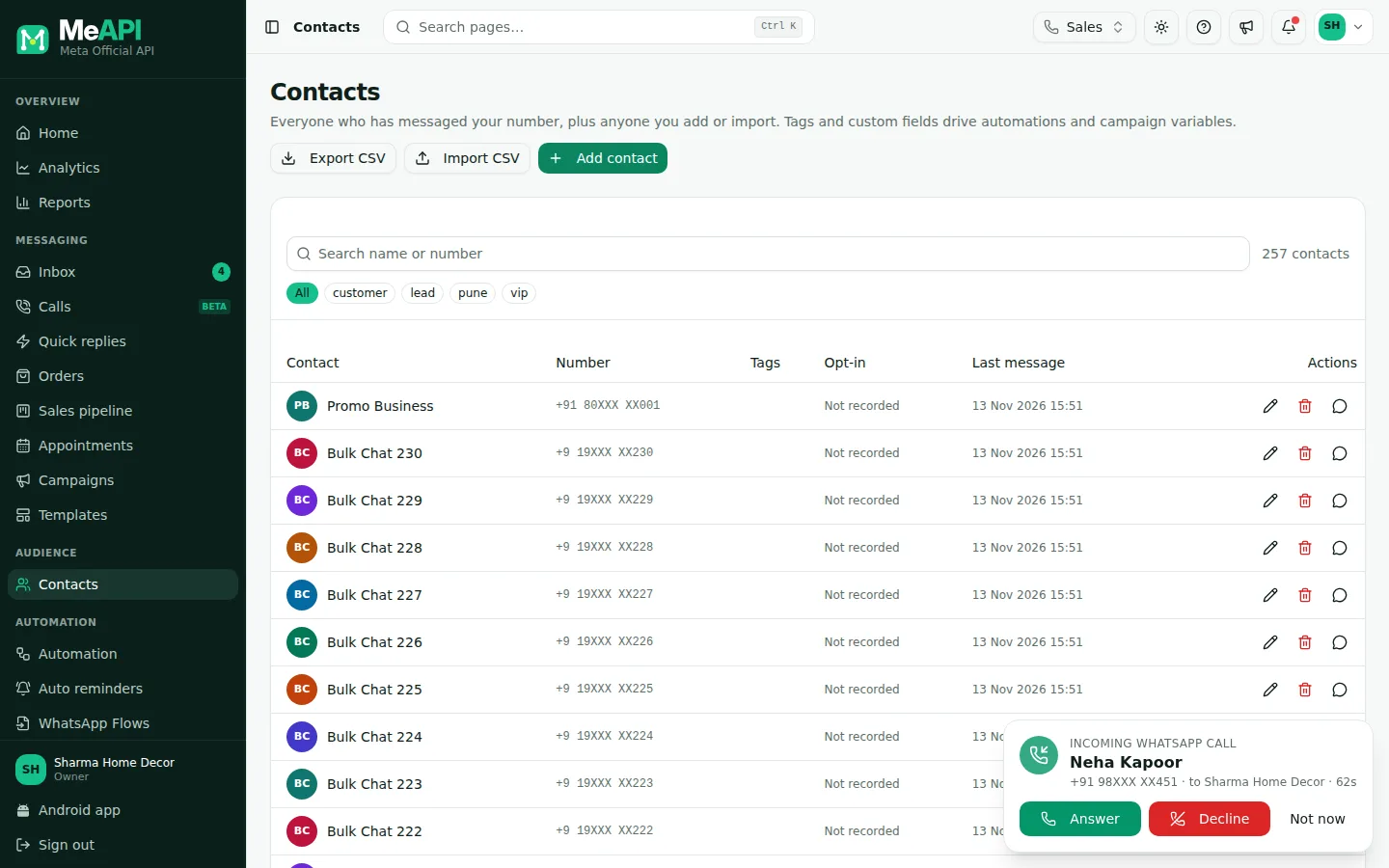
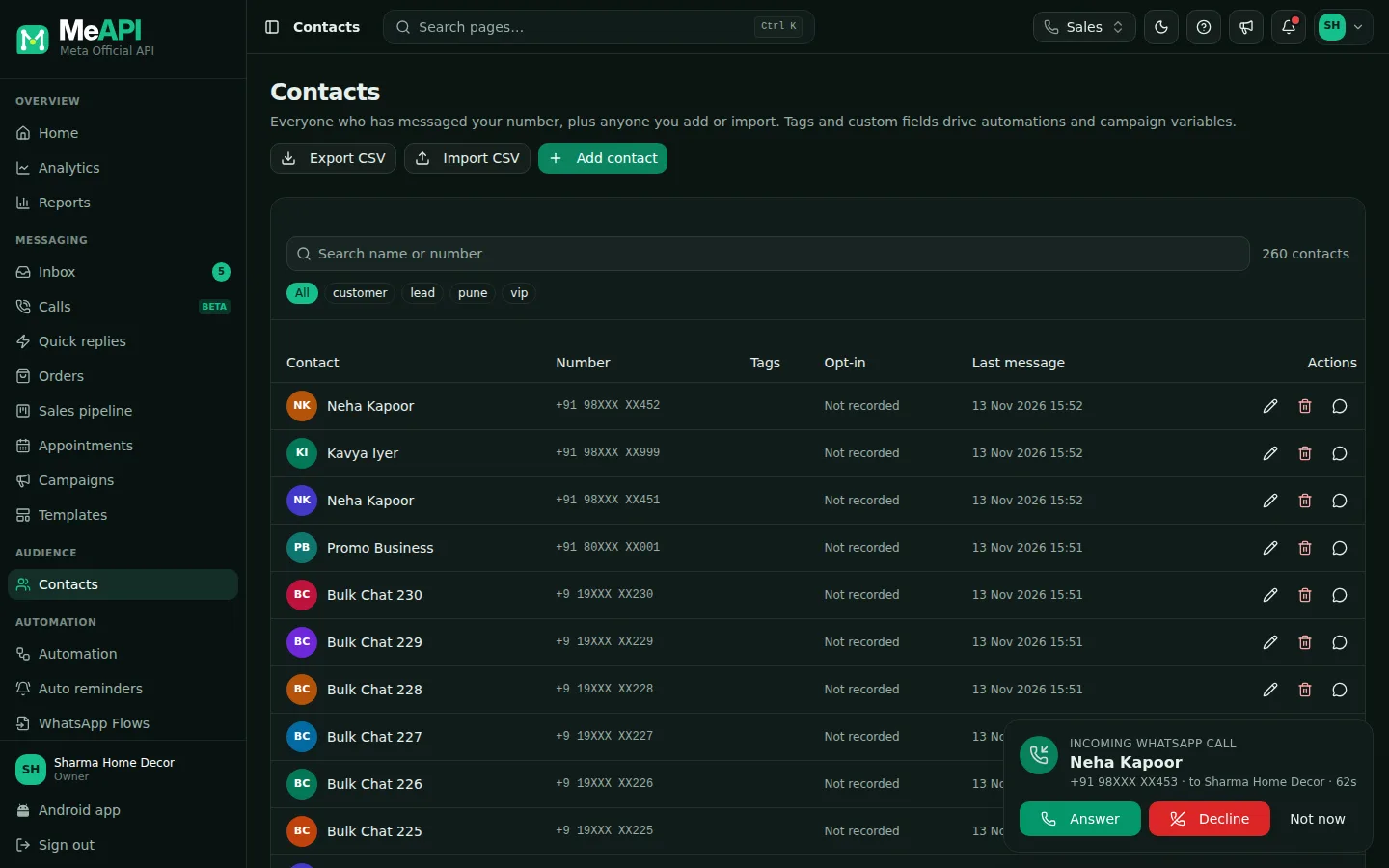
An incoming WhatsApp call ringing in the MeAPI API Panel: the caller's name and number, with Answer, Decline and Not now.An incoming WhatsApp call ringing in the MeAPI API Panel: the caller's name and number, with Answer, Decline and Not now.
API Panel, with sample data.
How it works

From the first message to the repeat order

One customer, one panel. Follow the journey on the real screens.

  1. Start from a ready-made bot for your industry. It handles the routine questions and hands over to a person when needed.

    How it works →
  2. Each number has its own inbox, shared with your team: assignment, roles and quick replies.

    How it works →
  3. Create a deal from any chat in one click, then move it across your sales pipeline until it is won.

    How it works →
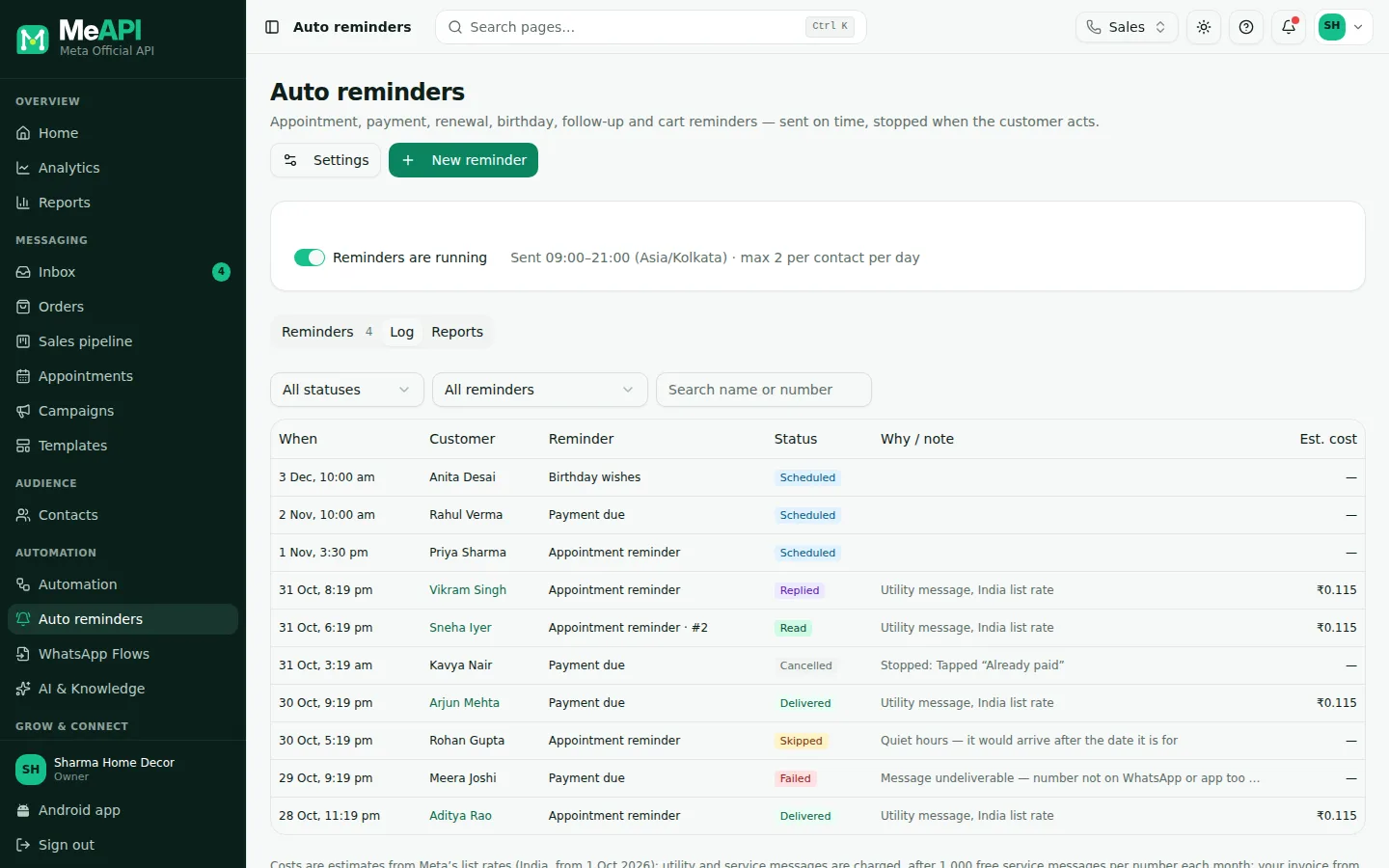
  4. A follow-up goes out when a customer goes quiet, and payment or appointment reminders go from your own number until the customer replies, pays or taps “Already paid”.

    How it works →
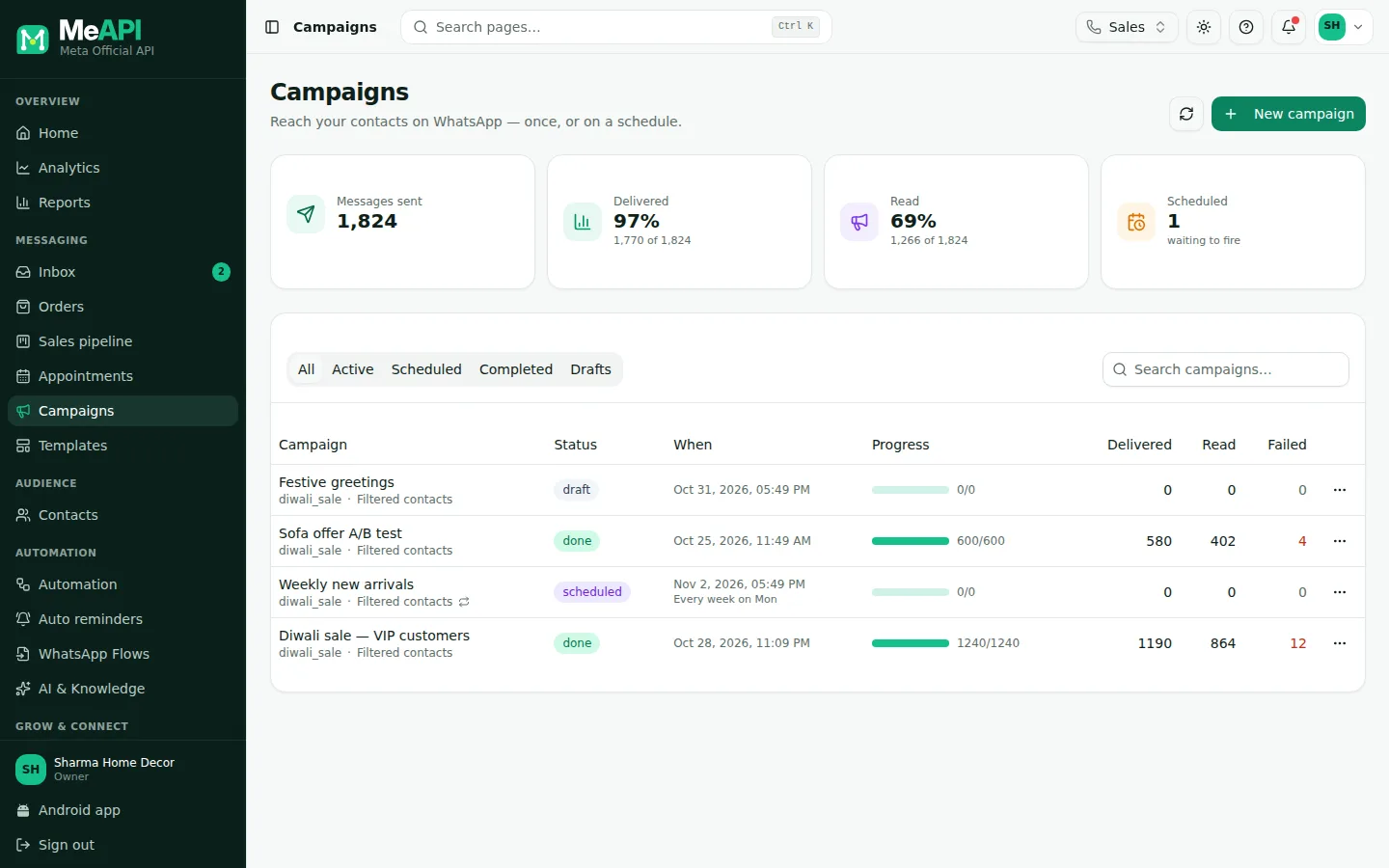
  5. Schedule or repeat campaigns with approved templates, and see what was delivered and read.

    How it works →
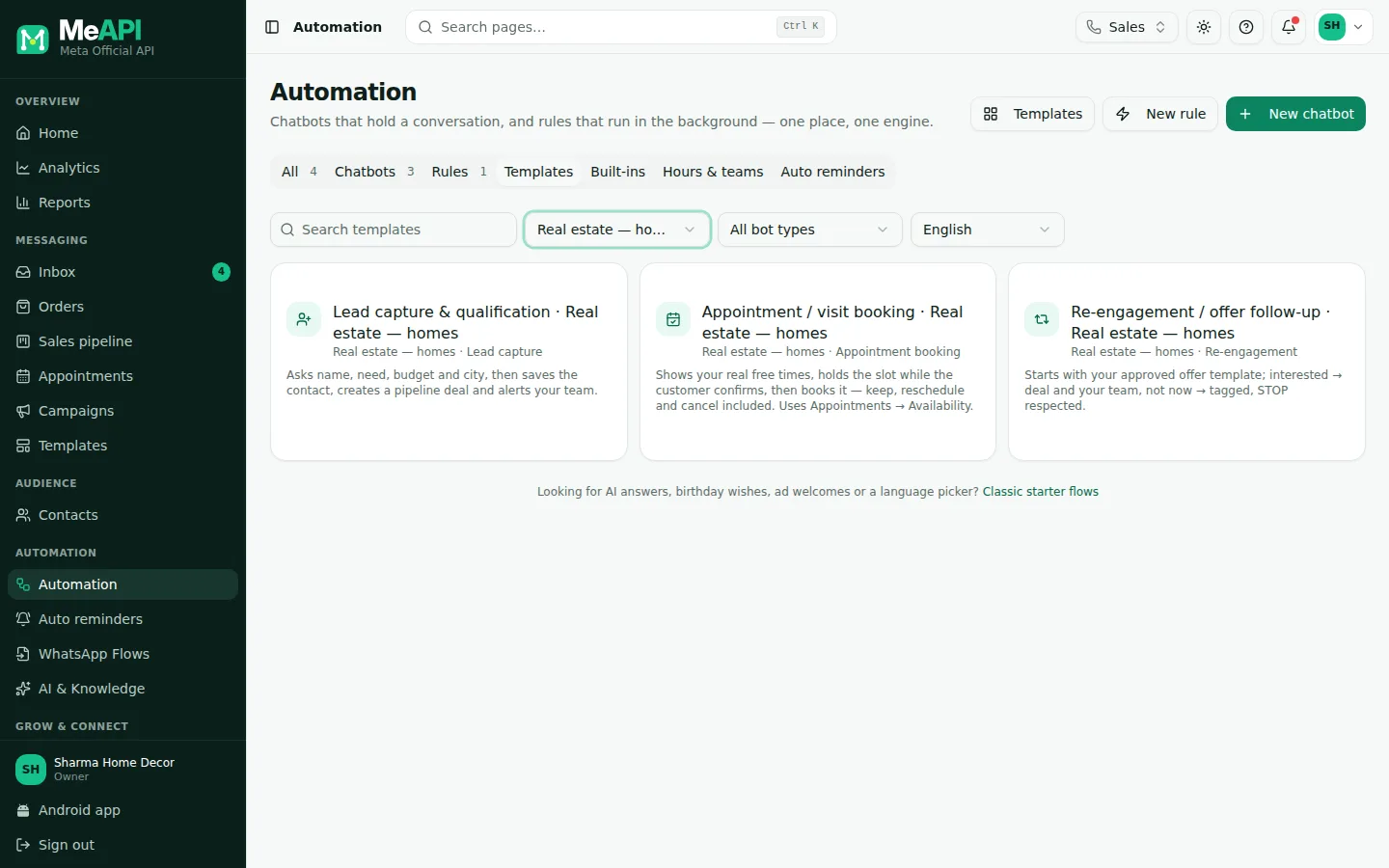
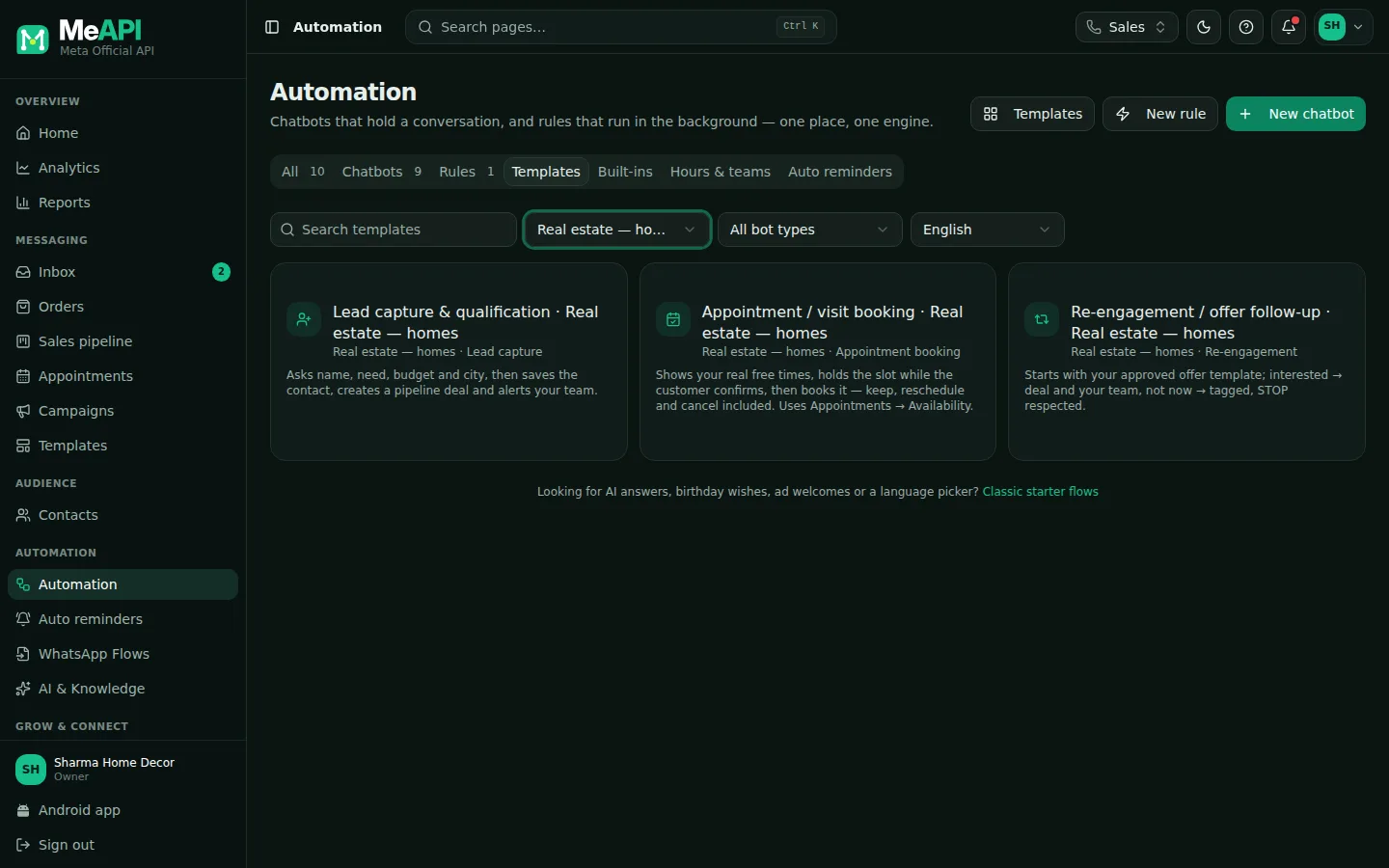
The chatbot template gallery in the API Panel.The chatbot template gallery in the API Panel.
The team inbox with customer chats, an open conversation and the contact’s details.The team inbox with customer chats, an open conversation and the contact’s details.
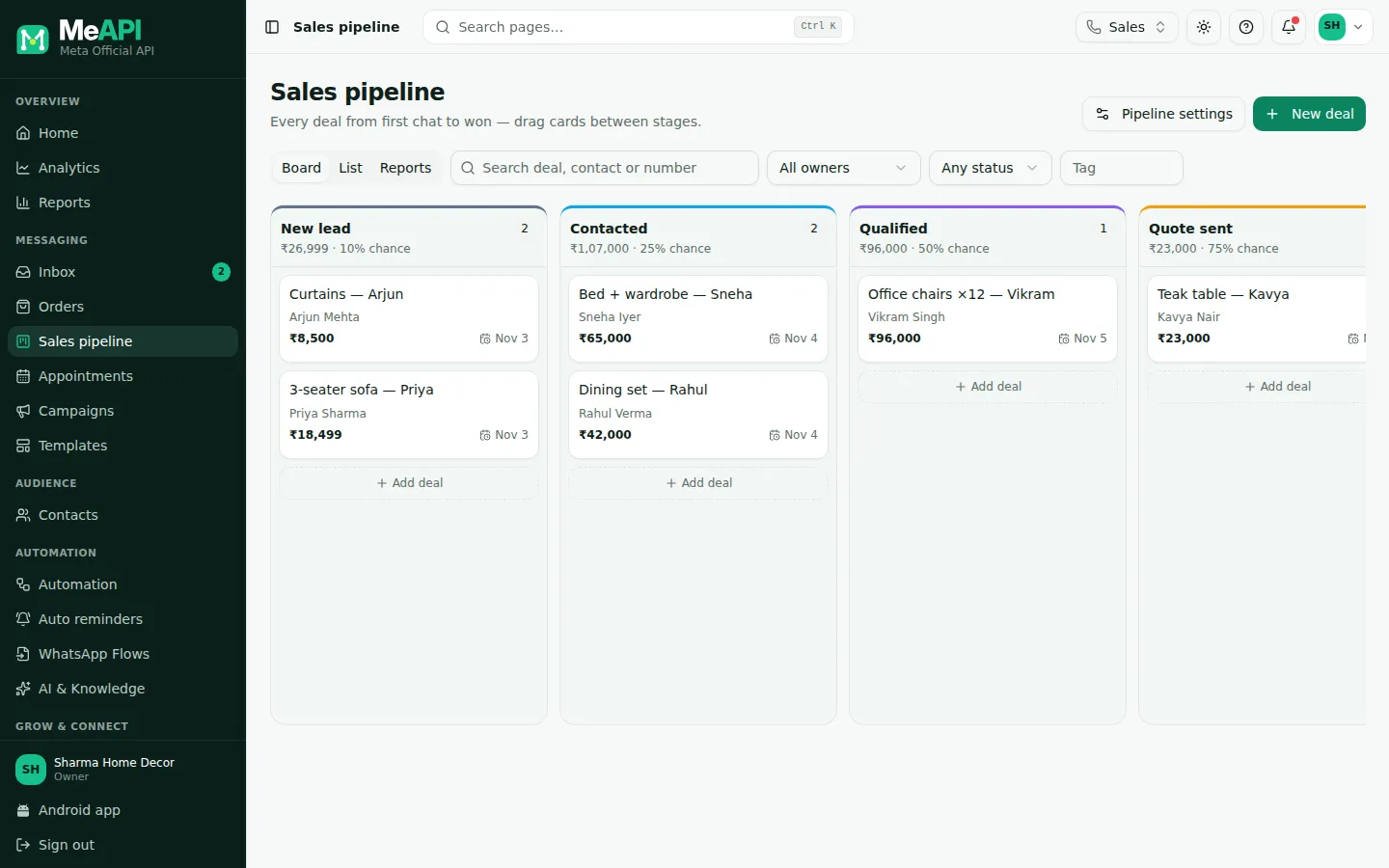
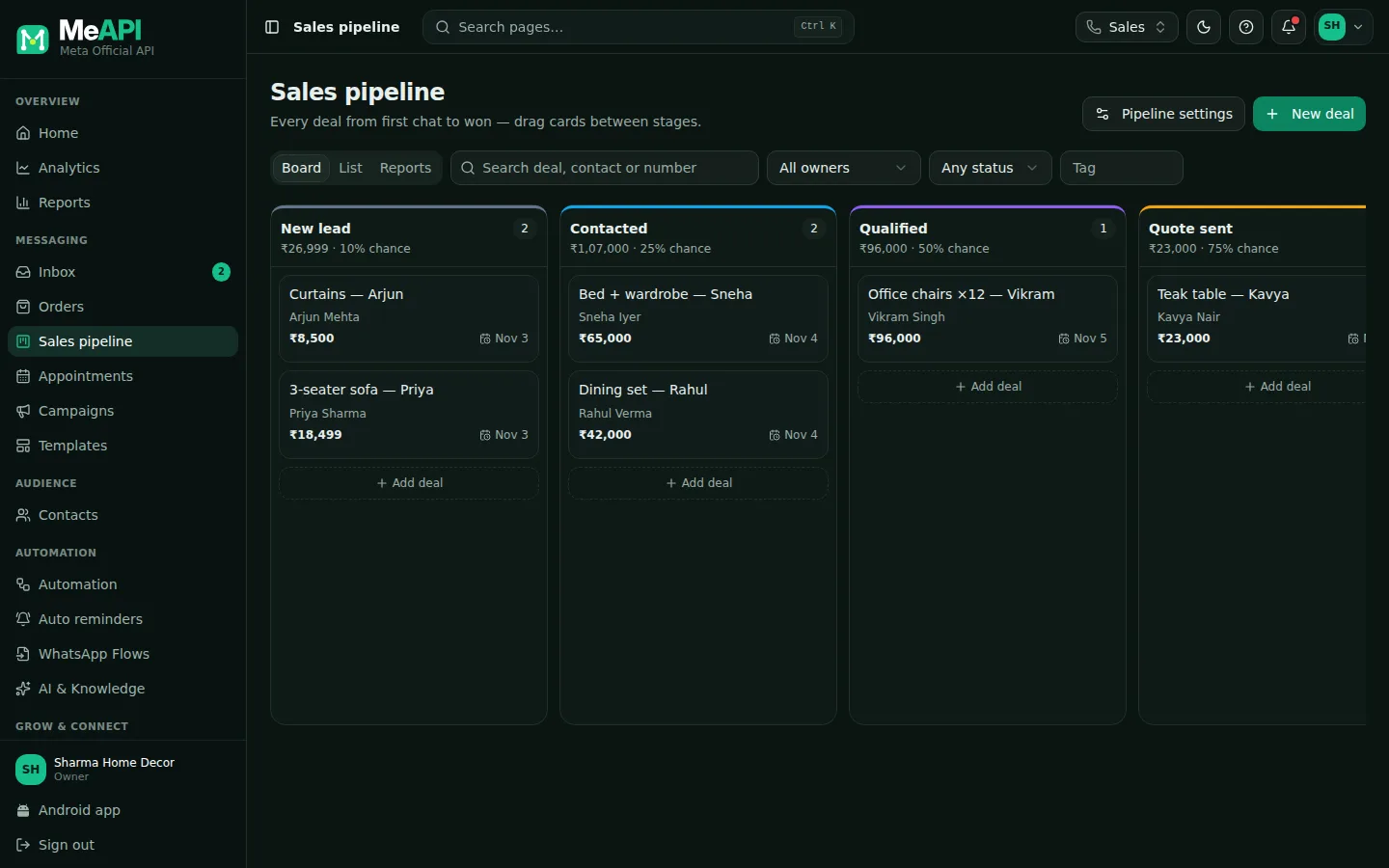
The sales pipeline with deal cards in stages.The sales pipeline with deal cards in stages.
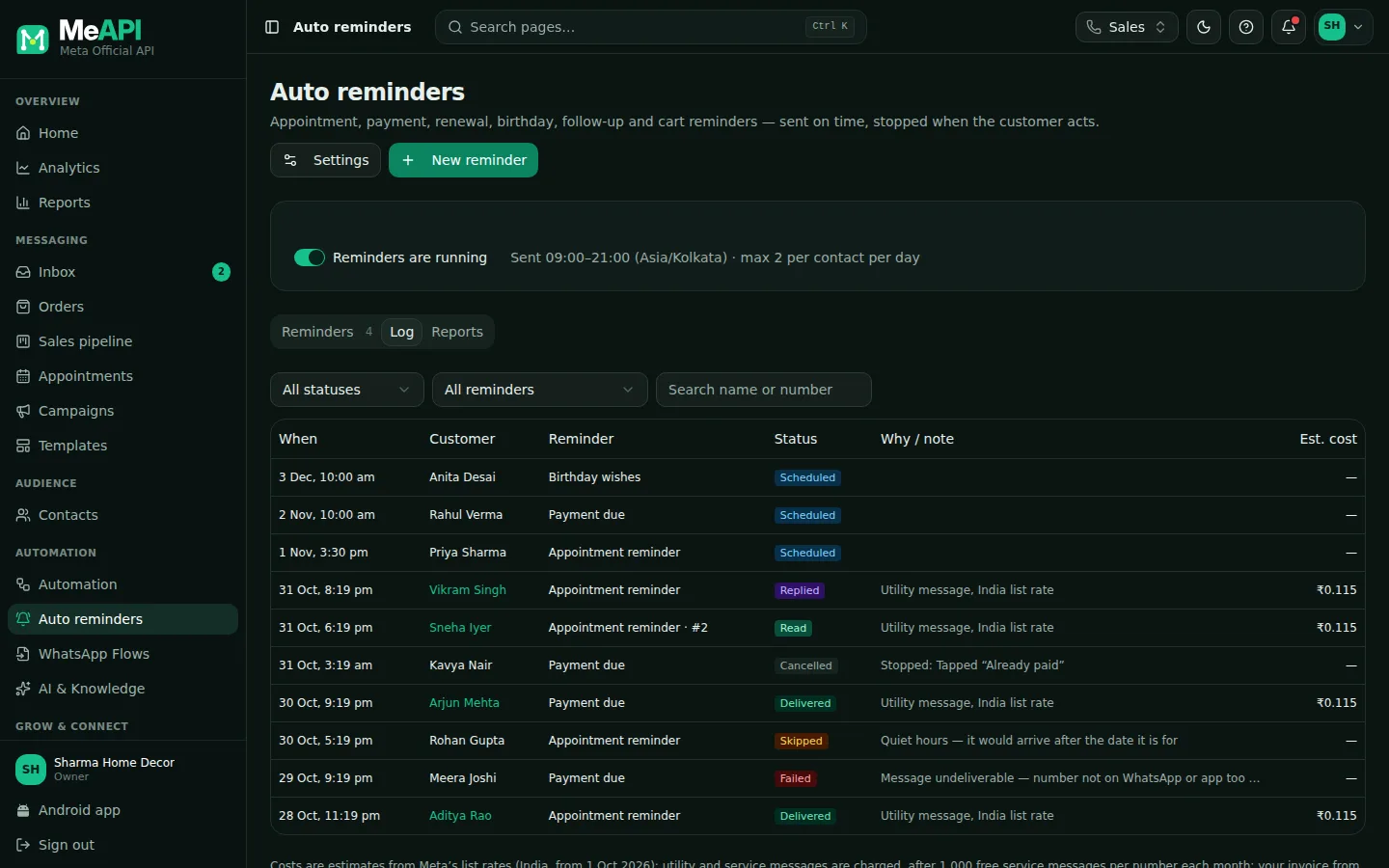
The auto reminders log with sent, read and scheduled reminders.The auto reminders log with sent, read and scheduled reminders.
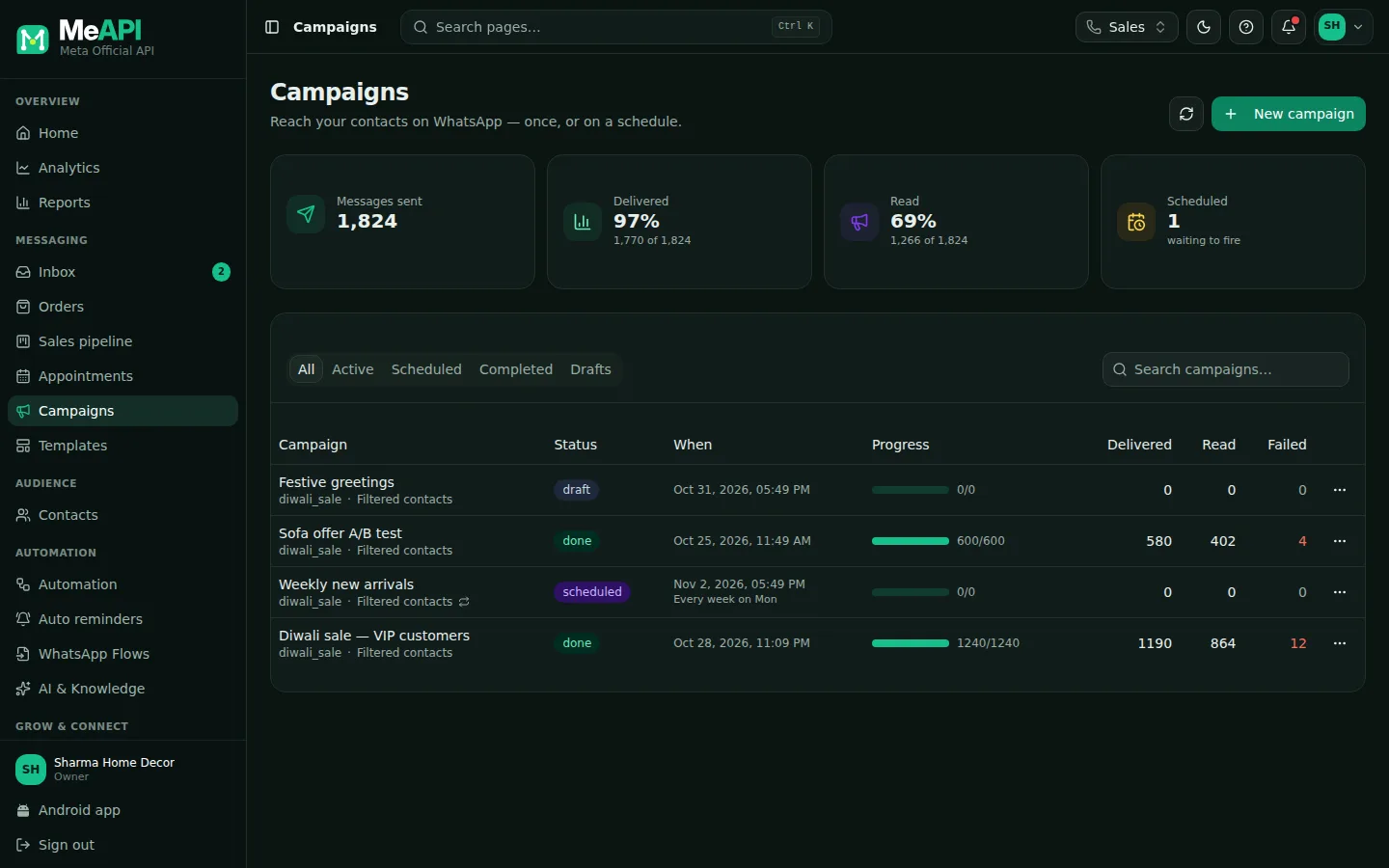
The campaigns list with delivery and read totals.The campaigns list with delivery and read totals.
API Panel with sample data. The chats are examples.
Ready-made chatbot templates

136 chatbots for 41 industries, ready in minutes

Start from a bot written for your business. Answer a short form, test it with “hi”, publish.

  • English, Hindi and Gujarati (Hindi and Gujarati in beta)
  • One click from template to a working draft — preview the chat and the chatbot diagram first
  • Every bot hands over to a person and respects STOP
  • Restaurant / cloud kitchen
  • Real estate — homes
  • Clinic / doctor
  • Salon & spa
  • Coaching / tuition
  • D2C / online store
  • Travel agency
  • Jewellery store
  • Insurance agent
  • Solar installer
  • Gym / fitness studio
  • Grocery / kirana store
  • + 29 more
See how it works →
The chatbot template gallery in the MeAPI API Panel, filtered to real estate: lead capture, visit booking and re-engagement bots.The chatbot template gallery in the MeAPI API Panel, filtered to real estate: lead capture, visit booking and re-engagement bots.
Automation → Templates in the API Panel.
AI chatbot · your own key

An AI assistant that knows your business — and knows when to stop

Upload PDFs, product sheets and FAQs or point it at your website. It answers in your customer’s language with the facts you gave it, and passes the chat to a person when it isn’t sure.

  • Knowledge bases from PDF, DOCX, Excel, CSV, web pages and whole sites
  • Confidence threshold, tone, persona and reply length per bot
  • Suggested replies, chat summaries and translation for your agents
  • Usage and estimated cost per day; monthly and per-chat caps

Works with your key from

OpenAIGoogle GeminiAnthropic ClaudeGroqMistralDeepSeekxAI GrokOpenRouterAzure OpenAIAny OpenAI-compatible

You pay the AI provider directly. Keys are encrypted and never shown again — not even to your agents. How to get a key →

Questions about MeAPI itself? MeAPI Assistant, our own AI helper, answers in the chat on this site and in Ask MeAPI inside the panel, and hands you to our team when you ask.

Auto reminders & follow-ups

Reminders that go out on time — and stop when the customer acts

Fewer no-shows, payments on time, renewals that don’t lapse.

  • Appointment
  • Payment due
  • EMI
  • Renewal
  • Birthday
  • No-reply follow-up
  • Abandoned cart
  • Feedback
  • Stops when the customer replies, pays a link or taps “Already paid”
  • Quiet hours, a daily limit per customer and STOP always apply
  • Follow-ups when a customer goes quiet; campaigns can retarget those who never replied
  • Appointments booked on WhatsApp get their reminder at the booked time — see Appointments
  • See each customer’s reminders beside their chat; snooze, cancel or send now
How auto reminders work →

Example: payment due on 10 Nov

  1. 7 Nov, 10:00“Hi Rahul, ₹4,500 is due on 10 Nov.” Already paid · Talk to us
  2. 10 Nov, 10:00Due today — the same template, sent only if still unpaid
  3. 13 Nov, 10:00Every 3 days until paid (up to 6 sends)
  4. PaidRahul taps “Already paid” and shares the UTR — reminders stop
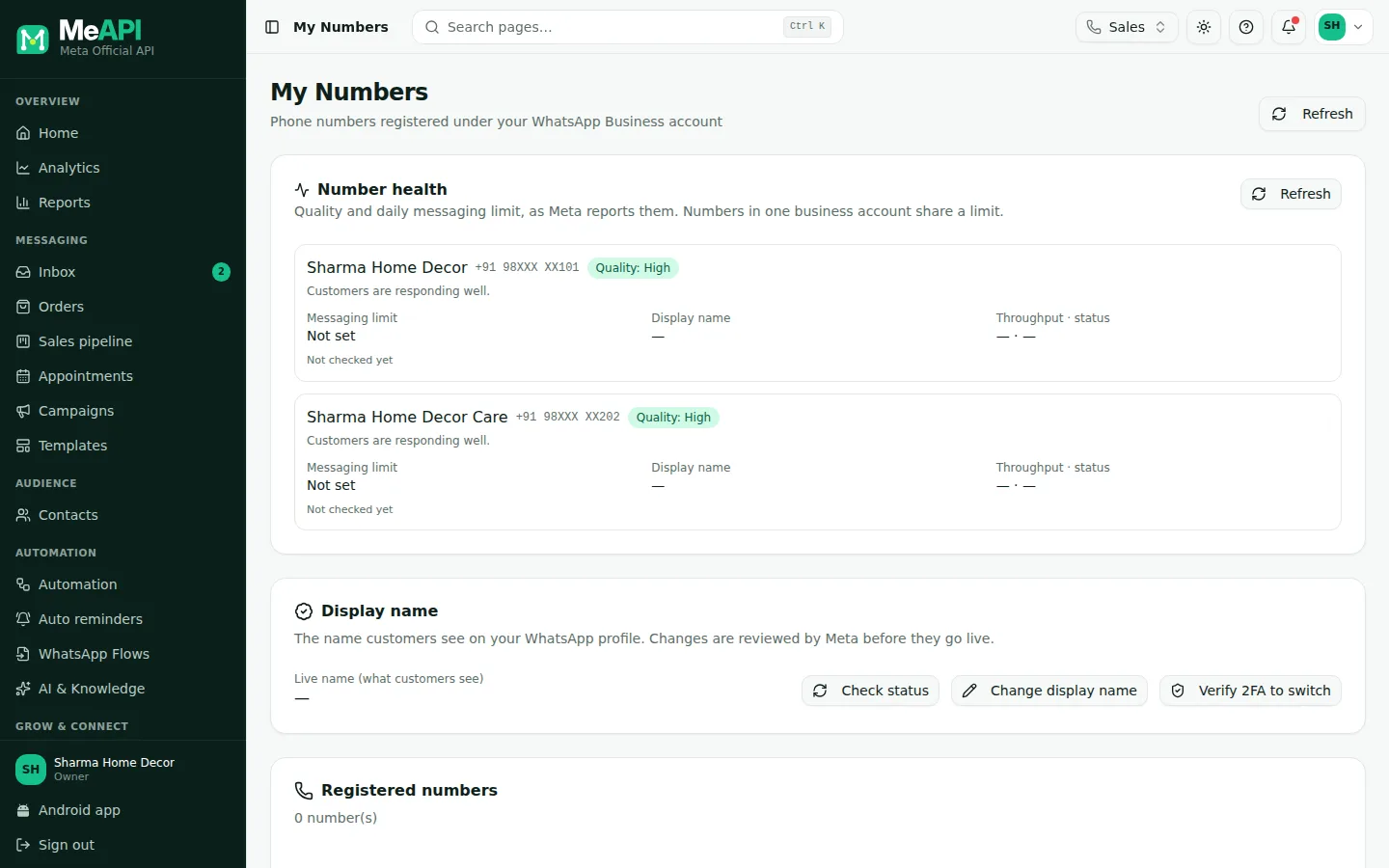
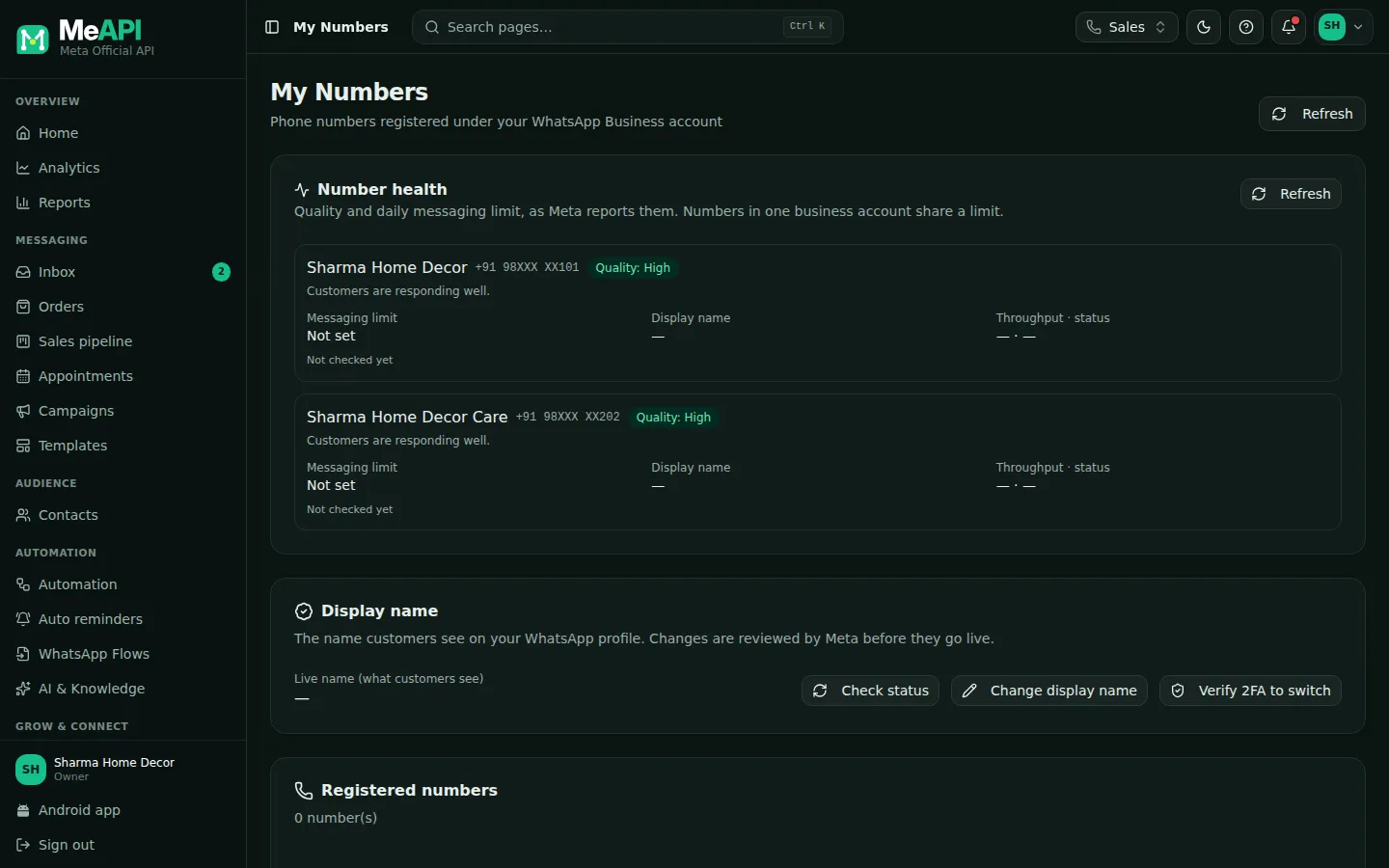
WhatsApp Numbers

Every number, looked after in one place

A card per number with its status, quality and messaging limit, and everything you need to look after it.

  • Business profile, display name, QR codes and wa.me links
  • Two-step PIN, blue ticks and a “typing…” indicator while an agent types
  • Copy templates to a number on another WhatsApp account
  • Disconnect with an export first, or move the number to another provider
  • Keep the WhatsApp Business app on the same number with coexistence
How number management works →
WhatsApp Numbers in the MeAPI API Panel: a card per number with its status, quality, messaging limit and actions.WhatsApp Numbers in the MeAPI API Panel: a card per number with its status, quality, messaging limit and actions.
API Panel, with sample data.
Everything in one panel

And the rest of what runs your WhatsApp

Every plan includes every feature.

Quick repliesAnswers you send often, ready in every chat: type / and the shortcut.AppointmentsCustomers book a free time on WhatsApp from your real availability, and your team sees every booking in a day and week calendar.MeAPI Assistant & help in the panelAsk MeAPI, our AI assistant, answers questions about MeAPI while you work, and hands you to our team when needed.Template library170+ Meta-safe templates for 11 industries in English, Hindi and Gujarati.Automation triggers & conditionsA drag-and-drop chatbot builder with 17 triggers: keywords, first message, ads, away hours, no reply, dates, tags, orders, payments, forms, webhooks and deal changes.WhatsApp FlowsNative forms inside WhatsApp: bookings, lead forms, surveys and sign-ups that customers fill without leaving the chat.WhatsApp commerce & order managementConnect your Meta catalog, send product cards and lists, and receive cart orders.Payment gateways & payment links in chatSend Razorpay payment links inside the chat: customers pay by UPI, card or net banking, and the chatbot continues when they pay.Webhooks & integrationsOrder confirmations, shipping updates and cart reminders from Shopify and WooCommerce; rows into Google Sheets; Zapier, Make or any app through incoming and outgoing webhooks.Agent performance analyticsSent, delivered, read and replied, by day, number, campaign and agent, with first-response and resolution times and CSAT per agent.Contact import/export & segmentationImport up to 100,000 contacts from Excel or CSV with column mapping and a preview, filter and sort on any field, act on them in bulk, export to Excel or CSV and save segments for campaigns.Growth toolsWebsite chat widget, wa.me links with pre-filled text and printable QR codes, with opt-in and Click-to-WhatsApp ad tracking.Developer APISend text, templates, media and buttons from your own software with a simple REST API, and get signed webhooks for incoming messages, delivery statuses, opt-outs and opt-ins, and messages sent from the WhatsApp Business app.Number healthQuality rating and messaging limits for every number, with a warning before Meta restricts you.CoexistenceKeep using the WhatsApp Business app on your phone while the same number runs on the official API.Passkeys & secure sign-inSign in with your face, fingerprint, Windows Hello or your phone.

Compare all features

Android app

MeAPI on your phone

Your Separate Inbox for Each Number goes where you go. The free MeAPI app for Android runs your live panel, with notifications the moment a customer writes.

  • Instant push notifications

    A new message, a chat assigned to you, a support reply — your phone tells you at once. Tap it to open that chat.

  • Answer WhatsApp calls

    Customers’ WhatsApp calls ring on your phone, even when it is locked. Answer, decline or switch to speaker.

  • Reply on the go

    Every chat, quick reply, label and note from your panel. Agents see only what their role allows.

  • Voice notes and photos

    Record a voice note that arrives as a normal WhatsApp voice message, or send a photo straight from the camera.

  • Works with Coexistence

    Keep the WhatsApp Business app on your number and use MeAPI beside it — both stay in step.

Android 7.0 or later · free · direct APK from meapi.in

Not on the Play Store yet — you install it from meapi.in/app (install guide). iPhone and iPad: no App Store needed — add MeAPI to your Home Screen for notifications and full screen.

QR code that opens meapi.in/app

On a computer? Scan with your phone’s camera to open meapi.in/app there.

Partner Program

Sell WhatsApp API under your own brand

For agencies, software companies and resellers: refer businesses, resell MeAPI, or run the whole panel on your own domain with your brand and your prices. Add-ons include your own Meta app, a branded Android app, a landing page and a customer guide.

Onboarding

Live on the official API in four steps

  1. Create your account

    Sign up with your email and WhatsApp number. The 3-day trial starts immediately.

  2. Connect your number

    In WhatsApp Numbers → Add number, sign in with Facebook in Meta’s own pop-up, pick or create your business and verify the number — or keep your WhatsApp Business app with coexistence.

  3. Pick templates & chatbots

    Choose message templates from the library, import contacts and start a ready-made chatbot for your industry — or an AI bot.

  4. Go live

    Reply from the inbox, run your first campaign and invite your team. Upgrade from inside the panel when you’re ready.

Read the step-by-step connection guide →

Pricing

Simple plans, GST shown upfront

Every plan includes every feature. Plans differ by how many WhatsApp numbers, agents and contacts you get.

New

Starter Annual Plan

₹999 / year
(₹83 / month)
+ 18% GST ₹180 = ₹1,179 total
  • Up to 1 WhatsApp number
  • Up to 2 agents, up to 1,000 contacts
  • Separate Inbox for Each Number, campaigns, chatbots, reminders, AI, API
  • WhatsApp Calling (Beta): answer in the browser or the Android app
  • No mark-up on Meta charges
Choose plan

1 Device Plan

₹3,999 / year
(₹333 / month)
+ 18% GST ₹720 = ₹4,719 total
  • Up to 1 WhatsApp number
  • Up to 2 agents, unlimited contacts
  • Separate Inbox for Each Number, campaigns, chatbots, reminders, AI, API
  • WhatsApp Calling (Beta): answer in the browser or the Android app
  • No mark-up on Meta charges
Choose plan

10 Devices Annual Plan

₹999 / month
+ 18% GST ₹180 = ₹1,179 total
₹949 / month
billed ₹2,847 + GST every 3 months · Save ₹150 vs monthly
+ 18% GST ₹512 = ₹3,359 total
₹899 / month
billed ₹5,394 + GST every 6 months · Save ₹600 vs monthly
+ 18% GST ₹971 = ₹6,365 total
₹7,499 / year
(₹625 / month) · Save ₹4,489 vs monthly
+ 18% GST ₹1,350 = ₹8,849 total
  • Up to 10 WhatsApp numbers
  • Up to 5 agents, unlimited contacts
  • Separate Inbox for Each Number, campaigns, chatbots, reminders, AI, API
  • WhatsApp Calling (Beta): answer in the browser or the Android app
  • No mark-up on Meta charges
Choose plan Choose plan Choose plan Choose plan

3-day free trial on signup. Pay by cards, UPI apps and net banking. Have a coupon? Apply it at checkout. Meta’s own message charges are billed by Meta — estimate them with the calculator below.

Paid add-ons

On top of any plan. Prices before GST; your total is shown with GST.

Business verification Service

We verify your Meta business for you: documents, details and submission.

₹2,000 + GST one-time
+ 18% GST = ₹2,360 total

Works with every plan

Extra WhatsApp Number

+1 WhatsApp number

Timeline Based on Current pending duration

₹1,000 + GST one-time
+ 18% GST = ₹1,180 total

Works with every plan

Extra Agent Per Account

+1 agent

Timeline Based on Current pending duration

₹1,000 + GST one-time
+ 18% GST = ₹1,180 total

Works with every plan

BlueTick verification

One Time Charges, Time Line: 30 Working Days

₹30,000 + GST one-time
+ 18% GST = ₹35,400 total

Works with every plan

Meta rate calculator

What will Meta charge for your messages?

Meta charges per delivered message by category and country. Each WhatsApp number gets 1,000 free service replies a month; utility templates are charged even inside the 24-hour window (Meta rules since 1 October 2026).

Paid to MeAPIYour planA fixed price with every feature. It does not change with how many messages you send.
Paid to Meta, directlyMeta’s message chargesPer delivered message, by category and country, on your own WhatsApp Business Account. No mark-up from us.
Estimate your Meta charges
Rates are indicative and change from time to time — see Meta’s current rate card. You can edit any rate.
Each number gets its own 1,000 free service messages a month.
Charged inside the 24-hour window too.
Replies inside the 24-hour window. First 1,000 per number free, then charged.

Estimated Meta charges per month

—

    Paid to Meta, separate from your MeAPI plan. Excludes GST/taxes Meta may add, volume-tier discounts and chats from Click-to-WhatsApp ads (free entry-point window).

    FAQ

    Questions, answered

    What is MeAPI?

    MeAPI is an Indian software platform that connects a business’s WhatsApp number to Meta’s official WhatsApp Business Platform (Cloud API). From one web panel, a team works in a Separate Inbox for Each Number with quick replies, runs a sales pipeline, sends approved broadcast campaigns and auto reminders, builds chatbots and WhatsApp Flows, takes appointments, orders and payments, and lets AI answer from the business’s own documents. It is run by RADHAMADHAV WEBSTORE LLP, priced in rupees with GST shown, and adds no mark-up to Meta’s message charges.

    Is MeAPI the official WhatsApp Business API?

    Yes. MeAPI connects your number to Meta’s official WhatsApp Cloud API through Meta’s own Embedded Signup. There is no WhatsApp Web automation, so there is no ban risk from unofficial tools. Official API vs unofficial tools, explained.

    Who pays Meta’s message charges?

    Meta bills its per-message charges directly to the payment method on your WhatsApp Business Account. MeAPI’s plan price is separate and adds no per-message mark-up.

    Are replies to customers free?

    Up to a limit. Since 1 October 2026 Meta gives each business phone number 1,000 free service messages (replies inside the 24-hour customer service window) per month. From the 1,001st, Meta charges them per its rate card. The allowance resets monthly and does not carry over; each connected number has its own 1,000.

    Which WhatsApp messages does Meta charge for?

    Marketing, utility and authentication templates are charged per delivered message, by the recipient’s country. Utility templates are charged even inside the 24-hour window since 1 October 2026. Service replies are charged after the free 1,000 per number per month. Messages customers send you are never charged, and Click-to-WhatsApp ad chats get Meta’s free entry-point window.

    Can I run several WhatsApp numbers?

    Yes, as many as your plan includes, with a Separate Inbox for Each Number. Plus one All-numbers view, shared with your team: assignment, roles and quick replies. Each number also has its own templates, contacts and automations, and you choose which numbers each agent can work.

    Can customers call my business on WhatsApp?

    Yes, with WhatsApp Calling (Beta), on every plan. Customers tap the call button in their WhatsApp chat with you, and your team answers in the browser or the MeAPI Android app, even when the phone is locked. The first to answer gets the call, and every call is logged in the chat. Incoming calls are free. WhatsApp allows it on numbers connected to the API (not Coexistence numbers) with a messaging limit of 2,000 or more.

    Do I need a payment method in Meta?

    Yes. Add a card in WhatsApp Manager → Payment settings. Without one, templates fail and Meta stops delivering service replies once the free 1,000 for the month are used.

    What do I need to get started?

    A Facebook account, a phone number that can receive an SMS or call (or your WhatsApp Business app number for coexistence), and your business details. Onboarding takes about ten minutes.

    Can I move my number to MeAPI from Wati, AiSensy or another provider?

    Yes, and you keep the same number, display name and quality rating. Since Meta’s new account model you share your WhatsApp account with MeAPI instead of migrating the number, so the number stays online and there is no two-step PIN to turn off. Approved templates, contacts and chatbots stay with your old provider, so you re-create them in MeAPI before you switch. We also offer a paid, done-for-you move. Step-by-step guide.

    Does MeAPI have ready-made chatbots?

    Yes — 136 ready-made chatbots for 41 industries (welcome menu, lead capture, bookings, order status, FAQ, feedback, payment reminders, re-engagement) in English, Hindi and Gujarati. Pick one, fill in a short form with your business details, test it with “hi” and publish.

    Can MeAPI send automatic reminders?

    Yes. Auto reminders send your approved templates before or after a date (appointments, due dates, EMIs, renewals, birthdays), on a repeat, when a customer has not replied, or after an abandoned cart — and stop when the customer replies, pays or taps Already paid. Quiet hours and STOP always apply.

    Is there an API and webhooks for developers?

    Yes. A REST API sends templates, text, media and interactive messages, adds contacts and schedules auto reminders. Signed webhooks report incoming messages, delivery statuses, messages your team sends from the WhatsApp Business app on a coexistence number (message.echo), opt-outs and opt-ins (contact.opted_out, contact.opted_in) and reminders. The reference is at meapi.in/docs.

    Can I resell MeAPI under my own brand?

    Yes, through the MeAPI Partner Program: refer businesses for a commission, resell under MeAPI’s name, or run the panel on your own domain with your own brand (white-label), at your own prices. Partner plans and prices are on meapi.in/partners, and you apply at meapi.in/partners/apply.

    Can you verify my Meta business for me?

    Yes. Business verification help is a one-time paid add-on: ₹2,000 + 18% GST (₹2,360). Our team prepares and submits your Business Manager verification with you. You can also do it yourself with our step-by-step guide in MeAPI Learn.

    Are there paid add-ons?

    Yes: Business verification Service (₹2,000 + GST, one-time); Extra WhatsApp Number (₹1,000 + GST, one-time); Extra Agent Per Account (₹1,000 + GST, one-time); BlueTick verification (₹30,000 + GST, one-time). They are listed under the plans.

    Is there a free trial?

    Yes, 3 days, no card needed. You can upgrade any time from inside the panel.

    Are prices inclusive of GST?

    Plan and add-on prices are shown before GST with 18% GST added and the total shown, so you see exactly what you pay.

    How do refunds and cancellations work?

    See our refund and cancellation policy. You can stop renewing at any time; your data stays available until the end of the paid period.
    Questions about a specific feature →

    What is MeAPI?

    MeAPI is an Indian software platform that connects a business’s WhatsApp number to Meta’s official WhatsApp Business Platform (Cloud API). From one web panel, a team works in a Separate Inbox for Each Number with quick replies, runs a sales pipeline, sends approved broadcast campaigns and auto reminders, builds chatbots and WhatsApp Flows, takes appointments, orders and payments, and lets AI answer from the business’s own documents. It is run by RADHAMADHAV WEBSTORE LLP, priced in rupees with GST shown, and adds no mark-up to Meta’s message charges.

    Type
    WhatsApp Business API platform (SaaS), web panel + REST API
    Built on
    Meta’s official WhatsApp Cloud API, connected through Meta’s Embedded Signup
    For
    Indian businesses of any size: shops, clinics, salons, schools, agencies and more
    Price
    From ₹999 a year + GST; 3-day free trial; 2–5 agents depending on the plan
    Company
    MeAPI by TheWebStore028 · RADHAMADHAV WEBSTORE LLP, Maharashtra, India
    Team
    Our team works from our operations office in Ahmedabad, Gujarat (offices).

    Questions about plans, coexistence or the API? Message us on WhatsApp — a person replies — or write to support@meapi.in.

    Try it on your own number

    Start your free trial — our step-by-step guide gets you live in minutes.