Answer customers’ WhatsApp calls in your team inbox
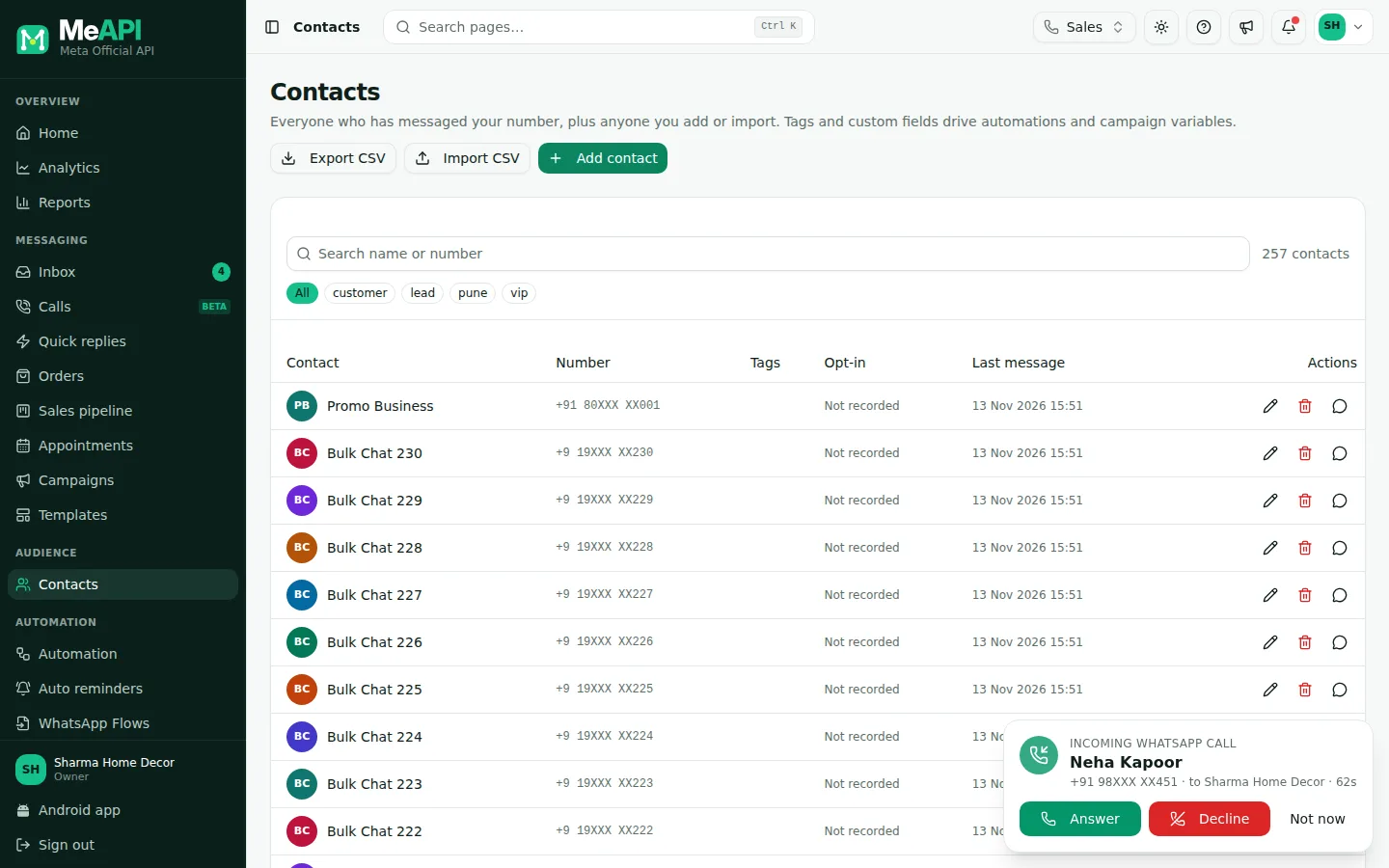
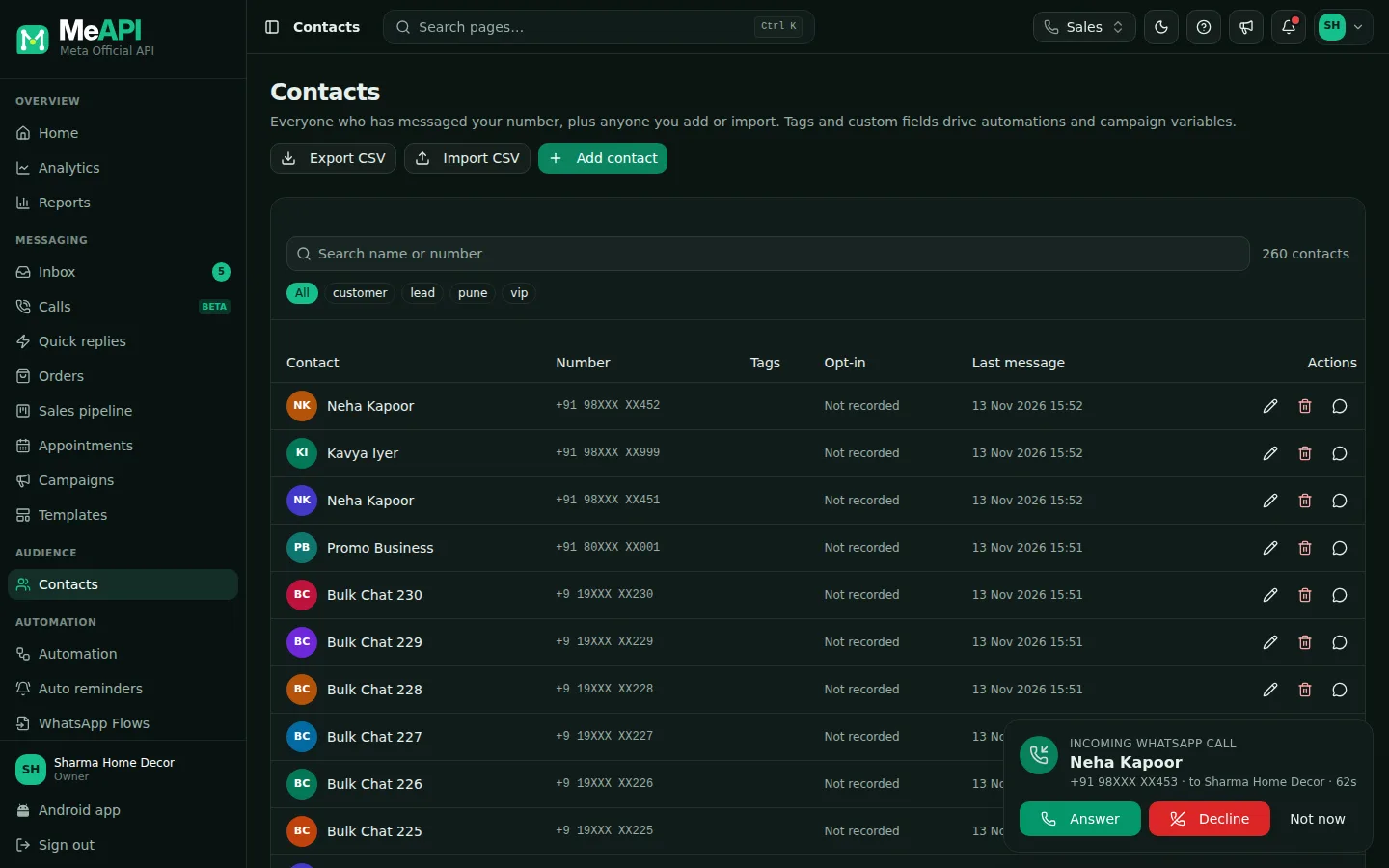
Customers already message you on WhatsApp. With WhatsApp Calling they can also tap the call button in that same chat, and the call rings in your MeAPI panel and in the MeAPI Android app, instead of on one phone. On a phone it rings like a normal call, with a full-screen call screen even when the app is closed or the phone is locked. Whoever answers first gets it; everyone else stops ringing.
You choose whose panels and phones ring for each number (everyone, a team or chosen agents), the hours calls are welcome, holidays, and whether a call nobody can take is declined at once or rings out. Every call becomes a line in the customer’s chat (answered with its length and who answered, missed or declined), a missed call sends a notification; the Calls page shows each number’s calling status and the call log, the inbox filters chats with calls or missed calls, and Reports shows calls, missed calls and talk time per person.
WhatsApp Calling is in Beta, on every MeAPI plan (a partner’s customers: on All Features + API, once the partner switches it on): report any issue to support@meapi.in or +91 91676 96213. WhatsApp allows it on numbers connected to the API only, not on Coexistence numbers, with a messaging limit of 2,000 or more. Calls customers make to you are free.
How it works
Turn it on for a number
WhatsApp Numbers → the number → Calling → Enable calling. Show the call button in chats or keep it hidden, and set call hours.
Choose who answers
Everyone who can answer calls on that number, a team, or chosen agents. Roles decide who may answer and who may change the settings.
Answer in the browser or on your phone
A ringing card on any page: Answer, Decline or Not now. In the Android app, a full-screen call screen, even on a locked phone. During the call: mute, speaker, open the chat, hang up.
What’s included
- Customers tap the call button in their WhatsApp chat with you; answer in the browser or the MeAPI Android app, even when your phone is locked. Every call is logged in the chat and in Reports. Incoming calls are free. In Beta: report any issue to support@meapi.in.
- Panels and phones ring together: everyone, a team or chosen agents; the first to answer gets it
- Call hours, holidays, missed-call alerts, and what happens when nobody is online
- A Calls page: each number's status and the call log, with Calls and Missed calls filters in the inbox
Businesses use it for
- A clinic taking calls from patients who would rather talk than type
- A shop’s sales team answering product questions on the same number they chat on
- A support desk sharing calls across a team instead of one phone
- An owner on the move answering from the Android app, with the panel ringing at the office too
Question
Can customers call my business on WhatsApp and can my team answer in MeAPI?
Yes, with WhatsApp Calling, now in Beta on every plan. Turn on Enable calling for a number and customers see a call button in their WhatsApp chat with you. Your panel rings in the browser and the MeAPI Android app rings on your phone, even when it is locked or the app is closed; whoever answers first gets the call, with mute, speaker and hang up, and each call is logged in the chat and in Reports. Calls customers make to you are free. WhatsApp allows it only on numbers connected to the API (not Coexistence numbers) with a messaging limit of 2,000 or more.
Related features
Try it on your own WhatsApp number
Every plan includes every feature, with no mark-up on Meta’s message charges. Set up in about ten minutes.