

AI bots — persona, rules, human handoff and playground
LearnAI & knowledge baseIntermediate
🎯 Goal
Create an AI assistant that answers like your best employee, and knows when to pass the chat to a human.
🧰 What you need
- An AI key
- At least one knowledge base
- Open AI & Knowledge → Bots & playground and click Bot.
- Name (the bot may introduce itself with it): for example Meera from Sharma Sweets.
- Persona and instructions: who it is and the house rules, for example:
You are the assistant of Sharma Sweets, Jaipur. Be warm and brief. Mention free delivery above ₹999 when relevant. Never promise delivery times; say "usually 1–2 days". - Pick the Tone (Professional, Enthusiastic, Short and direct…) and the Reply language. Same as the customer (auto-detect) answers in Hindi when asked in Hindi.
- Tick the Knowledge bases it may use.
- Answer only from the knowledge base: on, it answers strictly from your material. Off, it may use general knowledge, but it never invents prices, policies or stock.
- Confidence needed before answering: below this match score the chat goes to a person. Raise it if the bot answers off-topic; lower it if it hands over too often.
- Optional: Max reply length (characters), Creativity, Greeting (sent before the first AI answer in a chat, optional), Fallback message when handing to a person, and an AI provider (default: Your default provider) and Model (blank = the key’s default) just for this bot.
- Save, then try it in the Playground: Ask something your customers ask. Each answer shows its sources, or that it hands over to a person. A 👎 on an answer adds the question to Unanswered questions.
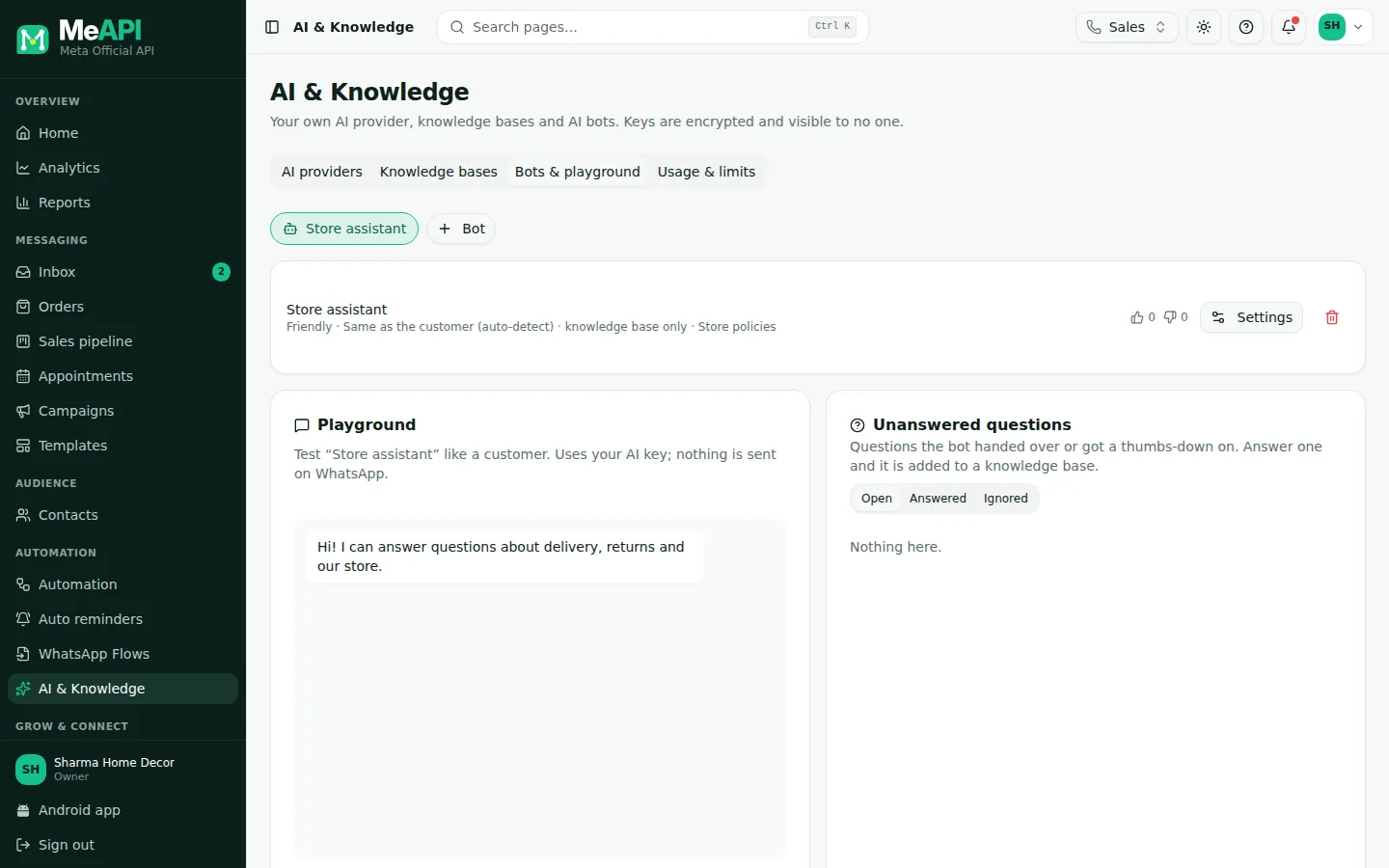
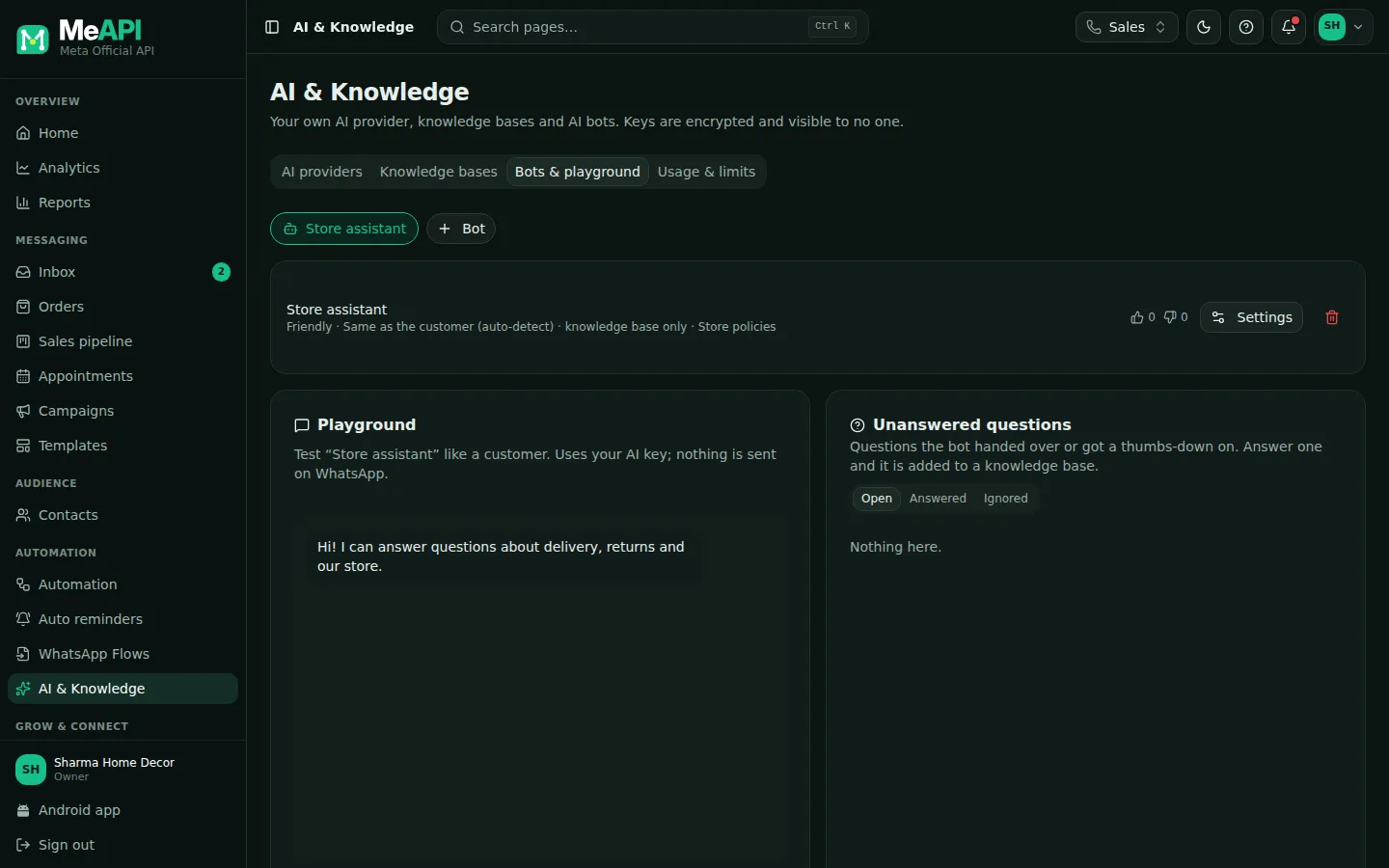
- Your bots, with Bot to add one and an edit button on each.
- The Playground: pick a bot and ask in English, हिन्दी or ગુજરાતી. Each answer shows its sources, or that it hands over to a person. 👎 sends the question to Unanswered questions.
- Unanswered questions: filter Open, Answered or Ignored. Type the answer, choose the knowledge base and click Save answer, or Ignore.
Unanswered questions
Section titled “Unanswered questions”Questions the bot handed over or got a thumbs-down on. Answer one and it is added to a knowledge base. Below the playground:
- Pick Open to see new questions.
- Type The answer the bot should give, choose the knowledge base under Add to knowledge base, and click Save answer.
- Or click Ignore. Reopen brings an ignored question back.
Put the bot to work
Section titled “Put the bot to work”- In a flow: add an AI reply step and pick the bot. Connect needs human to Human handoff. A typical setup: trigger Nothing else matched → AI reply. See AI steps.
- In the inbox: AI reply suggestions use a bot’s knowledge bases for grounded drafts. See AI in the inbox.
AI in the inbox
Section titled “AI in the inbox”Agents get three AI helpers in a chat. All run on the owner’s key and count towards usage and limits:
- Suggested replies (in the composer): up to three drafts based on the last 20 messages and, when a bot has knowledge bases, the passages that match the customer’s last question. The agent edits and sends; nothing goes out by itself.
- Summarise with AI (chat header): a short Conversation summary written from the last 80 messages.
- Translate: under a customer message, translate it for the agent. In the composer, translate your draft into The customer’s language, English, Hindi or Gujarati.
Common mistakes
Section titled “Common mistakes”- Persona text full of facts. Put prices and policies in a knowledge base, not the persona. They’re easier to update and come with sources.
- No handoff path. Always connect needs human to a person. A bot that loops “I don’t know” frustrates customers.
- Threshold too high. Everything goes to humans. Lower it step by step while testing in the playground.
What’s next
Section titled “What’s next”Was this page helpful?
Thank you — we read every comment.
Could not send right now. Please try again later.
© 2026 MeAPI by TheWebStore028 · RADHAMADHAV WEBSTORE LLP · GSTIN 27ABJFR6148J1ZO · Contact us ·Cookie settings