

Template library — 170+ ready templates by industry
LearnTemplatesBeginner
🎯 Goal
Create good templates in a minute by starting from tested examples, then see which ones perform.
🧰 What you need
- A role with the Template library permission (and Templates → Create drafts to use one)
- Open Templates and click Browse ready templates. The full-screen library opens.
- Pick an industry, then narrow it by category, format (Text, Image / video / file, With buttons, Carousel) and language (English, Hindi, Gujarati), or search, for example refund.
- Click a template to see the large WhatsApp preview on a phone.
- Click Use this template, give it a Template name (lowercase letters, numbers and underscores; Meta never lets a template be renamed), and confirm. A draft opens in the builder. Media templates ask you to upload your own image or file. Adjust the examples, then Submit to Meta.
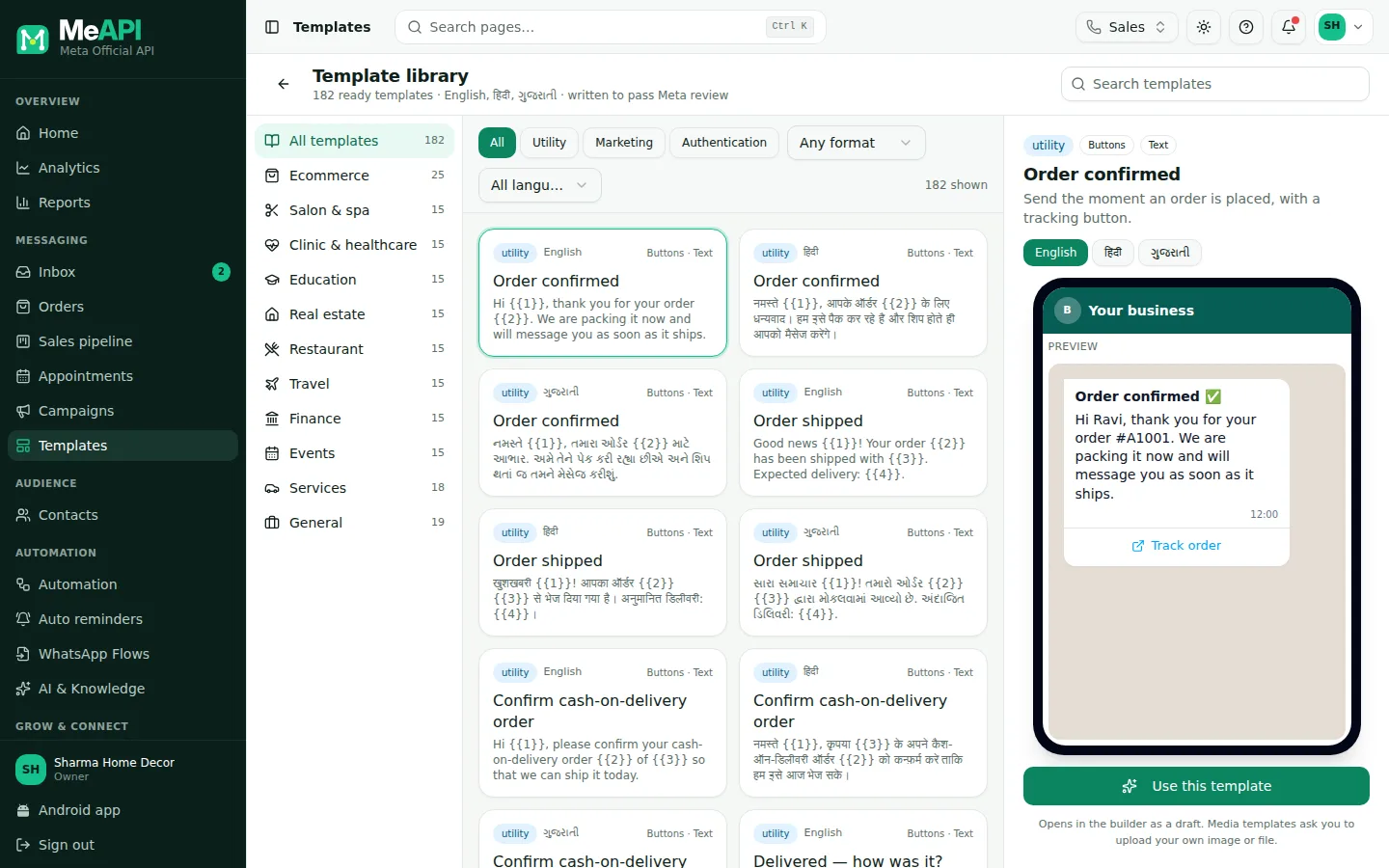
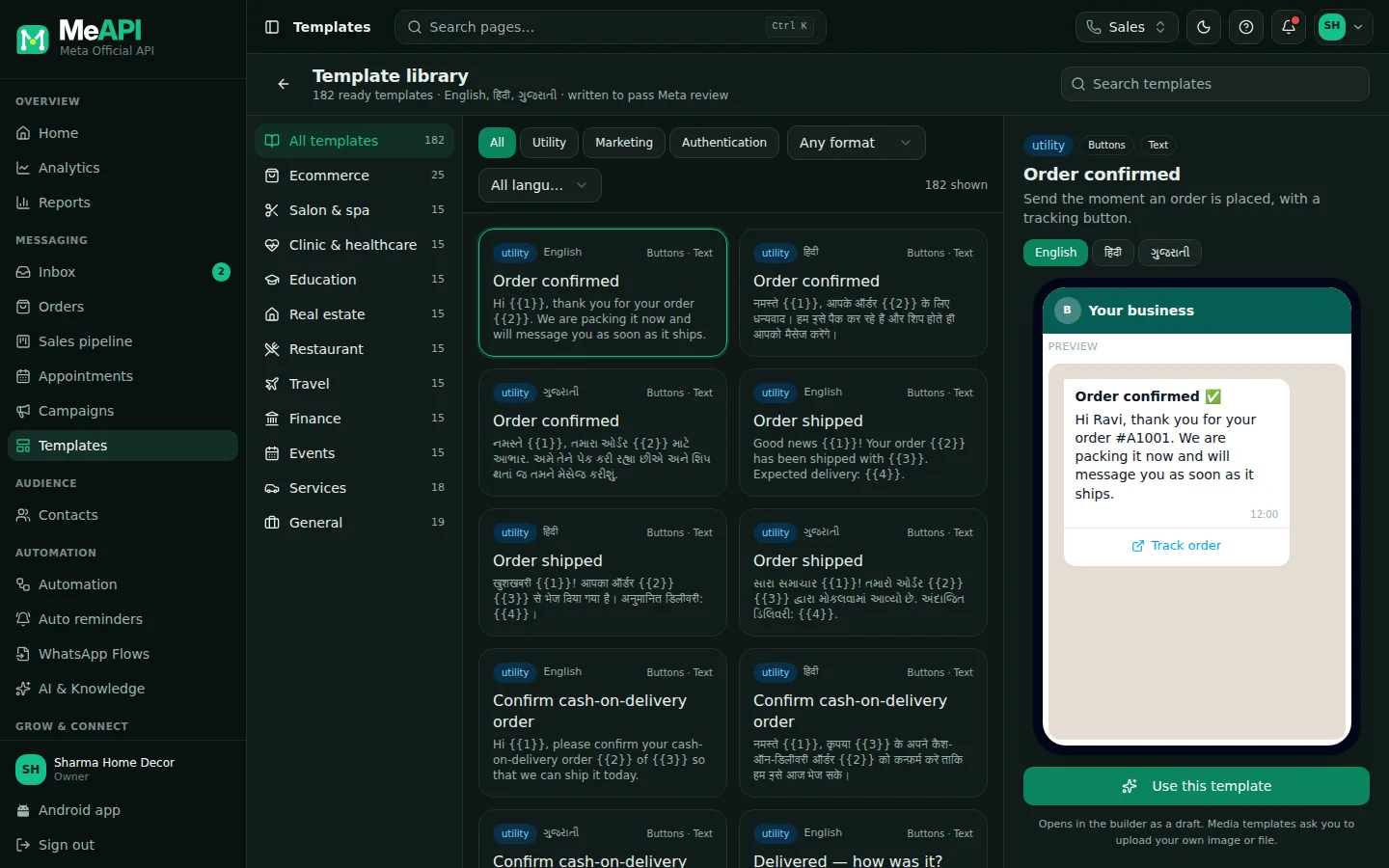
- The full-screen Template library: industries, filters and search.
- The templates in your selection, with their category.
- The Template preview, as it will look on WhatsApp.
- Use this template copies it into a new draft.
More tools on the Templates list
Section titled “More tools on the Templates list”The Templates list groups each template’s languages on one row. Search by name, and filter by status (Approved, In review, Rejected, Draft) and category. Sync from Meta fetches the latest statuses.
- Add a language (row icon): the same template in Hindi, Gujarati and others. Each language is reviewed separately.
- Copy into languages: tick several templates, then click Copy into languages in the bar that appears, and pick the languages. Copies are saved as drafts, so you translate the text before submitting (a copy of English text in a Hindi template would be rejected).
- Performance (row icon): delivery outcomes of campaigns that used the template, for the last 7, 30 or 90 days, with a per-day table. Use it to retire weak templates.
- Delete: removes the template from Meta (every language). Its name can’t be reused for a while.
What you see depends on your role: Create drafts for New template and copies, Update for editing and Sync from Meta, Delete for delete.
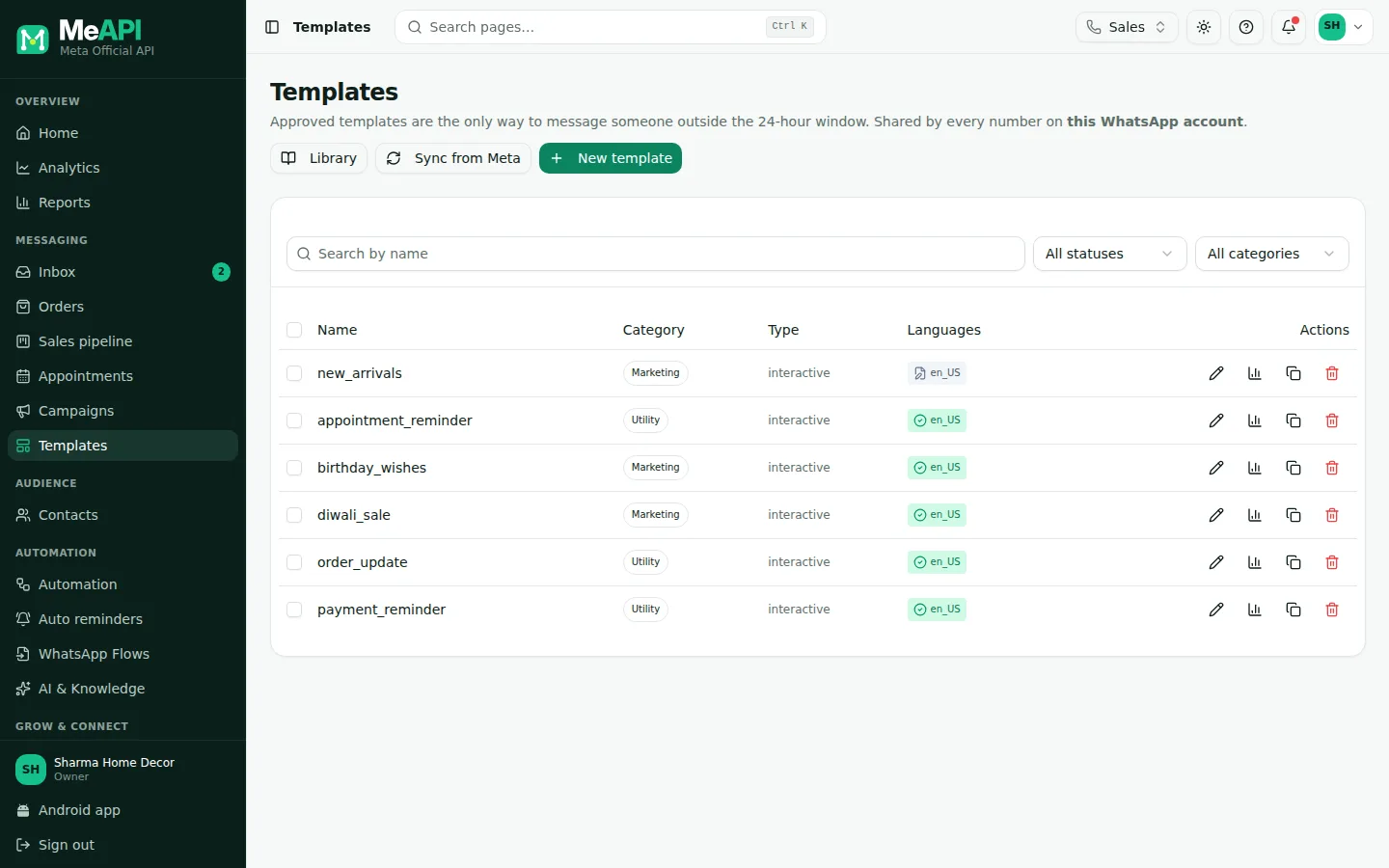
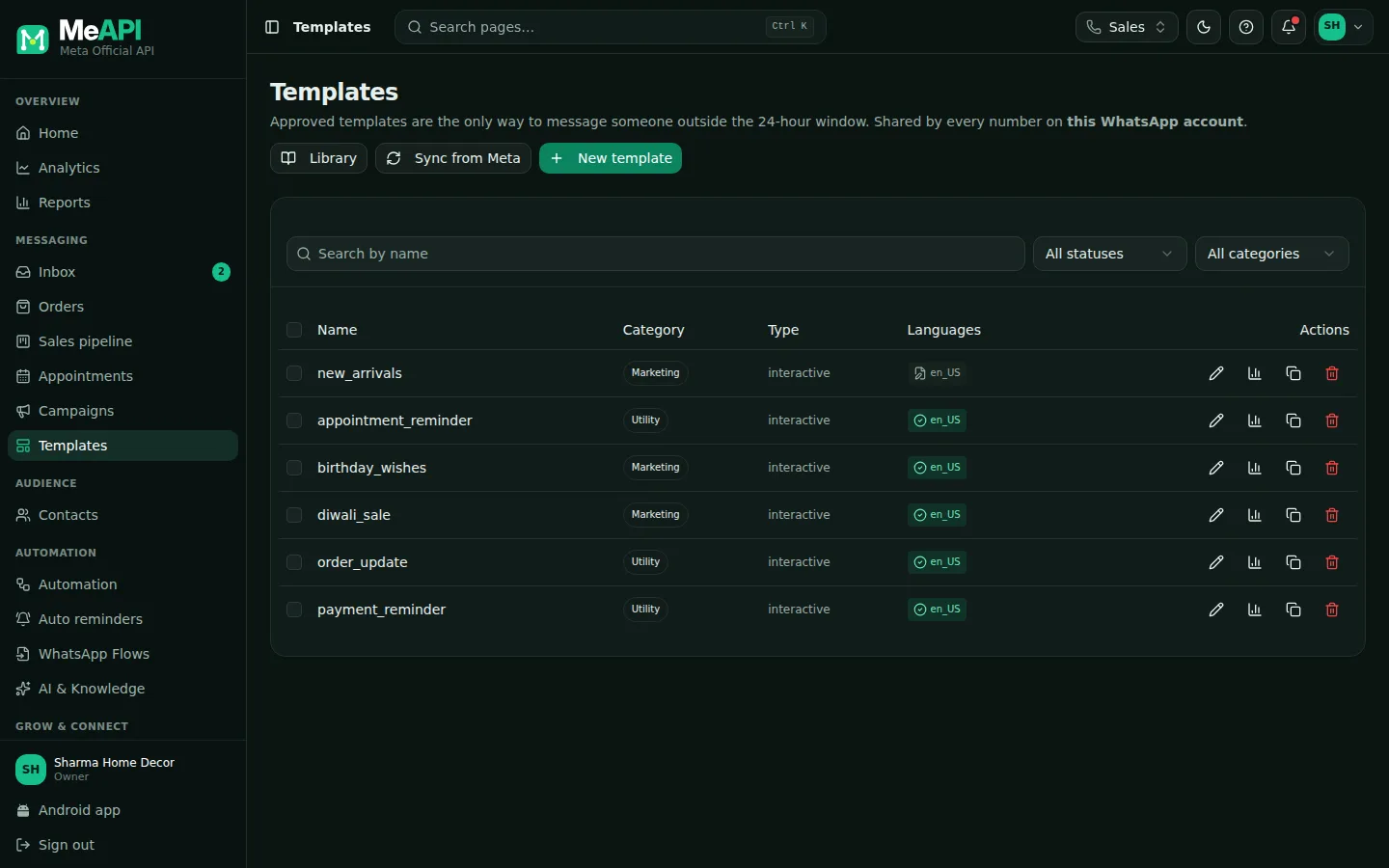
- Browse ready templates, Sync from Meta and New template at the top.
- Search by name, and filters for status and category.
- One row per template with its languages, category and status; tick boxes for Copy into languages.
- Row icons: Edit, Add a language, Performance, Delete.
What’s next
Section titled “What’s next”Was this page helpful?
Thank you — we read every comment.
Could not send right now. Please try again later.
© 2026 MeAPI by TheWebStore028 · RADHAMADHAV WEBSTORE LLP · GSTIN 27ABJFR6148J1ZO · Contact us ·Cookie settings