

Campaigns — send a template to many people
🎯 Goal
Send one approved template to the right people, personalised for each of them. Then see who received it, read it and replied.
🧰 What you need
- An approved template
- Contacts who opted in
- A role that can create campaigns (and send or schedule them)
- A payment method on your WABA in Meta (Meta bills template conversations)
-
Open Campaigns and click New campaign. The wizard has four steps: Details → Audience → Message → Review.
-
Details — Name and timing.
- Campaign name: recipients never see it, for example Diwali offer — Jaipur VIPs.
- When should it go out? Send now, or Schedule with Send at (your local time). You can also tick Repeat this campaign. See Scheduling and repeating.
- Show these messages in the Inbox: tick it if replies should land in chats with the campaign message visible above them. Leave it off for very large sends, or the chat list fills with one-message threads.
-
Audience — Who receives it. Choose one:
- All contacts on this number.
- Filtered: conditions on tags, fields, activity, or a saved segment (Segments).
- Upload or paste: a CSV or Excel file, or numbers pasted one per line. Good for a one-off list.
- Retarget: people from a previous campaign. Choose Everyone it went to, Only those who read it, Only those it reached, Those who never replied or Only the failures.
Opted-out contacts are always excluded. The bar below shows N people will get this and how many opted-out contacts were left out.
-
Message — What it says. Pick an approved Template. For each variable
{{1}},{{2}}… click the button beside it to switch between one fixed value for everyone and a per-recipient value (a contact field such as Name orcity, or a column of your uploaded file). Auto-fill guesses the mapping from the template wording; check each one. If the template has a media header, upload the file or give a link: Same for everyone or Per recipient. The phone preview on the right shows the message with a real recipient’s values. Optional: turn on the A/B test card below (A/B testing). -
Review — Check and send. Read the summary. Problems are listed under Fix these before sending, and a warning appears if the audience is over your daily messaging limit. Click Send now or Schedule campaign. Click Save draft at any step to finish later.
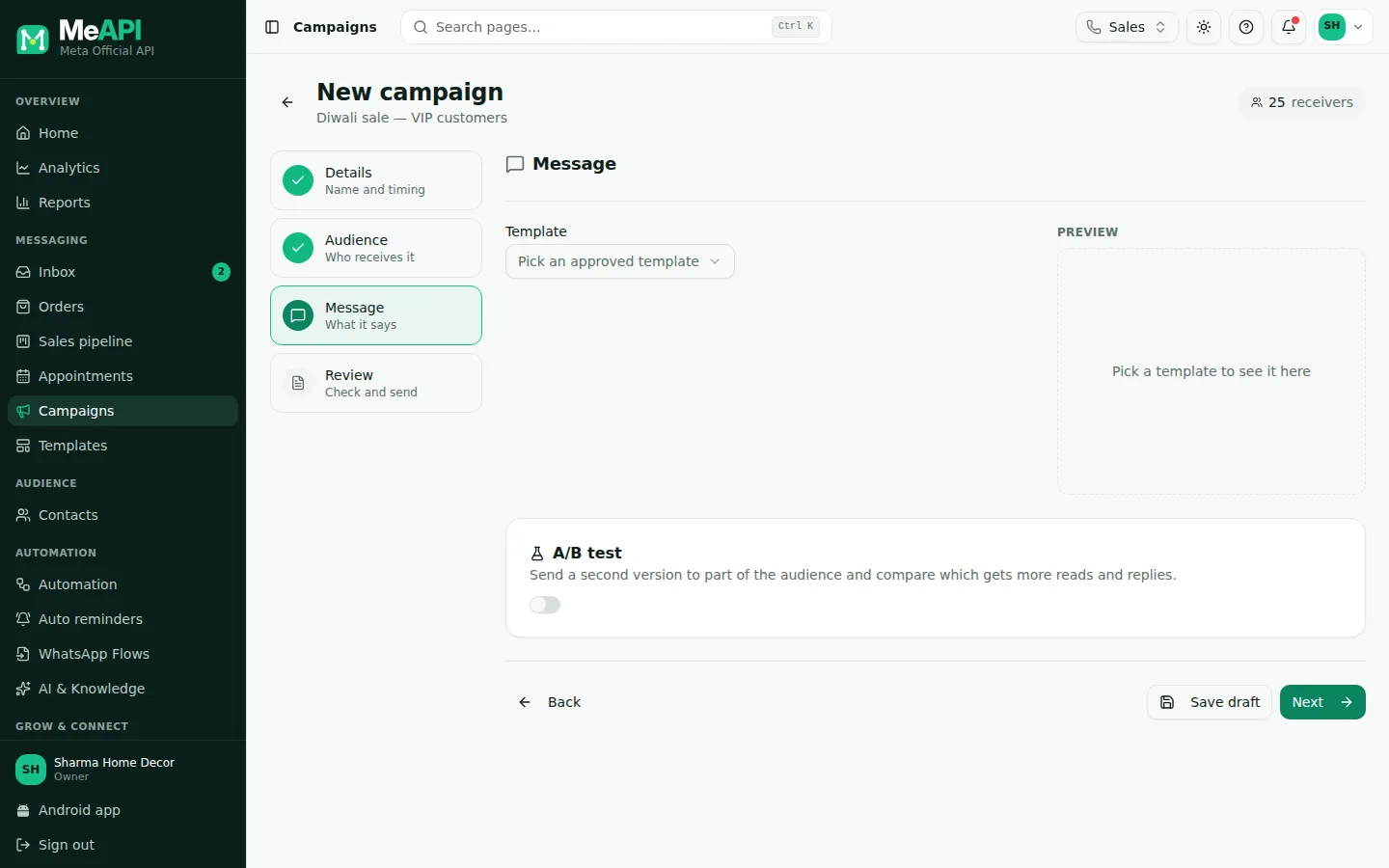
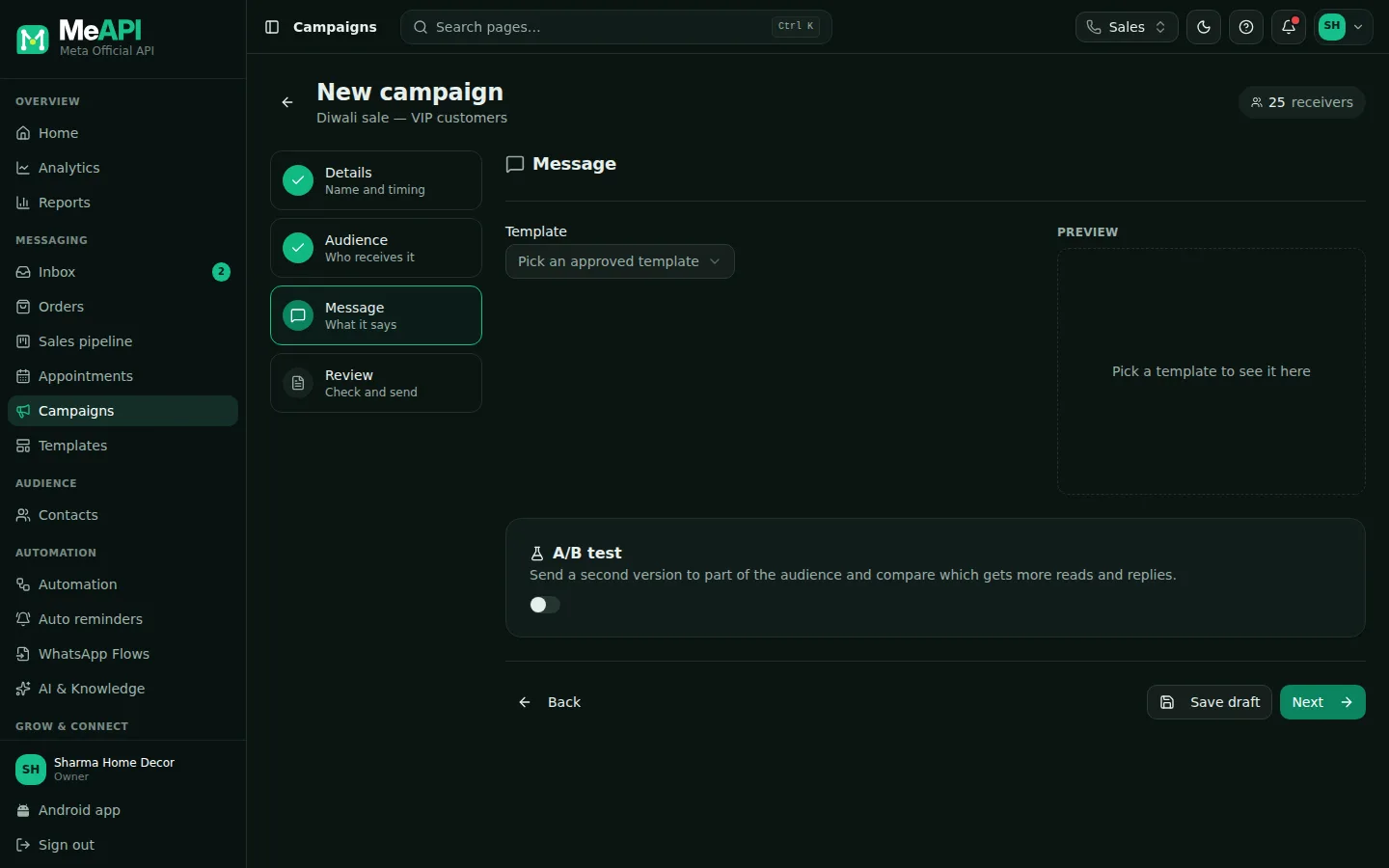
- The four steps on the left: Details, Audience, Message, Review.
- The Template picker, then each variable with its fixed or per-recipient value and Auto-fill.
- The WhatsApp preview with a real recipient’s values.
- Back, Save draft and Next at the bottom.
After sending
Section titled “After sending”The Campaigns list has tabs All / Active / Scheduled / Completed / Drafts. Each row’s menu offers, depending on your role:
- View report: progress, rates (delivered, read, replied), messages over time and failures grouped by reason. See Analytics and reports.
- Pause while it sends, then Resume. Send now starts a draft.
- Cancel a scheduled or running campaign.
- Duplicate, to reuse the setup.
- Export CSV: every recipient with their status.
- Delete.
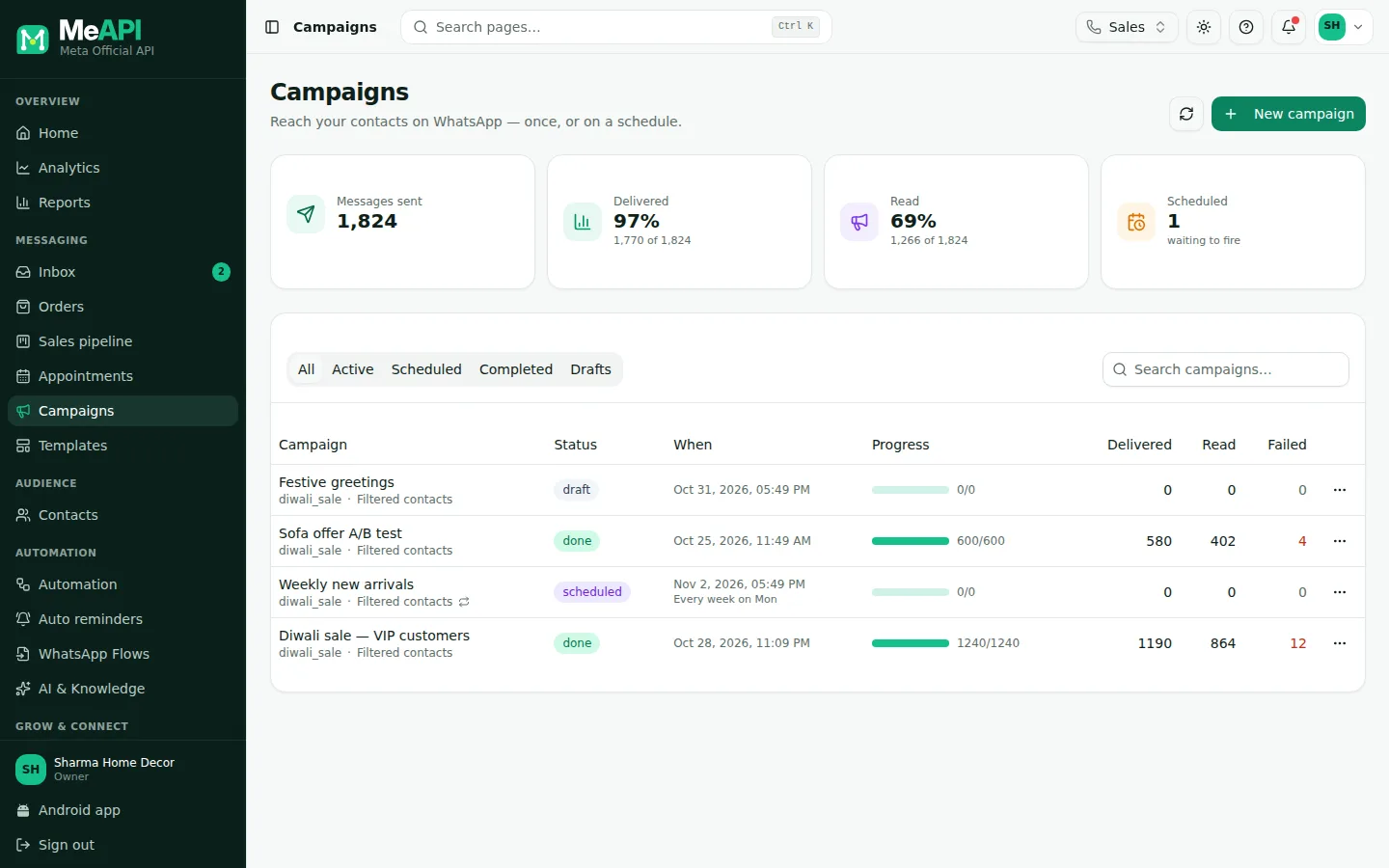
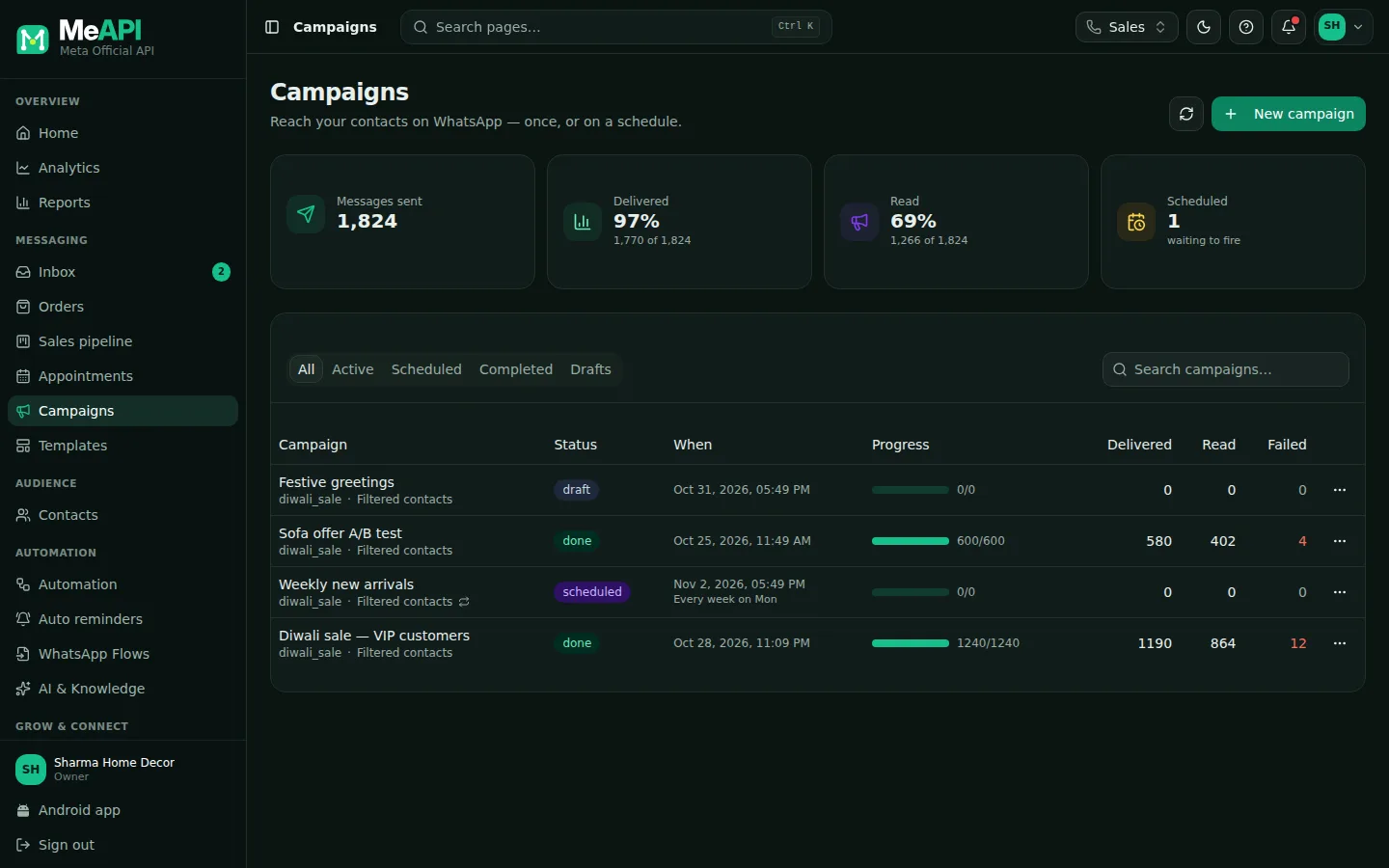
- Summary tiles across the top.
- Status tabs: All, Active, Scheduled, Completed, Drafts.
- One row per campaign with its status and progress; the row menu holds the actions.
- New campaign is top right.
- Big lists? Stay under your daily limit, or split the send across days with scheduling.
- Best times: mornings (10–12) and evenings (6–9) usually get the most reads in India. Test with your own audience.
- Follow up with Retarget: “Those who never replied” gets a gentle reminder 2–3 days later, not the whole list again.
Common mistakes
Section titled “Common mistakes”- Wrong variable mapping, for example
{{1}}set to the phone number instead of the name. Always check the preview. - Sending to people without consent. Blocks lower your quality rating. See Opt-in.
- No payment method in Meta. Messages fail with a billing error. Add a card in WhatsApp Manager → Payment settings.
- A Paused template. Meta paused it for feedback, so the campaign fails. Check Templates first.
What’s next
Section titled “What’s next”Was this page helpful?
Thank you — we read every comment.
Could not send right now. Please try again later.
© 2026 MeAPI by TheWebStore028 · RADHAMADHAV WEBSTORE LLP · GSTIN 27ABJFR6148J1ZO · Contact us ·Cookie settings