

Sign up and choose a plan
🎯 Goal
Create your account and start on the plan that fits you. Try everything free first, or buy straight away.
🧰 What you need
- An email address you can open (the login and receipts go there)
- Your WhatsApp number, so we can reach you
- For a paid plan: a card, a UPI app, PayPal or USDT
How MeAPI plans work
Section titled “How MeAPI plans work”- Your account is called a licence. It belongs to you, the account owner. You can add teammates (agents) under it later, and they never see billing.
- A plan sets how long the licence runs (for example 30 days, 12 months or lifetime) and how many WhatsApp numbers you can connect. A plan can also cap agents, contacts, campaign messages a month, published flows and active reminder rules. Subscription shows your limits under What your plan includes.
- The free trial gives you the full panel for a few days (usually 3) with no payment. When you buy, the trial becomes a paid licence on the same account. Your number, contacts, templates and flows stay.
- Prices are shown with GST: plan price + 18% GST = the total you pay.
- Meta’s message charges are separate. Meta charges per delivered message, by category (marketing, utility, authentication, service) and by the recipient’s country, and bills the payment method on your WhatsApp Business account. MeAPI adds no mark-up.
- Since 1 October 2026 each business phone number gets 1,000 free service messages (replies inside the 24-hour window) per month. From the 1,001st, Meta charges them. Unused free messages do not roll over.
- Since 1 October 2026 utility templates are charged even inside an open 24-hour window.
- See Meta rates and the FAQ.
-
Open the signup page: onboard.meapi.in/userlicense-signup. Or click Start free trial on meapi.in.
-
Fill in Full Name, Email, WhatsApp number (with country code, such as +91…), then Choose a password and type it again under Confirm password. It needs at least 8 characters; the bar under it shows how strong it is, and the eye icon shows or hides what you typed. This is the password you sign in with — we never email it to you.
-
Under Choose Your Plan, pick:
- Free Trial: nothing to pay; your account is ready at once.
- A paid plan card. Each card shows the total price (marked incl. 18% GST for India), the validity and how many WhatsApp numbers it allows.
-
For a paid plan, pick how to pay, and add a coupon with Have a coupon code? if you have one. Indian numbers see Card / UPI app (Razorpay) and, when they are turned on, Pay by UPI QR and USDT (Binance). Other countries see PayPal. Details: Paying, UPI and renewals.
-
Click the button at the bottom. It reads Create Free Account for the trial, Pay ₹… & Sign Up for card or PayPal, Create account & pay ₹… by UPI, or Create account & pay … USDT.
- Trial, card or PayPal: you see Account created — Opening your dashboard… and land in the API Panel already signed in, on Connection (connect your WhatsApp number). There is no second login. A welcome email follows with a Go to your dashboard link and a Forgot password link.
- UPI QR or USDT: the account is created and the free trial starts at once. Pay and add the proof (or click go to your dashboard to pay later); you then land in the API Panel signed in. A blue Payment under review bar shows until MeAPI staff check the payment and upgrade you to the plan. See Paying.
Next time, sign in at login.meapi.in with your email and the password you chose.
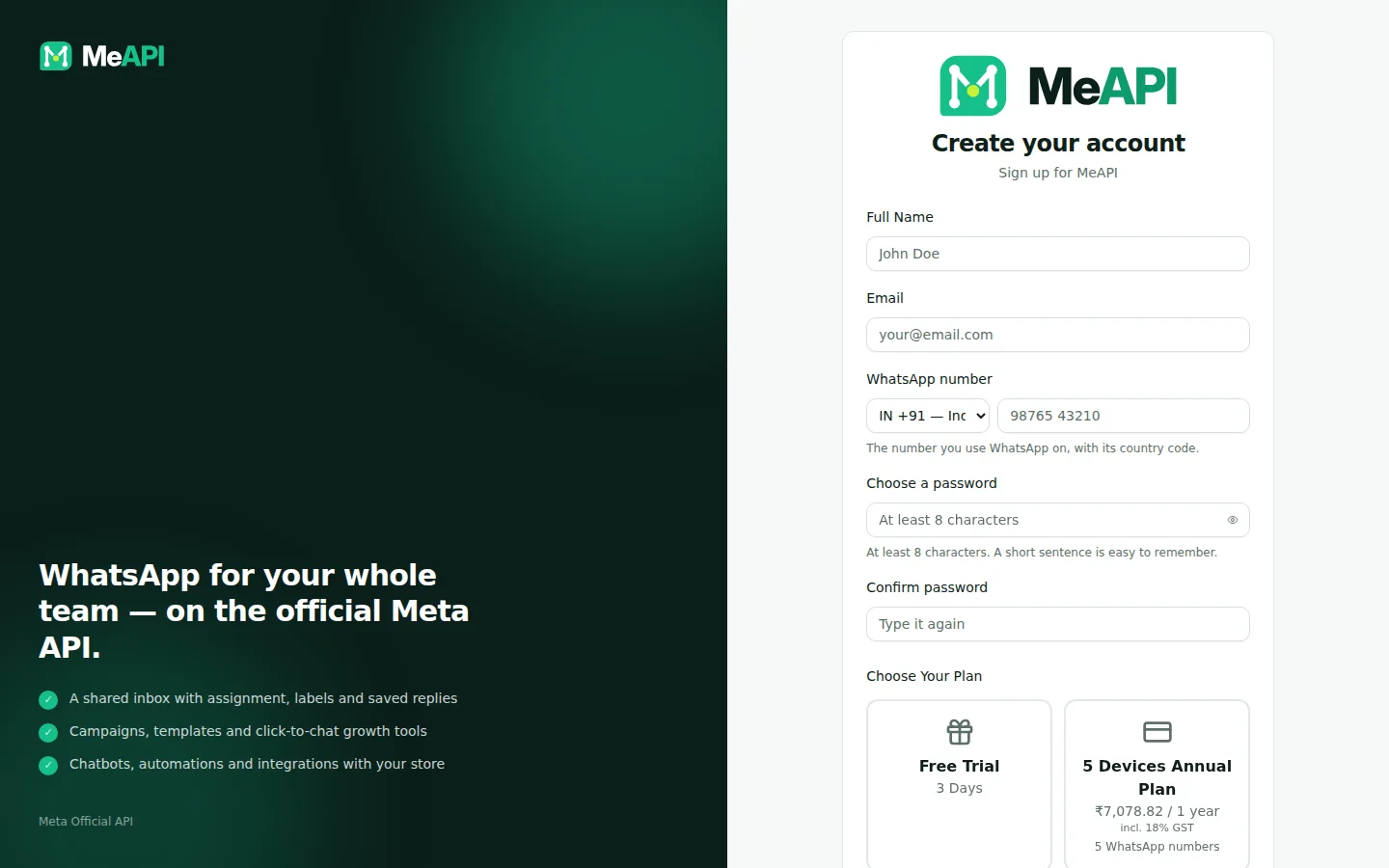
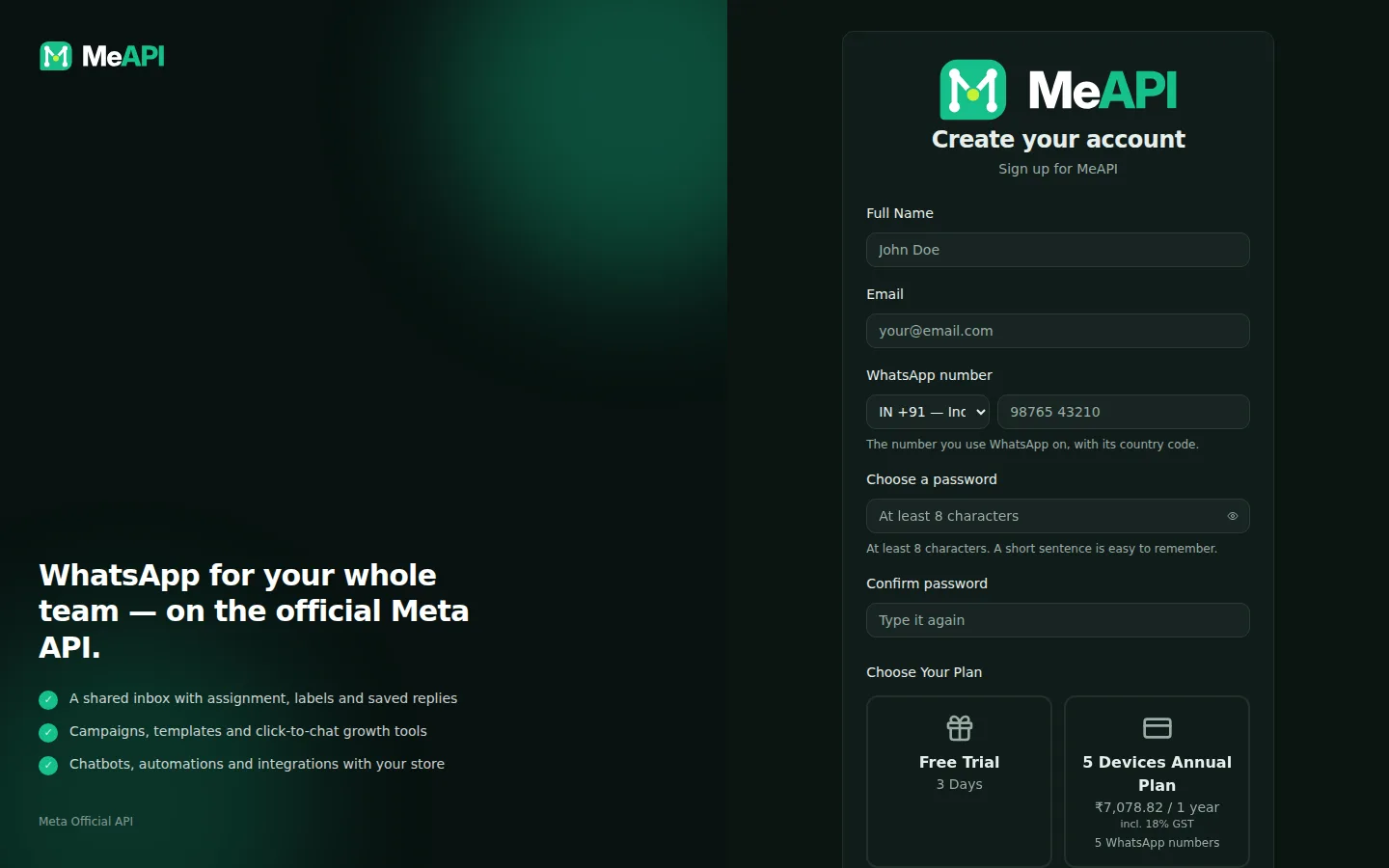
- Your details: Full Name, Email, WhatsApp number, and a password you choose (typed twice). Use an email you check: receipts and password-reset links go there.
- Choose Your Plan: Free Trial (full features, no payment) or one of the paid plan cards, priced incl. GST.
- The payment method choice appears only when a paid plan is picked. Have a coupon code? under the price takes a coupon off the plan price before GST.
Changing or renewing your plan
Section titled “Changing or renewing your plan”Open Subscription in the panel (left menu → Account). It shows your Current plan, the WhatsApp numbers in use against the limit, the status and the expiry date, and What your plan includes. Below that are the plans you can buy. Paying there extends the same licence. It never creates a new account. See Subscription and renewals.
- Try before you buy. The trial has every feature, so build your templates and chatbot during it. When you pay, everything carries over.
- Trial emails. During the trial we may email you twice: Connect your WhatsApp number to start using MeAPI if no number is connected a day after signup, and Your MeAPI trial ends today on the last day.
- Need more numbers, agents or contacts later? Pick a bigger plan on the Subscription page, or ask support for an add-on that raises one limit.
- Need a GST invoice? Every payment shows price + GST = total. Your tax invoices are in Subscription → Invoices once issued; add your GSTIN under Billing details there. See GST invoices.
Common mistakes
Section titled “Common mistakes”- Signing up twice with different emails. Each email is a separate licence. Use one email, and add teammates as agents instead.
- A typo in the email. You can’t receive the password-reset link. Contact support on WhatsApp to correct it.
- Expecting Meta’s message charges in the plan price. Meta charges per delivered message, separately. The plan covers the panel.
What’s next
Section titled “What’s next”Was this page helpful?
Thank you — we read every comment.
Could not send right now. Please try again later.
© 2026 MeAPI by TheWebStore028 · RADHAMADHAV WEBSTORE LLP · GSTIN 27ABJFR6148J1ZO · Contact us ·Cookie settings