

Growth tools — website chat widget, click-to-chat links and QR codes
LearnGrowth toolsBeginner
🎯 Goal
Get more people to start WhatsApp chats with you, from your website, social posts, packaging and shop counter.
🧰 What you need
- A role with the Growth tools permission
- For the widget: access to your website’s HTML or theme
Website chat widget
Section titled “Website chat widget”A floating WhatsApp button for any website.
- Open Growth tools → Website chat widget.
- Choose the WhatsApp number (one of yours, or Another number…) and set the Business name, Button text (empty = icon only), the Prefilled message (what the visitor sends), the Colour, the Position (Bottom right / Bottom left) and the Greeting. Pop the greeting open can open it by itself after 5, 15 or 30 seconds, or never.
- Check the live preview, then copy the Embed code.
- Paste it before
</body>on your site:- WordPress: Appearance → Theme file editor, or a header/footer plugin.
- Shopify:
theme.liquid. - Wix, Webflow, plain HTML: custom code / embed.
No cookies, no tracking.
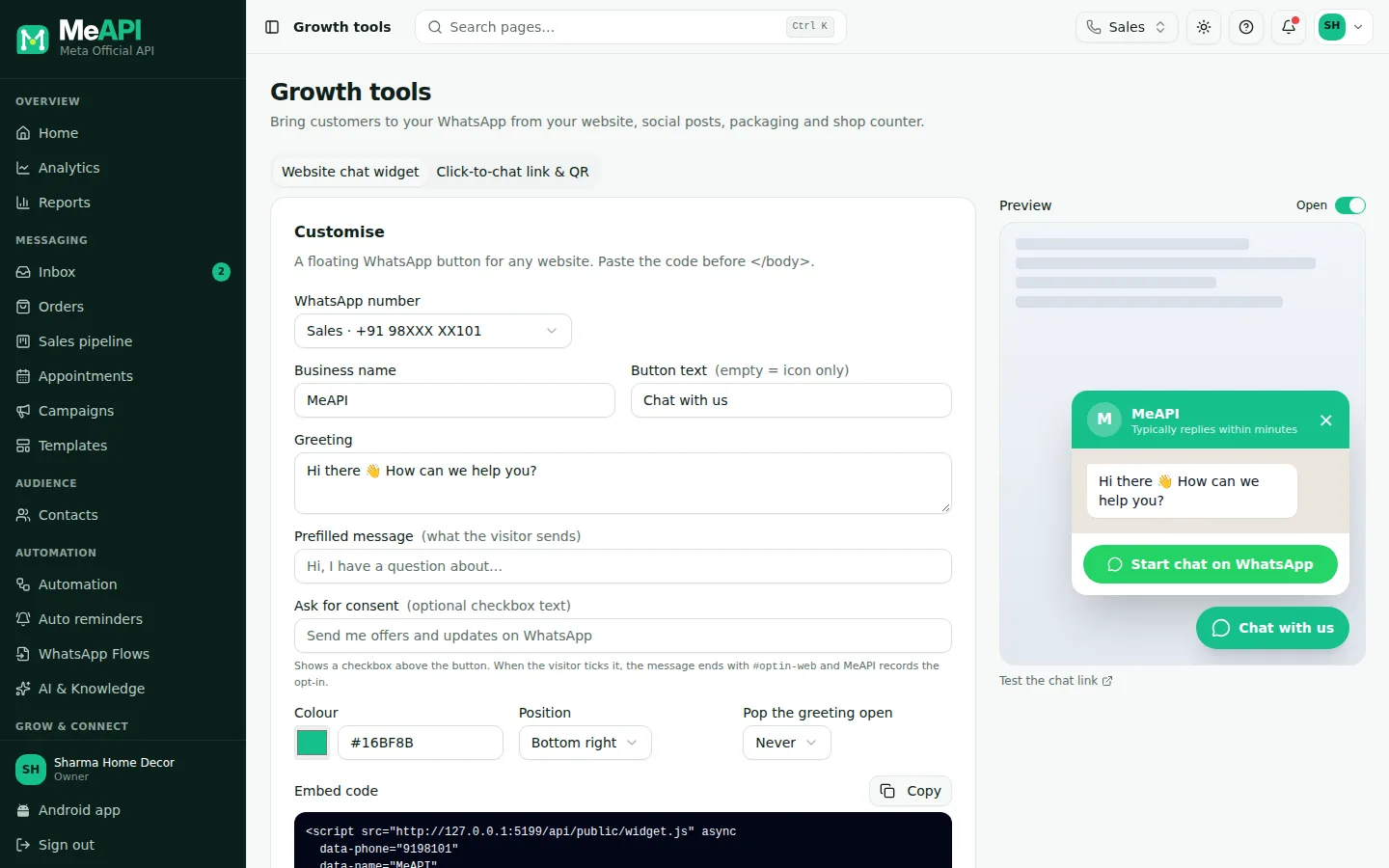
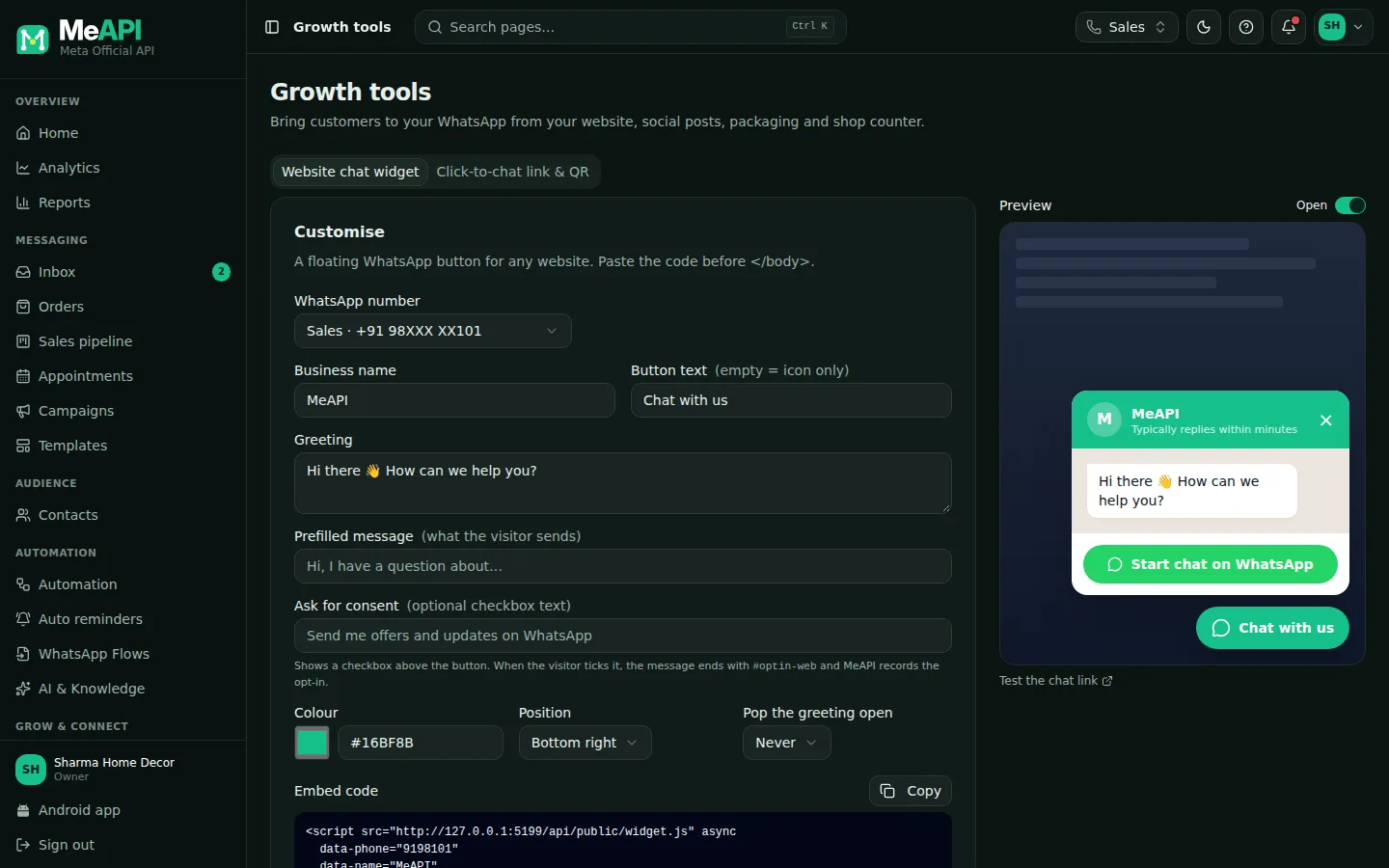
- Two tabs: Website chat widget and Click-to-chat link & QR.
- Customise: number, business name, button text, prefilled message, colour, position, greeting.
- The live Preview of the bubble and greeting.
- The Embed code to copy, with where to paste it.
Click-to-chat link and QR code
Section titled “Click-to-chat link and QR code”Opens WhatsApp with your number and a message ready to send — for Instagram bio, emails, ads and SMS.
- Open Growth tools → Click-to-chat link & QR.
- Pick the number (or Another number…, with its country code) and type the Prefilled message.
- Copy the Click-to-chat link (
https://wa.me/91…?text=…), or Open link to try it. - For posters, menus, packaging and visiting cards, pick the QR Size (1024 px is for print) and click Download PNG. Dark colours on white scan best.
- Test the chat link on your phone.
Common mistakes
Section titled “Common mistakes”- A long prefilled message. Customers delete it. Keep it to one short line.
- Number without the country code in the link. Enter it with the country code.
- No welcome flow. The first impression is silence. Set up a welcome message.
What’s next
Section titled “What’s next”Was this page helpful?
Thank you — we read every comment.
Could not send right now. Please try again later.
© 2026 MeAPI by TheWebStore028 · RADHAMADHAV WEBSTORE LLP · GSTIN 27ABJFR6148J1ZO · Contact us ·Cookie settings