

Segments — dynamic groups for campaigns and flows
🎯 Goal
Send the right message to the right people. Examples: VIPs in Jaipur who messaged in the last 30 days, or customers who have not ordered for 60 days.
🧰 What you need
- Contacts with some tags or fields
- A role with the Contacts → Segments permission (segments are saved in Campaigns)
Segments are live
Section titled “Segments are live”A segment stores rules, not a list of people. Each time a campaign uses it, MeAPI checks who matches at that moment. A scheduled or repeating campaign therefore always reaches the people who match on the day it sends. Opted-out contacts are always left out.
What you can filter on
Section titled “What you can filter on”| Field | Conditions | Example |
|---|---|---|
| Tag | includes / does not include / has any tag / has no tags | Tag includes vip |
| Name, Phone number | text conditions | Phone starts with 9198 |
| Last message, Added on, Opted in on | in the last (days) / not in the last (days) / ever happened / never happened | Last message in the last 30 days |
| Opt-in source | text conditions, using the stored code | is website_form |
| Conversation status | text conditions | is resolved |
| Custom fields | text conditions | city is Jaipur |
Text conditions are: is, is not, contains, does not contain, starts with, ends with, has any value, is empty.
Combine rules with all (AND) or any (OR): Contacts matching all of these conditions.
Steps: create and save a segment
Section titled “Steps: create and save a segment”- Open Campaigns → New campaign and go to the Audience step.
- Choose Filtered.
- Add conditions, for example Tag includes vip AND city is Jaipur AND Last message in the last 30 days. The live count shows how many contacts match.
- Click Save segment and give it a name, such as Jaipur VIPs, active.
- Next time, pick it under Start from a saved segment. Editing its rules in a campaign turns them into a one-off copy; the saved segment stays as it was.
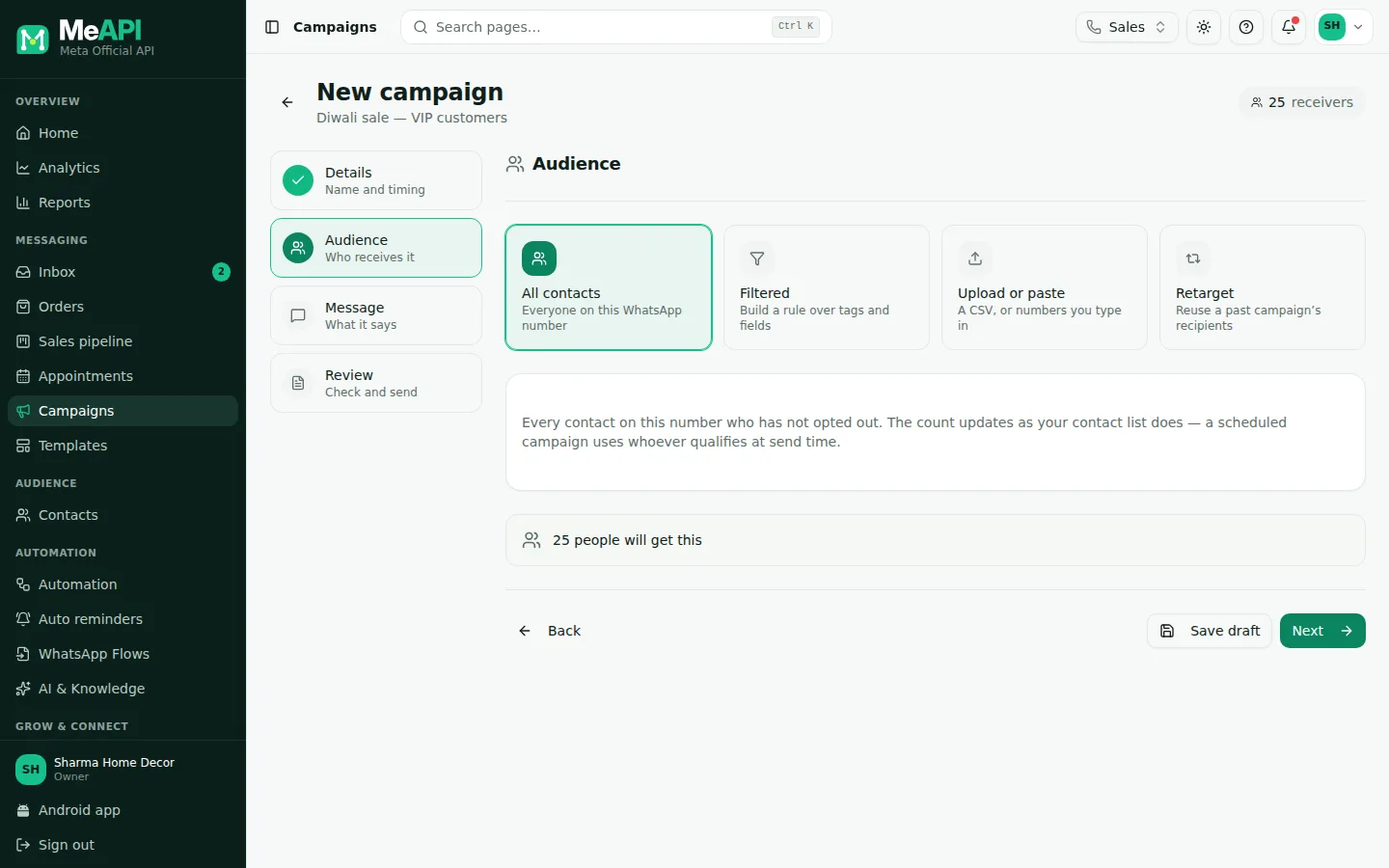
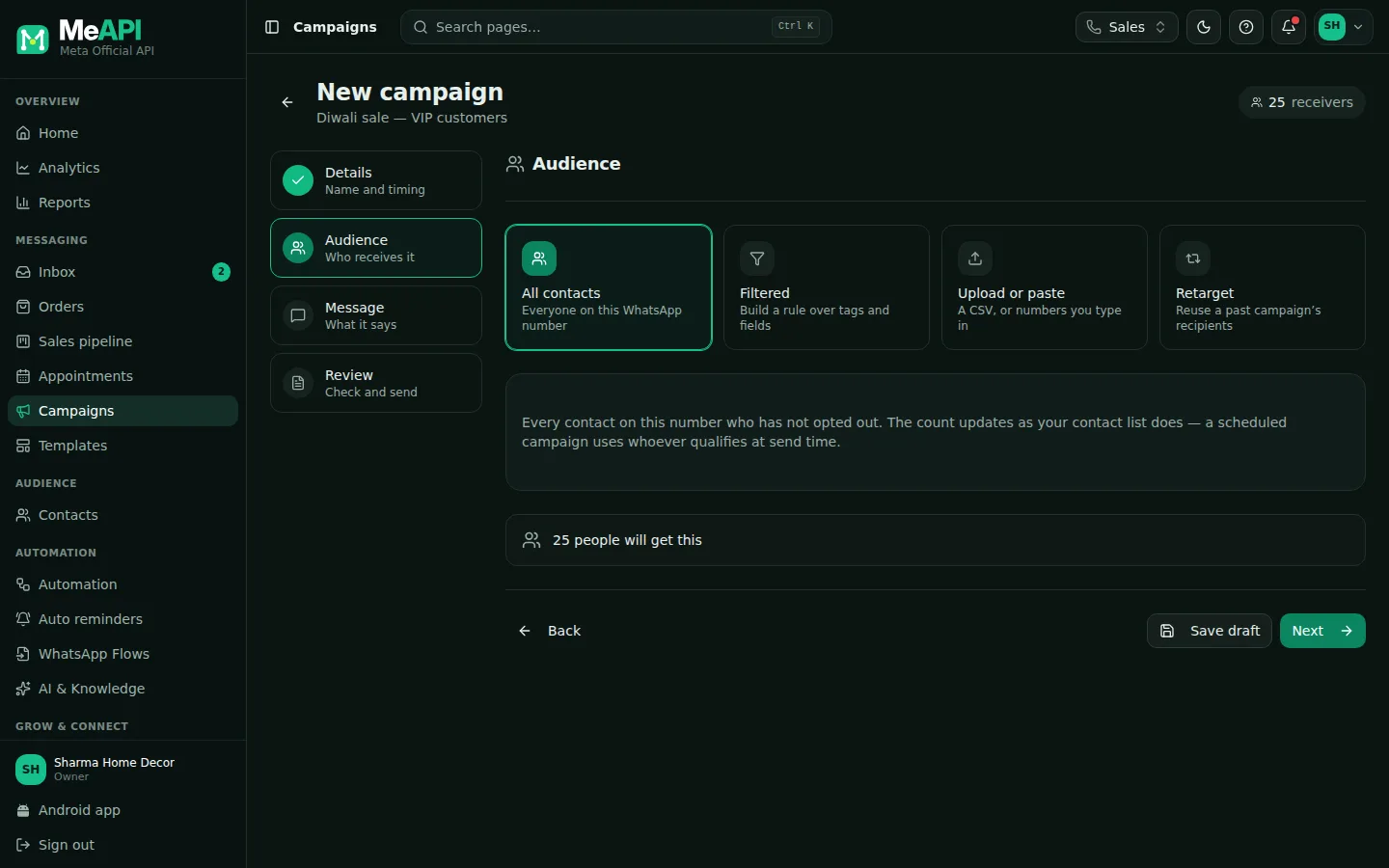
- The Audience step of the campaign wizard.
- Four cards: All contacts, Filtered, Upload or paste and Retarget.
- With Filtered: Start from a saved segment, then Contacts matching all / any of the conditions.
- The live count of matching contacts (opted-out contacts excluded) and Save segment.
Use a segment in a chatbot
Section titled “Use a segment in a chatbot”In the flow builder, add a Condition step, choose the rule source Contact segment, and pick a saved segment. The flow takes the yes path for contacts in the segment and no for everyone else. Example: send VIPs straight to a human. See Logic steps.
Common mistakes
Section titled “Common mistakes”- Expecting a fixed list. A segment changes as contacts change. To freeze a list, tag the people, for example
diwali-sent, and target the tag. - Too narrow. Five conditions can match nobody. Watch the count while you add rules.
What’s next
Section titled “What’s next”Was this page helpful?
Thank you — we read every comment.
Could not send right now. Please try again later.
© 2026 MeAPI by TheWebStore028 · RADHAMADHAV WEBSTORE LLP · GSTIN 27ABJFR6148J1ZO · Contact us ·Cookie settings