

Notifications and the inbox app (phone and desktop)
🎯 Goal
Get a notification for every new customer message, even when the panel is closed. Open the inbox like an app from your home screen.
🧰 What you need
- Chrome, Edge, Safari 16.4+ or Firefox
- On iPhone: iOS 16.4 or newer
Step 1: install the app
Section titled “Step 1: install the app”Best: install the MeAPI Android app from meapi.in/app. It adds camera, voice notes, a fingerprint lock and staying signed in. See Install the MeAPI Android app.
Or, without installing anything: open login.meapi.in in Chrome, log in, tap the ⋮ menu and choose Install app (or Add to Home screen).
Open login.meapi.in in Safari, tap Share and choose Add to Home Screen. Open the app from the home screen and sign in there: it asks Turn on notifications once. iPhones allow web notifications only for Home Screen apps, from iOS 16.4. Step by step, with Focus settings and troubleshooting: Use MeAPI on iPhone and iPad.
In Chrome or Edge, click the install icon in the address bar, or open the menu and choose Install MeAPI.
Step 2: turn on notifications
Section titled “Step 2: turn on notifications”- Click your initials (top right) and choose Notifications.
- Click Turn on, and press Allow when the browser asks.
- Click Send a test. A MeAPI notifications work notification should appear.
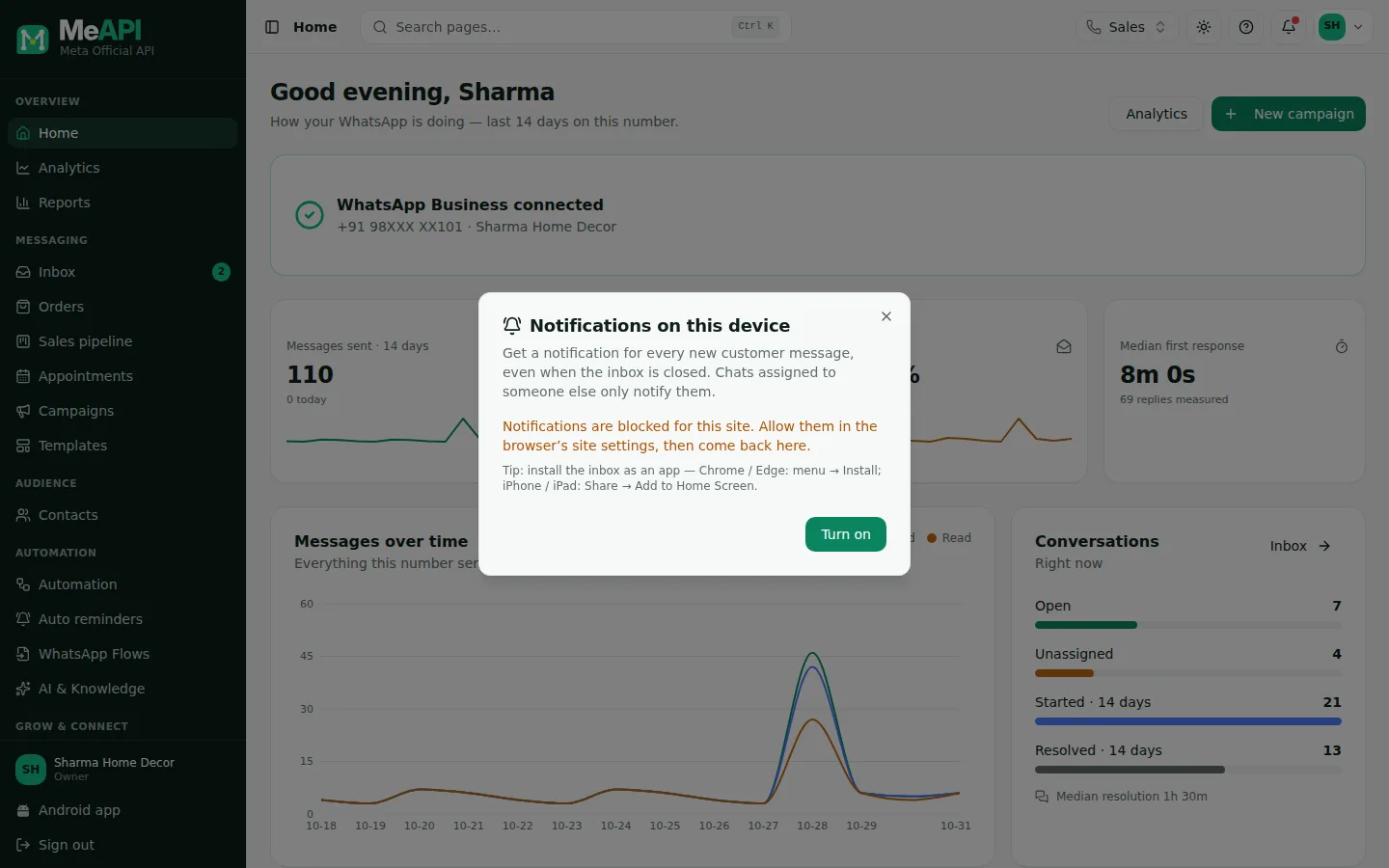
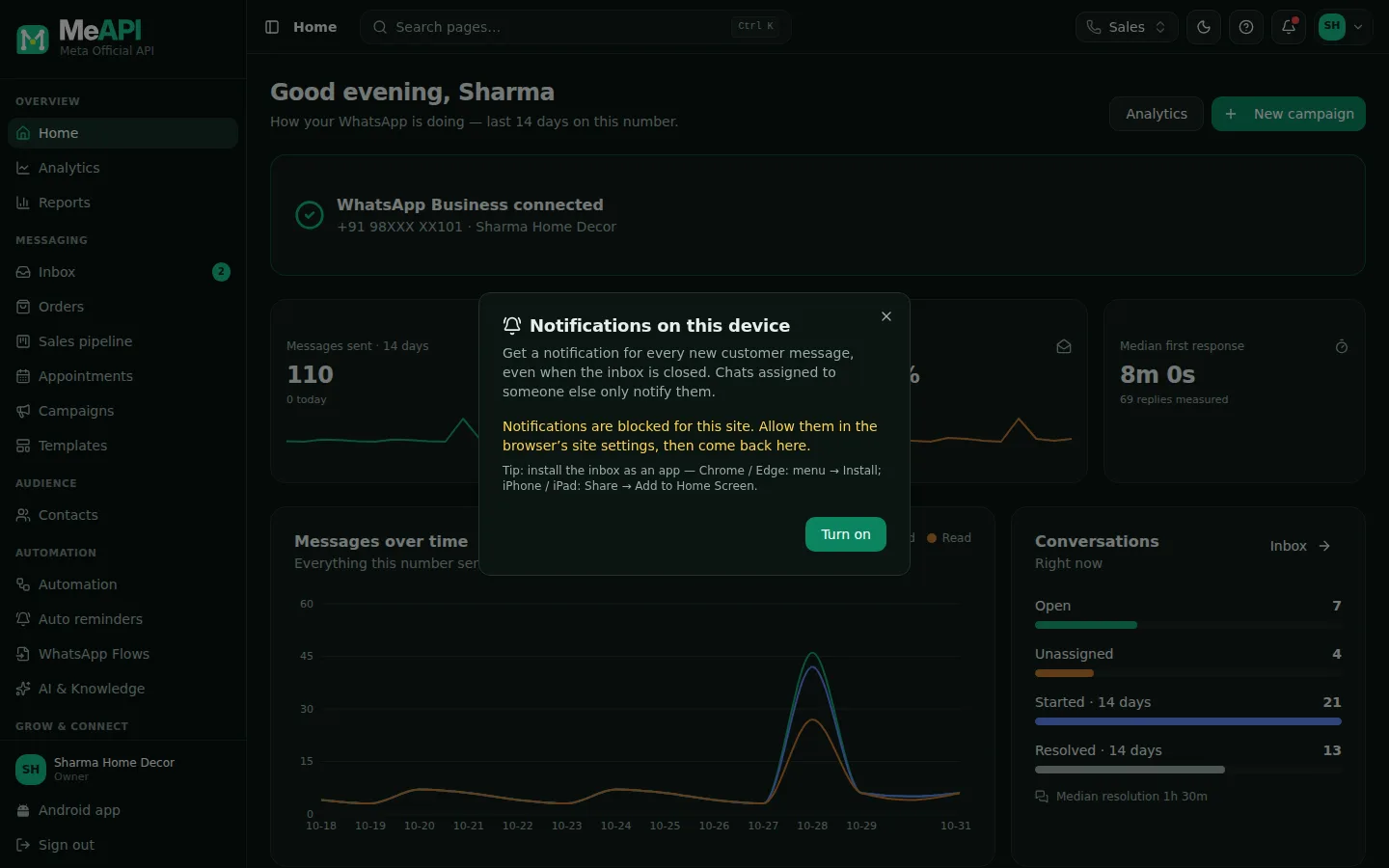
- The Notifications on this device dialog, opened from your initials (top right).
- It says whether notifications are on, off or blocked for this device.
- Send a test and Turn off appear once they are on; Turn on when they are off.
If the browser cannot show web notifications, the dialog says This browser does not support notifications. On an iPhone it adds how to install the app first.
Who gets notified
Section titled “Who gets notified”- A chat assigned to an agent notifies that agent and the owner.
- An unassigned chat notifies the owner and the agents who could open it: their role includes the inbox, the chat’s number is one of theirs, their inbox scope covers unassigned chats, and they’re within the role’s working hours.
- Roles that mask customer numbers see a number-only name masked in the notification too, as in the inbox.
- At most one notification per chat per minute, so a customer sending ten quick messages doesn’t buzz you ten times.
- Tapping the notification opens that chat.
In the Android app you’re also notified when a chat is assigned to you, when MeAPI support replies to your ticket, and when a reminder could not be sent.
Common mistakes
Section titled “Common mistakes”- iPhone: turning it on in Safari instead of the installed app. Install it first, then open it from the home screen.
- Battery saver or Focus mode delaying notifications. Allow the browser or app in your phone’s settings.
- Expecting it on a new phone automatically. Every device must be turned on separately.
What’s next
Section titled “What’s next”Was this page helpful?
Thank you — we read every comment.
Could not send right now. Please try again later.
© 2026 MeAPI by TheWebStore028 · RADHAMADHAV WEBSTORE LLP · GSTIN 27ABJFR6148J1ZO · Contact us ·Cookie settings