

Payment links in chat (Razorpay — UPI, cards, net banking)
LearnCommerce & paymentsIntermediate
🎯 Goal
Send a “Pay now” link in WhatsApp and know the moment the customer pays. Your flows can even continue automatically.
🧰 What you need
- A Razorpay account (activated for live payments)
- The owner login to connect Razorpay (agents can then send links)
Payments go straight to your Razorpay account. MeAPI only creates the link and hears when it is paid.
Part 1: connect Razorpay
Section titled “Part 1: connect Razorpay”- In Razorpay: Dashboard → Account & Settings → API keys → generate a key. Copy the Key ID and Key secret.
- In MeAPI: open Integrations and find the Razorpay payment links card. Paste the Key ID and secret and save.
- Copy the Webhook URL — add it in Razorpay shown on the card.
- In Razorpay: Webhooks → Add new webhook. Paste the URL, choose a secret (and paste the same secret into MeAPI), and tick
payment_link.paid,payment_link.expired,payment_link.cancelledandpayment.failed. Save.
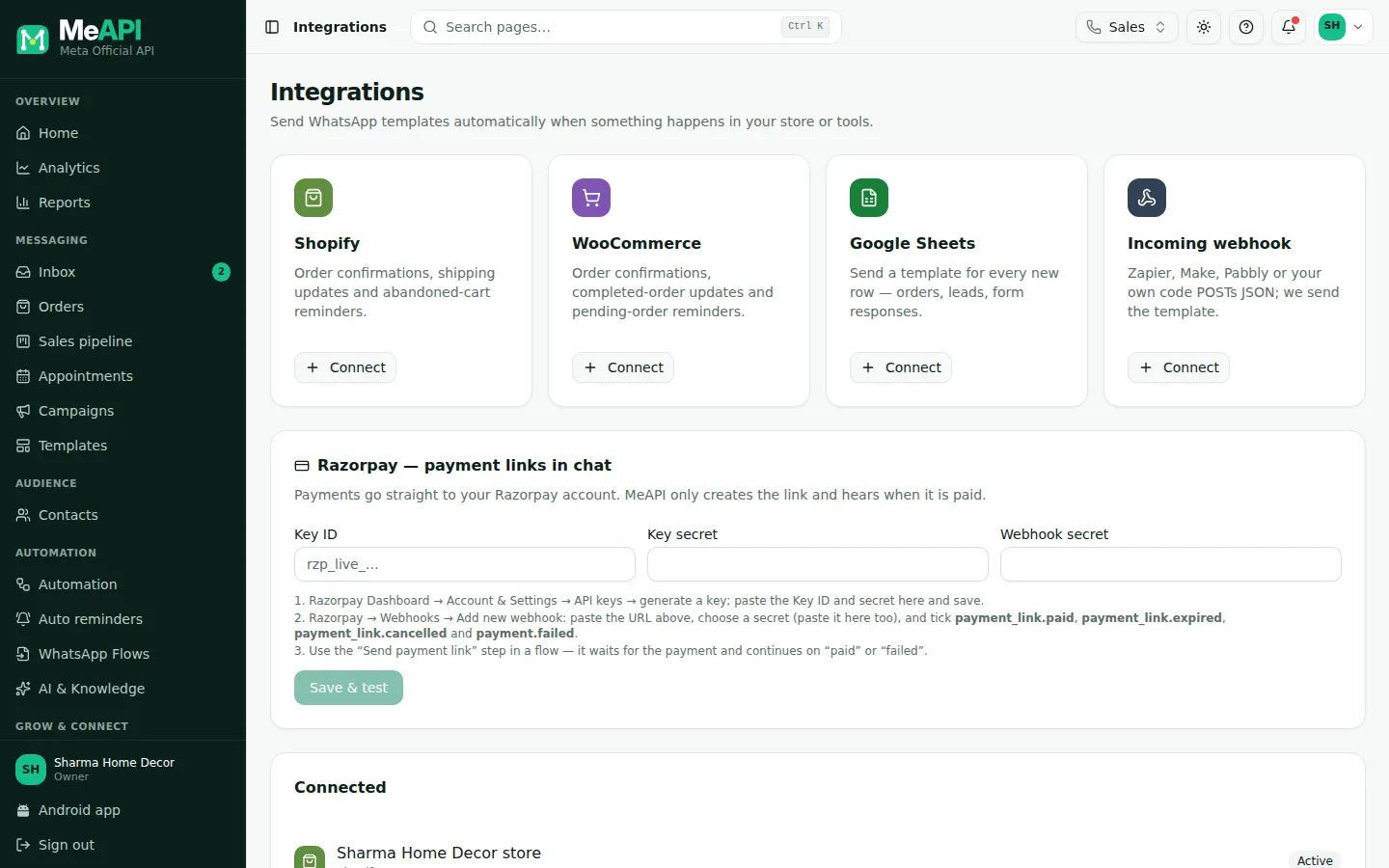
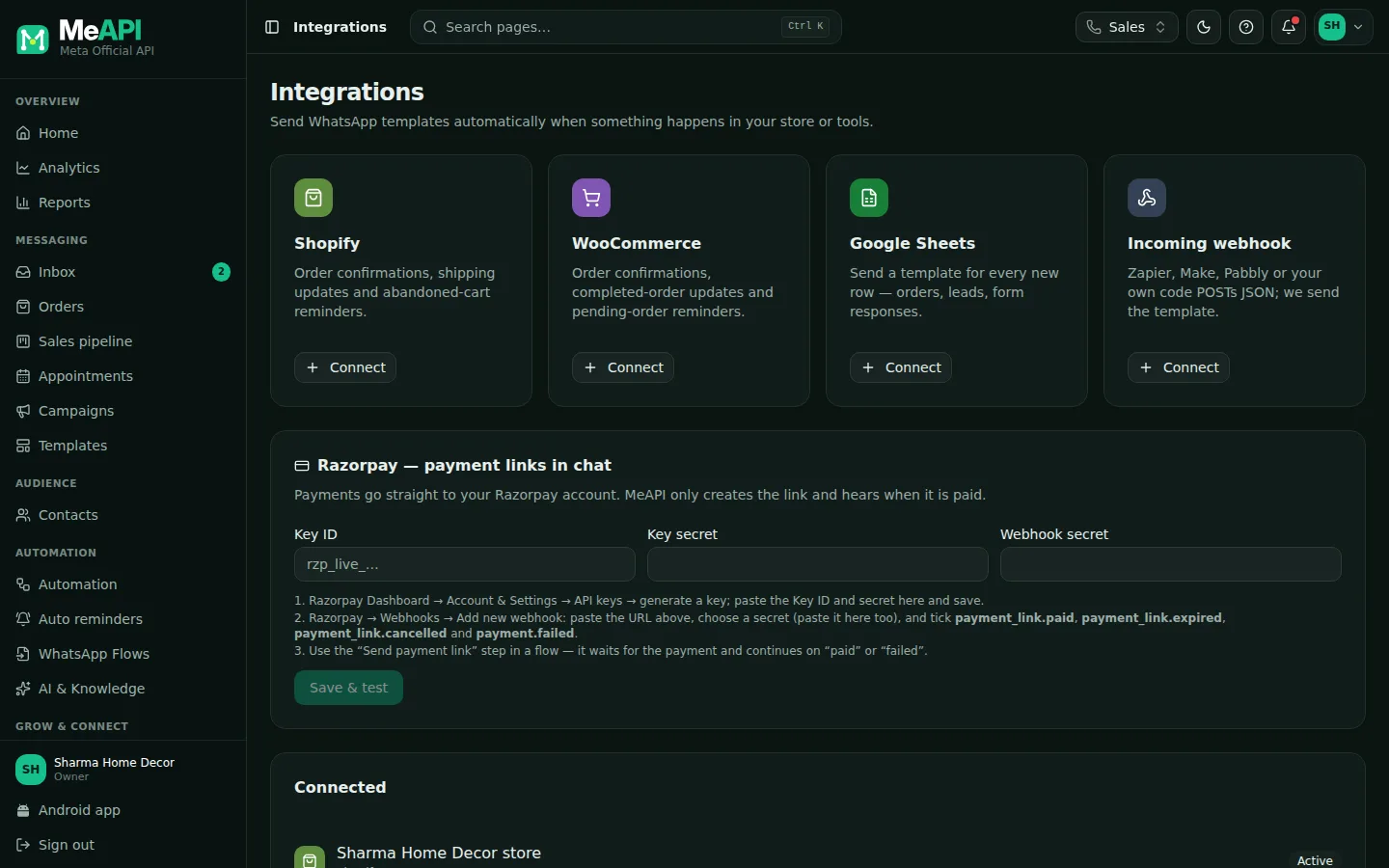
- The Razorpay payment links card on the Integrations page (owner only): Key ID, key secret and webhook secret, stored encrypted.
- Webhook URL — add it in Razorpay, with a copy button, and the setup steps.
- Disconnect removes the Razorpay account.
Part 2: send links
Section titled “Part 2: send links”- From a chat: composer → shopping bag → Payment link. Enter the Amount (₹) and what it’s For (e.g. Advance for order #123), then send. Payment link sent — you will see it here when it is paid. Needs an open 24-hour window.
- For an order: in Orders, click Send payment link on the order (amount = order total).
- In a flow: the Send payment link step waits for the result and continues on paid or failed / expired. See AI and commerce steps.
- As a trigger: the Payment trigger (is paid, fails or expires, or either) starts any flow, such as a thank-you message.
The customer opens the link and pays by UPI, card, net banking or wallet on Razorpay’s secure page.
Common mistakes
Section titled “Common mistakes”- Test keys (
rzp_test_) in production. Customers can’t really pay. Switch to live keys after testing. - Webhook not added, or a different secret. Links are created but MeAPI never learns they were paid.
- Account not activated in Razorpay. Links fail until KYC is complete.
What’s next
Section titled “What’s next”Was this page helpful?
Thank you — we read every comment.
Could not send right now. Please try again later.
© 2026 MeAPI by TheWebStore028 · RADHAMADHAV WEBSTORE LLP · GSTIN 27ABJFR6148J1ZO · Contact us ·Cookie settings