

Number health — quality rating and messaging limits
🎯 Goal
Read your number’s health at a glance. Grow your messaging limit, and react before a low quality rating stops your campaigns.
🧰 What you need
- A connected number
Where to see it
Section titled “Where to see it”- Needs your action cards (Home and Connection, for the owner and roles with Number settings): when a number has a problem only you can fix in Meta (no payment method, a rejected display name, the messaging limit reached, quality Medium / Low, a restricted or flagged number, a disconnected number or an expired connection), a card says what is wrong, what it blocks and how to fix it, with How to fix and Recheck now. The number switcher marks the number with needs action. The card disappears once Meta reports it fixed. You also get one email, and a reminder after 3 days if it is still open. Other agents see a short note.
- Home → Number health (account owner): a short card for up to three numbers, with the quality badge and Daily limit used. Click Details to open My Numbers.
- My Numbers → Number health: the full card for every number. It shows:
- Quality (High / Medium / Low) with a one-line hint. A red was … badge appears when the rating has just dropped.
- Messaging limit, with how many were used and how many are left in the last 24 hours.
- Display name review status (Approved, In review, Declined, Expired).
- Throughput · status as Meta reports them, and when it was last checked.
The panel refreshes it from Meta every 6 hours and whenever Meta signals a change. The owner and roles with My numbers → Number settings (name, display name, health) can click Refresh on the card to read it now.
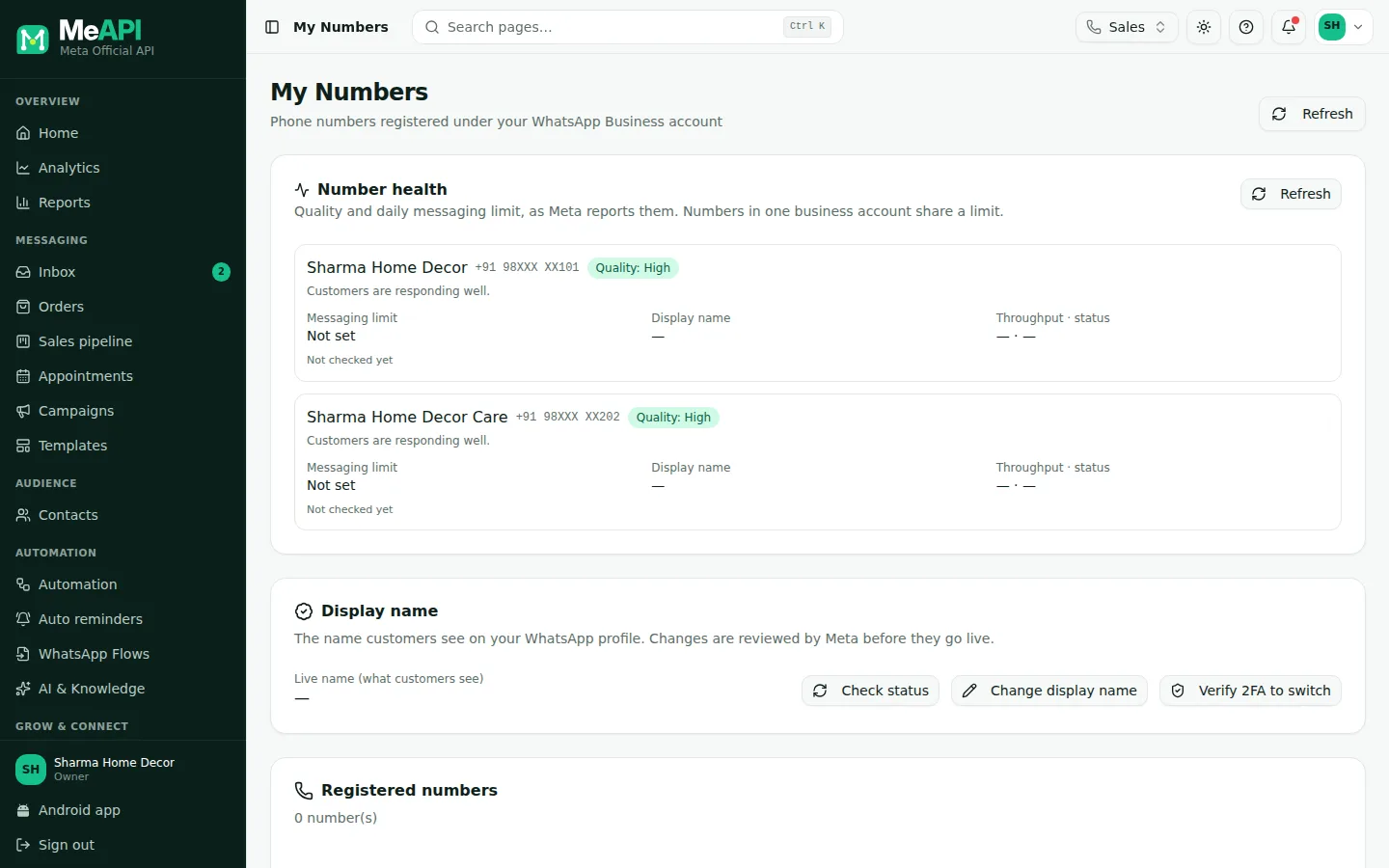
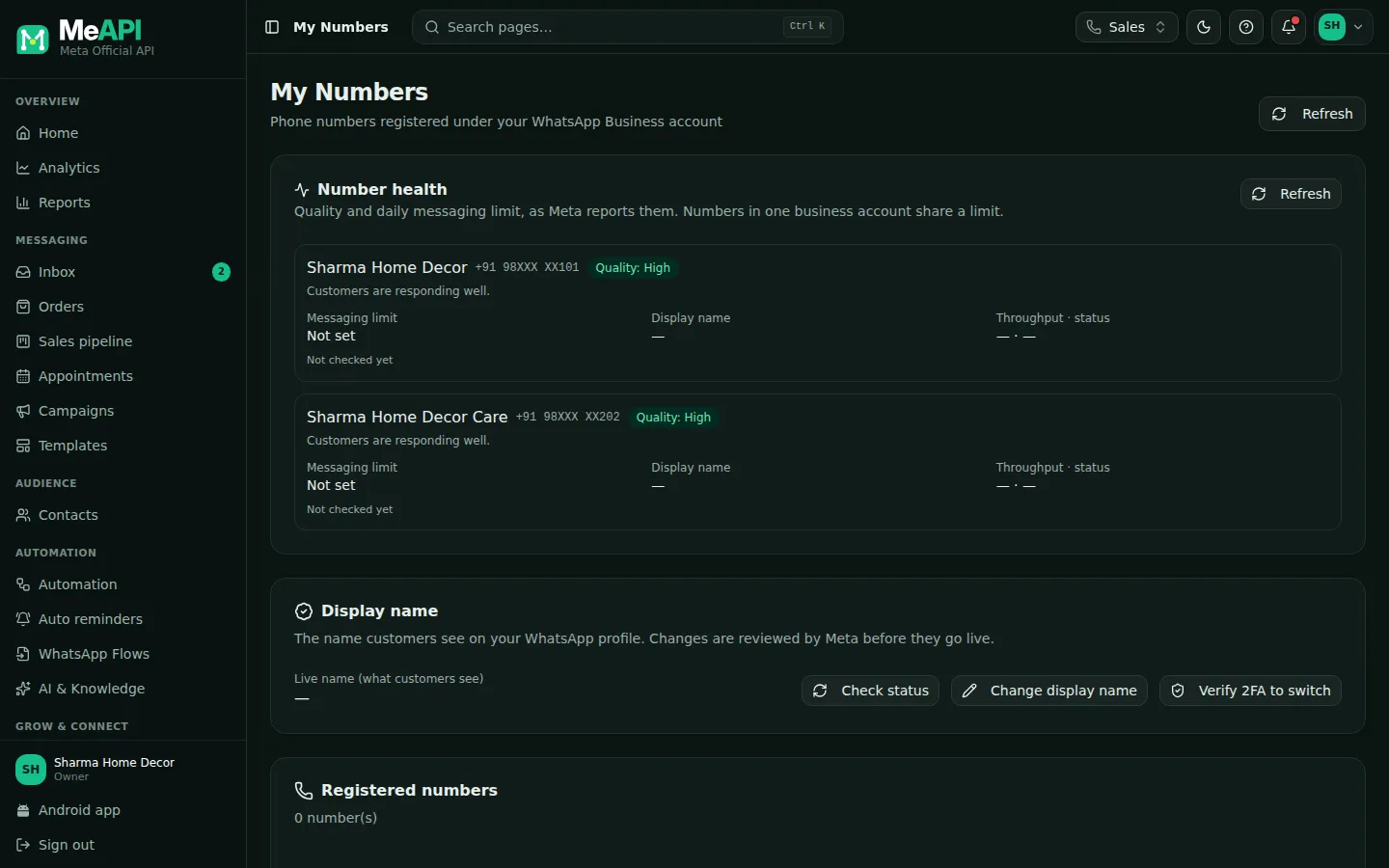
- The Number health card at the top of My Numbers, with Refresh on the right.
- Per number: Quality (how customers reacted over the last 7 days) and its hint.
- Messaging limit: unique customers you can start conversations with in a rolling 24 hours. The bar turns amber at 70% and red at 90%.
- Display name review state and Throughput · status.
Quality rating
Section titled “Quality rating”| Rating | Meaning | What to do |
|---|---|---|
| High (green) | Customers respond well | Keep going |
| Medium (yellow) | Some customers block or report you | Review recent campaigns, audience and opt-ins |
| Low (red) | Many blocks/reports | Pause marketing campaigns and fix the cause. Your limit stops rising, and templates may be paused |
The rating is based on customer feedback over the last 7 days: blocks, reports, and the reasons people give. Message content, how often you send, and who you send to all matter.
Messaging limit tiers
Section titled “Messaging limit tiers”The limit is the number of unique customers you can start a conversation with (a template outside the 24-hour window) in a rolling 24 hours. Replies to customers who wrote first don’t count. Meta now applies the limit to your business portfolio, so numbers under the same business share it.
Tiers: 250 (every new business portfolio) → 2,000 → 10,000 → 100,000 → unlimited. Number health always shows your current value.
How to move up
Section titled “How to move up”- Verify your business, or send 2,000 delivered templates to unique people in 30 days with high-quality templates. After Meta’s quality check that lifts you to 2,000. See Verify your business.
- Then use at least half your limit in 7 days with high-quality messages: Meta raises it one step within 6 hours.
- Grow steadily. Sudden huge sends to cold lists cause blocks, and blocks stop the rise.
The full guide, with a checklist: Messaging limits.
Tips to stay healthy
Section titled “Tips to stay healthy”- Only message people who opted in, and say who you are in the first line.
- Make leaving easy. Recipients can reply STOP to opt out. MeAPI excludes opted-out contacts from campaigns automatically. See Opt-in and opt-out.
- Prefer Utility over Marketing where honest: order updates and reminders rarely get blocked.
- Retarget smartly. Send follow-ups to people who read or replied, not to everyone again. See Campaigns.
- Watch the campaign report. Many “failed” or few “read” results are early warning signs.
Common mistakes
Section titled “Common mistakes”- Buying contact lists. That’s the fastest way to a Low rating, and it breaks WhatsApp’s policy.
- The same promo every day. Frequency fatigue leads to blocks. Space marketing messages out.
- Ignoring Medium. It’s a warning. Act then, not when it turns red.
What’s next
Section titled “What’s next”Was this page helpful?
Thank you — we read every comment.
Could not send right now. Please try again later.
© 2026 MeAPI by TheWebStore028 · RADHAMADHAV WEBSTORE LLP · GSTIN 27ABJFR6148J1ZO · Contact us ·Cookie settings