

CSAT — ask customers to rate your support
LearnInbox & teamBeginner
🎯 Goal
Learn how happy customers are with your support, per agent and over time. You need no forms or extra tools.
🧰 What you need
- A role with the Analytics dashboard (to see the card) and Inbox settings (to change it)
- A connected number
How it works
Section titled “How it works”- An agent marks a chat Resolved.
- The customer receives a WhatsApp list message: How would you rate our support today? They tap Rate us and pick ⭐ to ⭐⭐⭐⭐⭐.
- MeAPI records the score against the chat and the agent it was assigned to, and replies with your thank-you message.
The survey follows WhatsApp’s rules: it is sent only inside the 24-hour window, and at most once every 12 hours per chat.
- Pick the number in the switcher at the top. The survey is set per number.
- Open Analytics and find the Customer satisfaction (CSAT) card.
- Switch on Send survey.
- Optionally edit the Question and the Thank-you reply. Save.
- Test it: write to your number from your phone, resolve the chat in the inbox and rate it on your phone. The rating appears in the card.
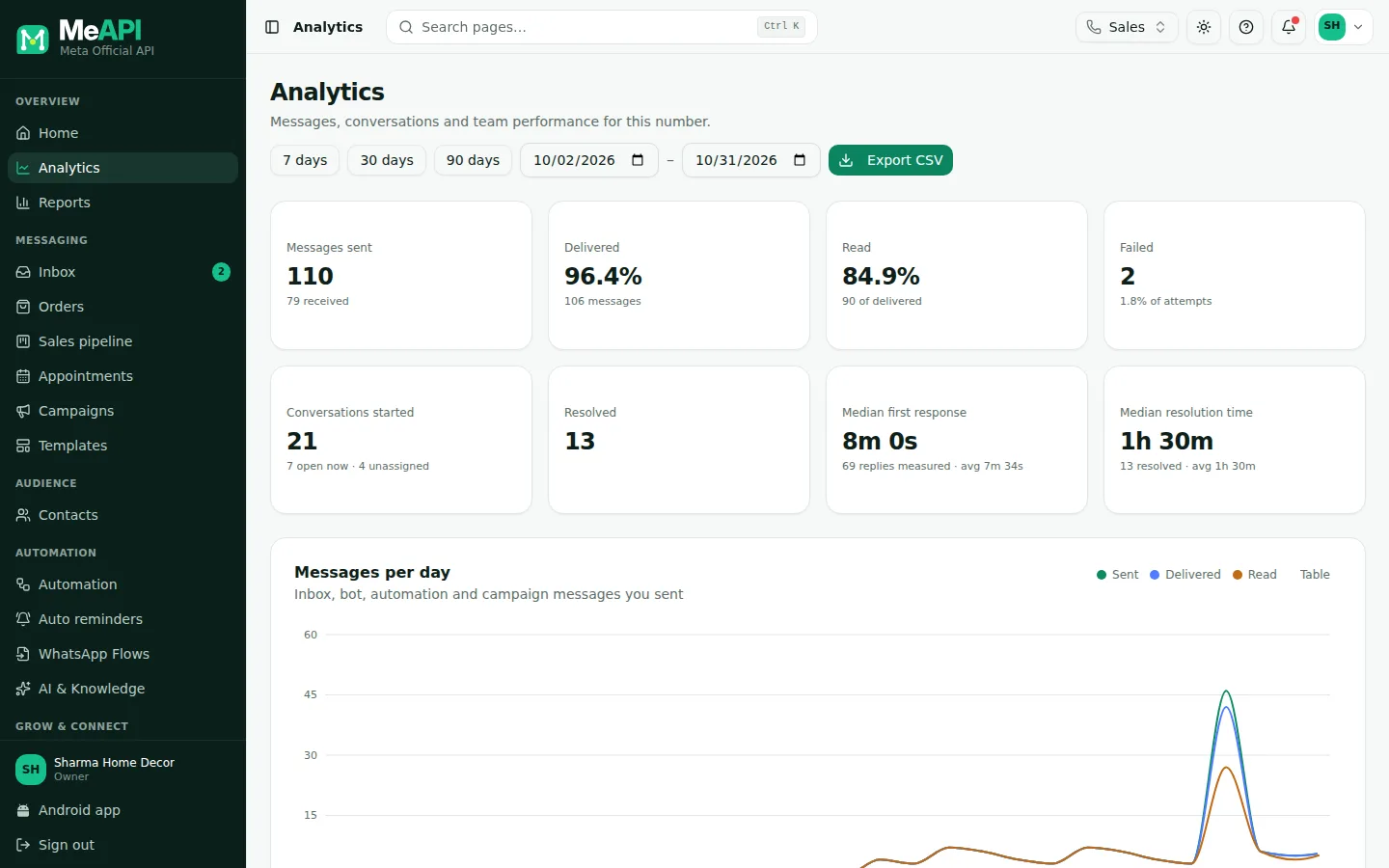
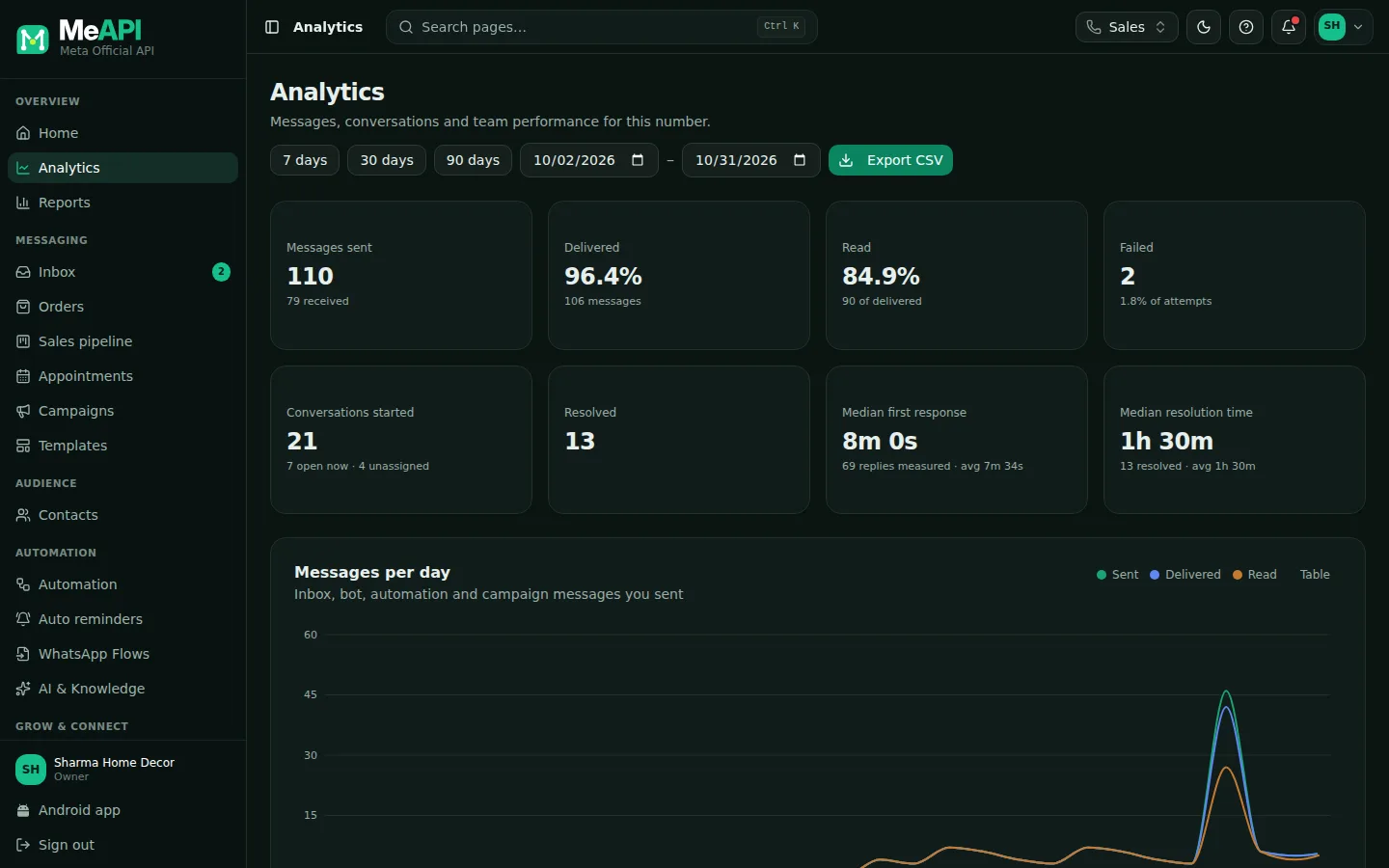
- The Analytics page. The Customer satisfaction (CSAT) card is further down.
- The card has the Send survey switch, Question and Thank-you reply.
- Its tiles: Average rating, CSAT (4–5 stars), Responses and Response rate, then ratings by star and a table per agent.
SSharma Sweets✓
How would you rate our support today?
☰ Rate us
18:40⭐⭐⭐⭐⭐ Excellent18:41
Thank you for your feedback!18:41
Message
What the customer sees after the chat is resolved.
Reading the numbers
Section titled “Reading the numbers”- Average rating: mean score out of 5.
- CSAT (4–5 stars): the share of ratings that are 4 or 5. Above 85% is good for most businesses.
- Responses: how many answered, of how many surveys were sent.
- Response rate: the same as a percentage. A low rate is normal. Short, friendly questions help.
- Per agent: ratings, average and CSAT per agent. Coach with it, don’t punish. A few ratings can swing the average.
Common mistakes
Section titled “Common mistakes”- Resolving chats days later. The 24-hour window has closed, so no survey is sent. Resolve when the conversation is done.
- Resolving a chat the customer is still in. The survey interrupts them. Use Pending while you wait for them.
What’s next
Section titled “What’s next”Was this page helpful?
Thank you — we read every comment.
Could not send right now. Please try again later.
© 2026 MeAPI by TheWebStore028 · RADHAMADHAV WEBSTORE LLP · GSTIN 27ABJFR6148J1ZO · Contact us ·Cookie settings