

Saved replies and AI assist in the inbox
🎯 Goal
Stop typing the same answers. Reply in any language and catch up on long chats in seconds.
🧰 What you need
- An inbox login
- For the AI features: an AI key added by the owner in AI & Knowledge
Saved replies
Section titled “Saved replies”- In the Inbox, click Saved replies above the chat list.
- Enter a Shortcut, for example
hours, and the Reply text:We are open Mon–Sat, 10am–8pm. Sunday closed.Click Add reply. The pencil edits a reply (Save changes) and the bin deletes it. - In any chat, type
/and the start of the shortcut in the reply box. Matching replies appear above it. Click one to put it in the box, edit it if you like, then press Enter.
Saved replies are shared by the whole team. Each WhatsApp number has its own list: the one for the number picked in the switcher at the top. Adding or editing them needs the Manage saved replies permission.
Ideas for shortcuts: /price, /address, /cod (cash on delivery), /refund, /thanks, /track.
AI suggested replies
Section titled “AI suggested replies”Click the AI assist button (sparkles) in the composer and choose Suggest replies. The AI reads the recent messages and drafts three short answers, shown as chips above the reply box. If you have an AI bot with knowledge bases, the suggestions use your documents (price lists, policies, FAQs), so they don’t make things up. Click one to put it in the box, check it and send. The AI assist button only shows while the 24-hour window is open.
Translate
Section titled “Translate”- Translate a message: each customer message has a small Translate link. The translation appears under the message, in your language.
- Translate your draft: write your reply in your own language, open AI assist → Translate my draft to and choose The customer’s language, English, Hindi or Gujarati. Check the result before sending.
Conversation summary
Section titled “Conversation summary”Joining a long chat? Click the sparkles button in the chat header (Summarise with AI). The AI writes a short summary from the last 80 messages. Click Save as note to keep it for the team as an internal note.
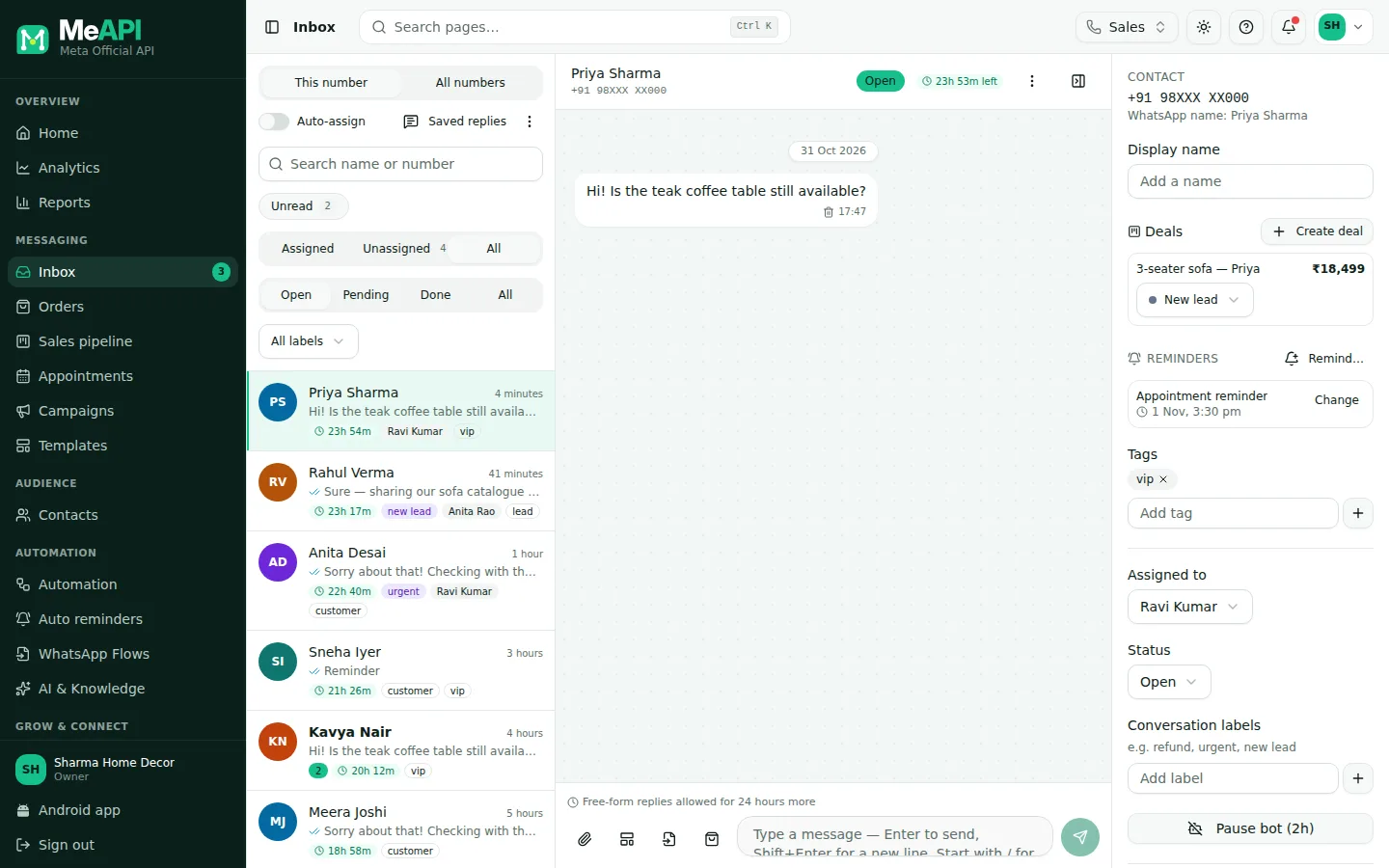
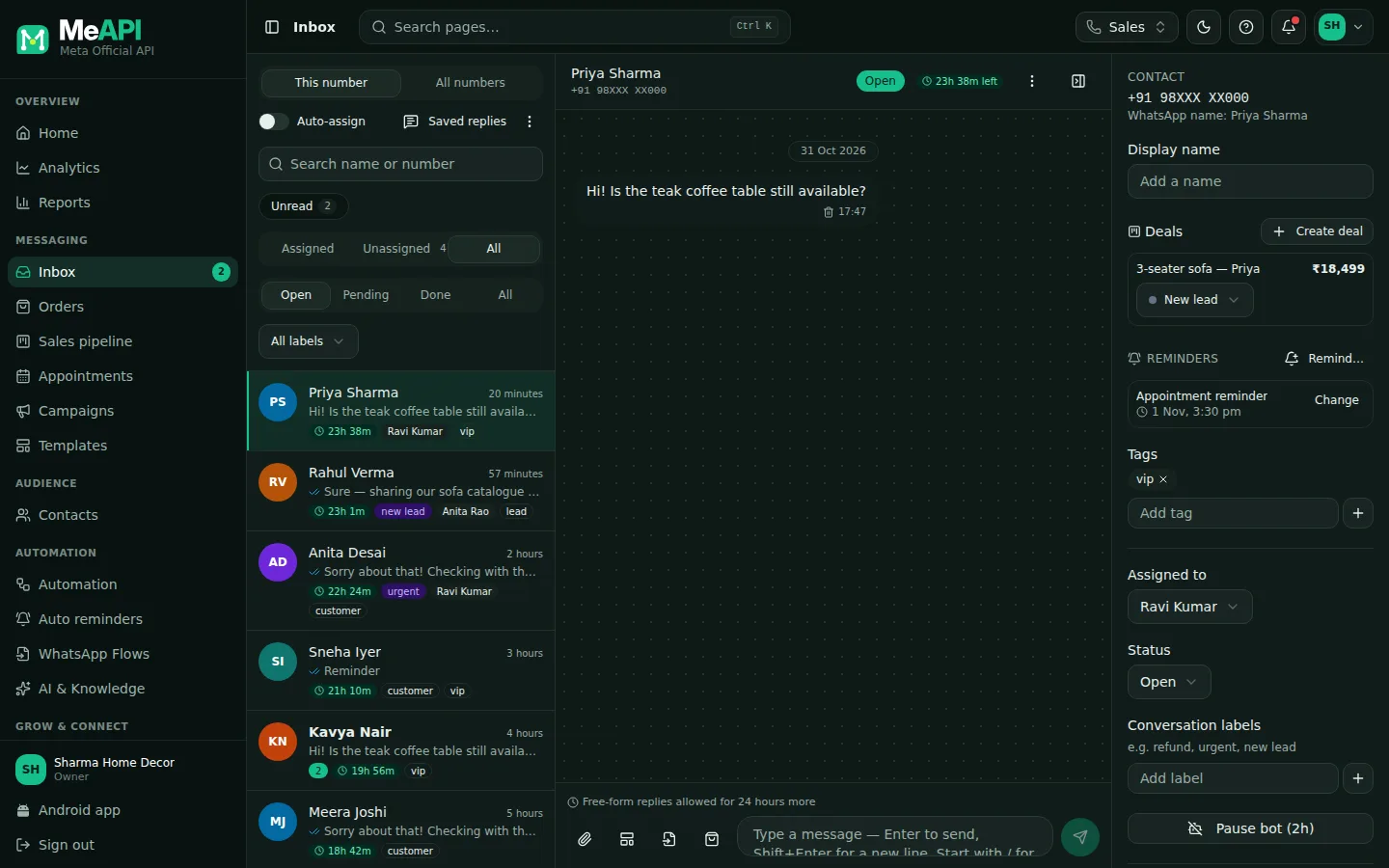
- Saved replies sits above the chat list.
- The sparkles button in the chat header is Summarise with AI.
- In the composer, the sparkles button opens AI assist: Suggest replies and Translate my draft to.
- Type / in the reply box to pick a saved reply.
Common mistakes
Section titled “Common mistakes”- Sending AI text unchecked. Suggestions are drafts. Always read them first, especially prices and dates.
- Long saved replies with outdated info. Review them when prices or hours change.
What’s next
Section titled “What’s next”Was this page helpful?
Thank you — we read every comment.
Could not send right now. Please try again later.
© 2026 MeAPI by TheWebStore028 · RADHAMADHAV WEBSTORE LLP · GSTIN 27ABJFR6148J1ZO · Contact us ·Cookie settings