

Carousel templates — swipeable product cards
LearnTemplatesIntermediate
🎯 Goal
Show several products, offers or services in one message that customers swipe through.
🧰 What you need
- 2–10 images (or videos) of the same type
- A short line of text for each card
How a carousel is built
Section titled “How a carousel is built”- A message body at the top (up to 1,024 characters).
- 2 to 10 cards. Each card has an image or video header, a card text of up to 160 characters, and 1–2 buttons (quick reply, website or call).
- Carousels are Marketing only.
The matching rules
Section titled “The matching rules”- Every card uses the same header type: all images or all videos.
- Every card has the same buttons in the same order. For example, every card has Quick reply + Visit website. The labels and links can differ.
- Templates → New template. Choose Category Marketing and Type Carousel.
- Write the message body, for example New arrivals this week — swipe to see them all 👉.
- In the Cards editor choose Images or Videos, then set up card 1: upload the media, write the text (Blue cotton kurta — ₹899), and add buttons such as Visit website →
https://shop.in/p/{{1}}and Quick reply → More like this. - Click + Card to add the next card. Give it the same button types in the same order (the editor warns if they differ). Change each card’s image, text and URL.
- Check the preview (swipe it), then Submit to Meta.
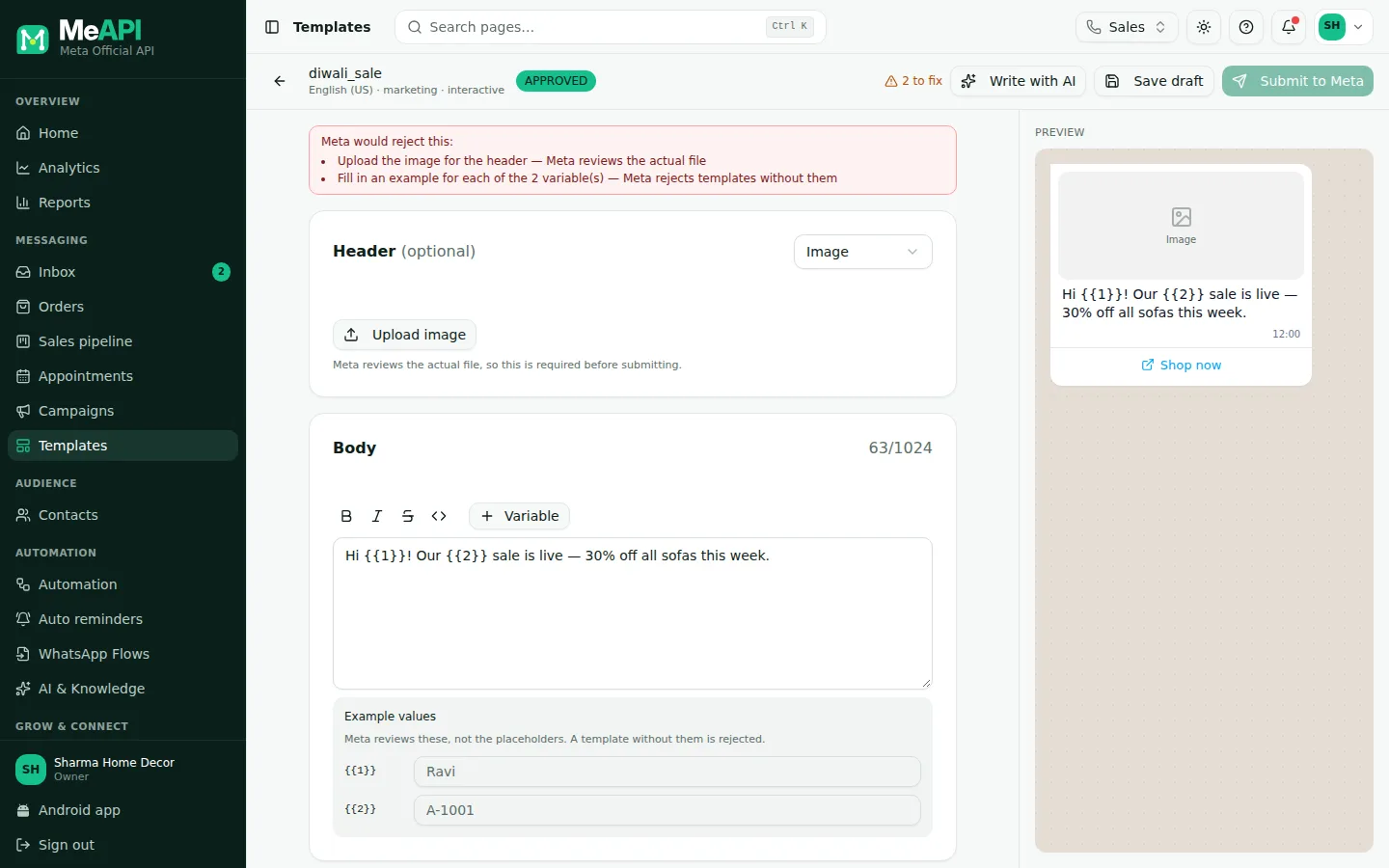
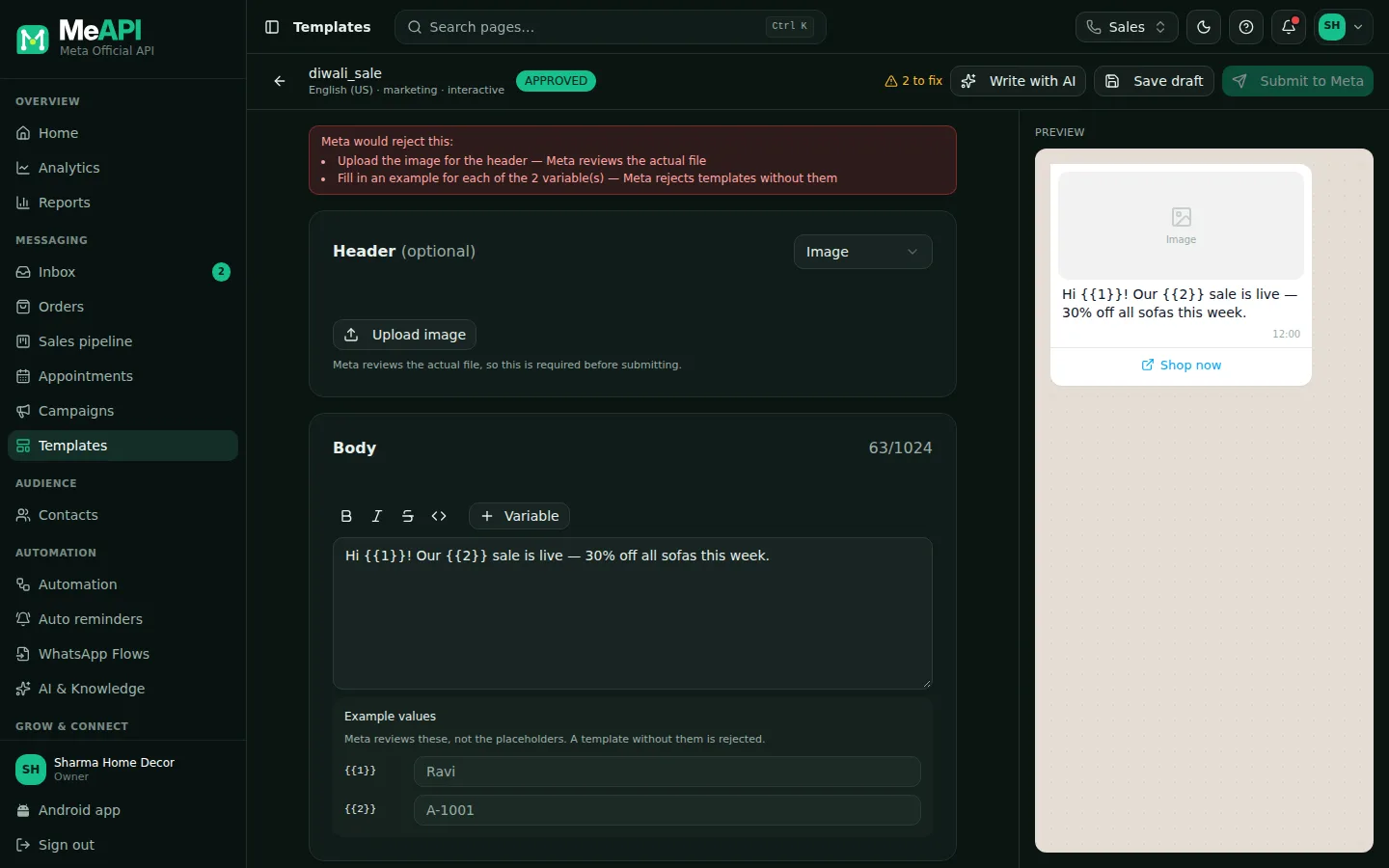
- The template builder: editor on the left, live WhatsApp preview on the right.
- For a carousel, the editor has the message body, then a Cards section with Images / Videos and one block per card (media, Card text, Buttons).
- The editor warns: Every card must have the same buttons in the same order.
Good uses
Section titled “Good uses”- New arrivals or a top-5 list
- Tour packages, property listings, courses
- Restaurant specials of the day
Common mistakes
Section titled “Common mistakes”- Mixing images and videos across cards → rejected.
- Different buttons on different cards → rejected. Keep the same types in the same order.
- Text on images. Keep prices in the card text, where they’re readable and can be changed.
What’s next
Section titled “What’s next”Was this page helpful?
Thank you — we read every comment.
Could not send right now. Please try again later.
© 2026 MeAPI by TheWebStore028 · RADHAMADHAV WEBSTORE LLP · GSTIN 27ABJFR6148J1ZO · Contact us ·Cookie settings