

Analytics and reports
LearnCampaigns & analyticsBeginner
🎯 Goal
Know what is working, from message delivery to how fast your team replies, and fix what isn’t.
🧰 What you need
- A role with the Analytics dashboard permission (Reports also opens with the Reports page permission)
Three places for numbers
Section titled “Three places for numbers”| Screen | Answers |
|---|---|
| Analytics | How is this number doing? Volume, speed, team, ads, campaigns, CSAT, for a date range |
| Reports | How are campaigns delivering overall? |
| Campaign → Report | How did this campaign do, and why did some fail? |
Analytics, card by card
Section titled “Analytics, card by card”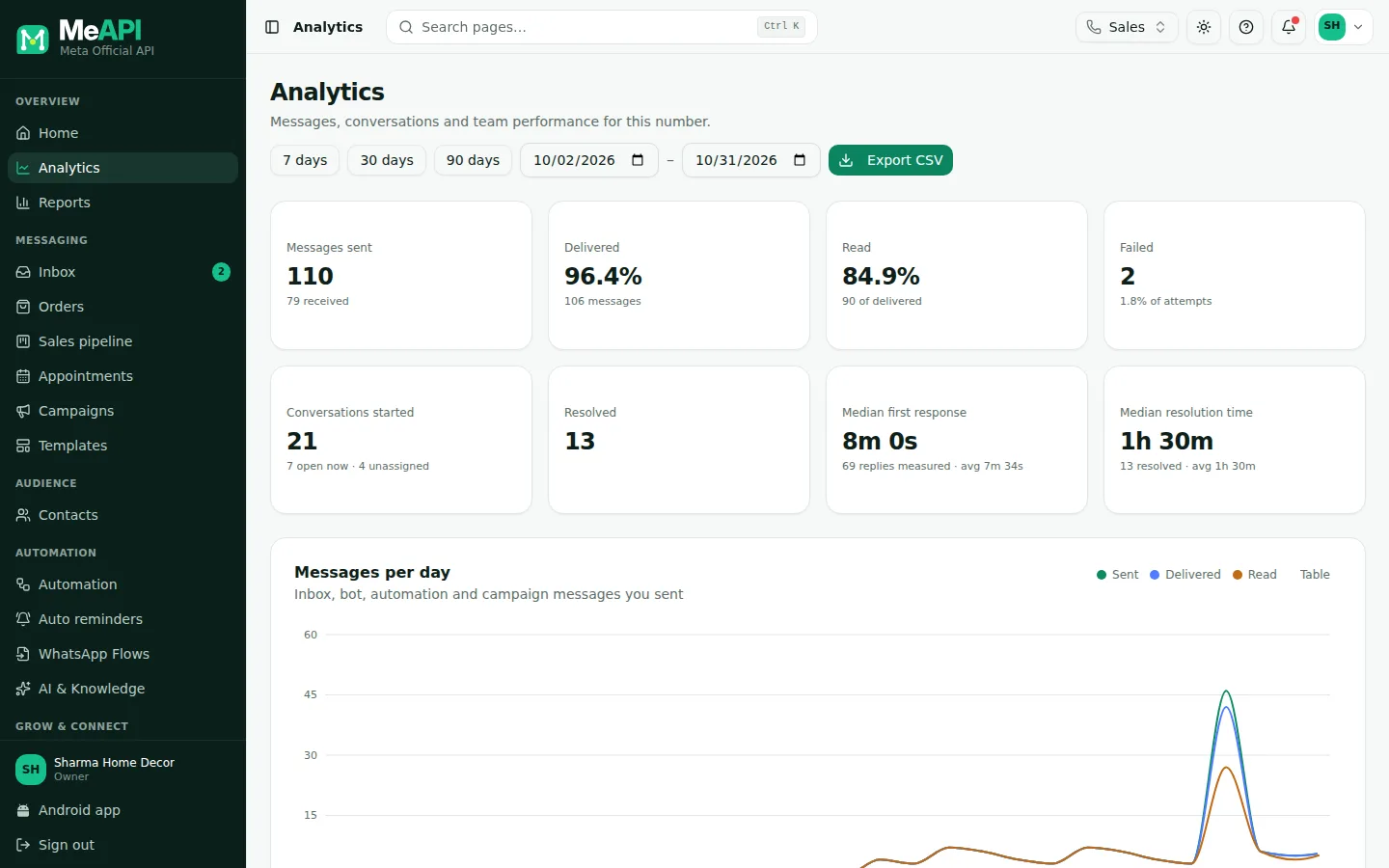
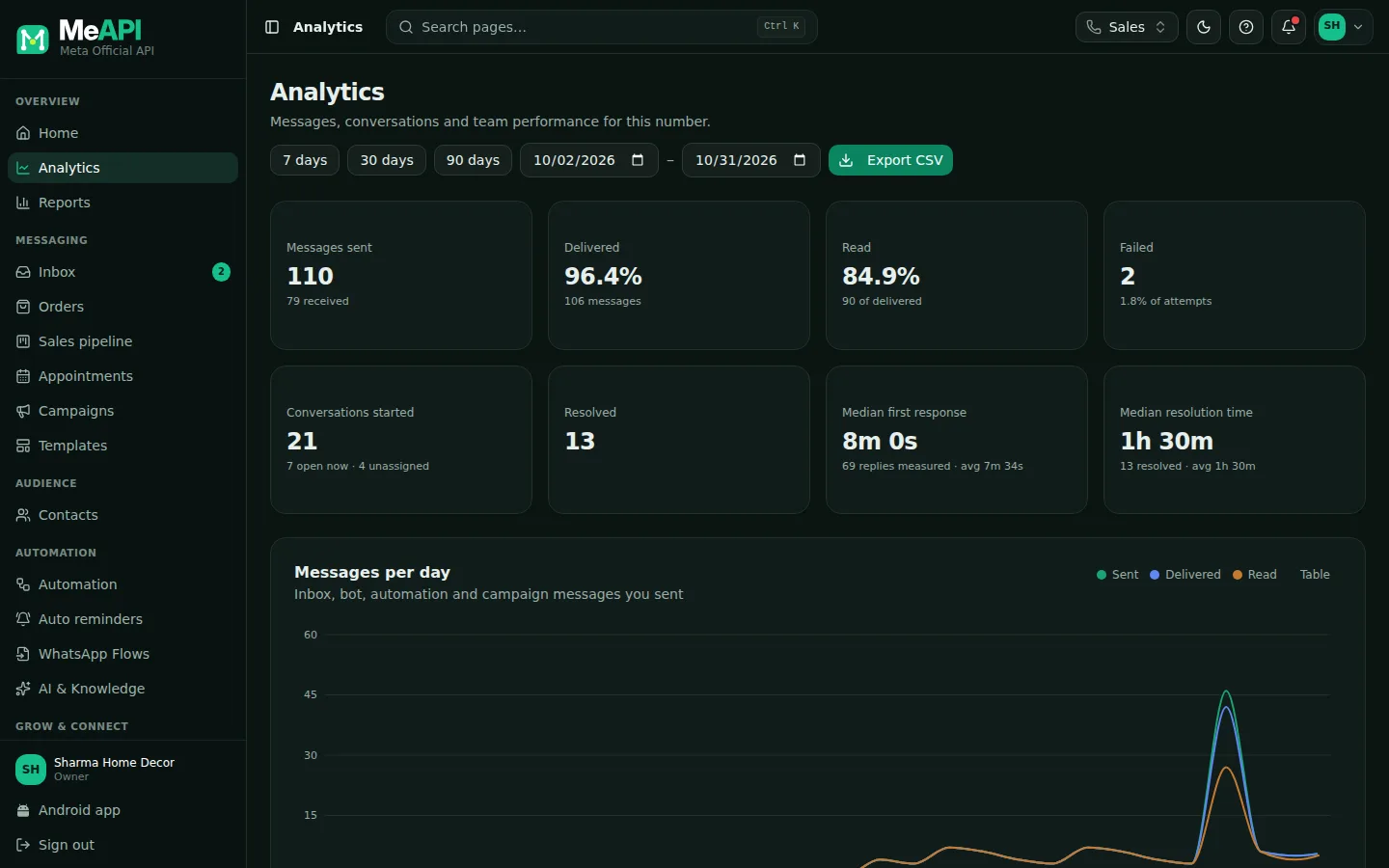
- From and To dates (your time zone) and Export CSV at the top.
- Tiles: Messages sent, Delivered, Read, Failed, Conversations started, Resolved, Median first response and Median resolution time.
- Messages per day, with a Chart / Table switch.
- Further down: Agent performance, Busiest hours, Click-to-WhatsApp ads, Campaign results and CSAT.
- Messages per day: everything you sent (inbox, bot, automations, campaigns) and received, as a chart or a table.
- Conversations started and Resolved.
- Median first response: how long customers waited for a human reply (bot and automations excluded). Median resolution time: how long chats took to resolve.
- Agent performance: messages, chats, resolved chats and first response per agent. Human replies only.
- Busiest hours: customer messages by day and hour.
- Click-to-WhatsApp ads: people who started a chat from your Facebook or Instagram ads or posts.
- Campaign results: campaigns that sent in the range, with replies counted within 3 days.
- Customer satisfaction (CSAT): see CSAT.
Campaign report
Section titled “Campaign report”Open Campaigns → (row menu) → View report:
- Status and progress. Pause or Resume from here, and Export.
- Rates: sent, delivered, read, replied and failed.
- A/B test: only for an A/B campaign. See A/B testing.
- Over time: when messages were delivered and read.
- Failed — Grouped by reason: what Meta said, with the count. Common reasons:
- Not a WhatsApp number — clean your list.
- Message undeliverable / user’s quality restrictions — Meta limits marketing to people who receive a lot of it. Try again later or choose Utility where honest.
- Rate limit / limit reached — over your daily messaging limit.
- Template paused / not approved — check Templates.
- Payment issue — add a payment method in WhatsApp Manager.
- Recipients: everyone with their status, with a search box. Export gives a CSV for Excel. Exporting needs the Campaigns → Export permission.
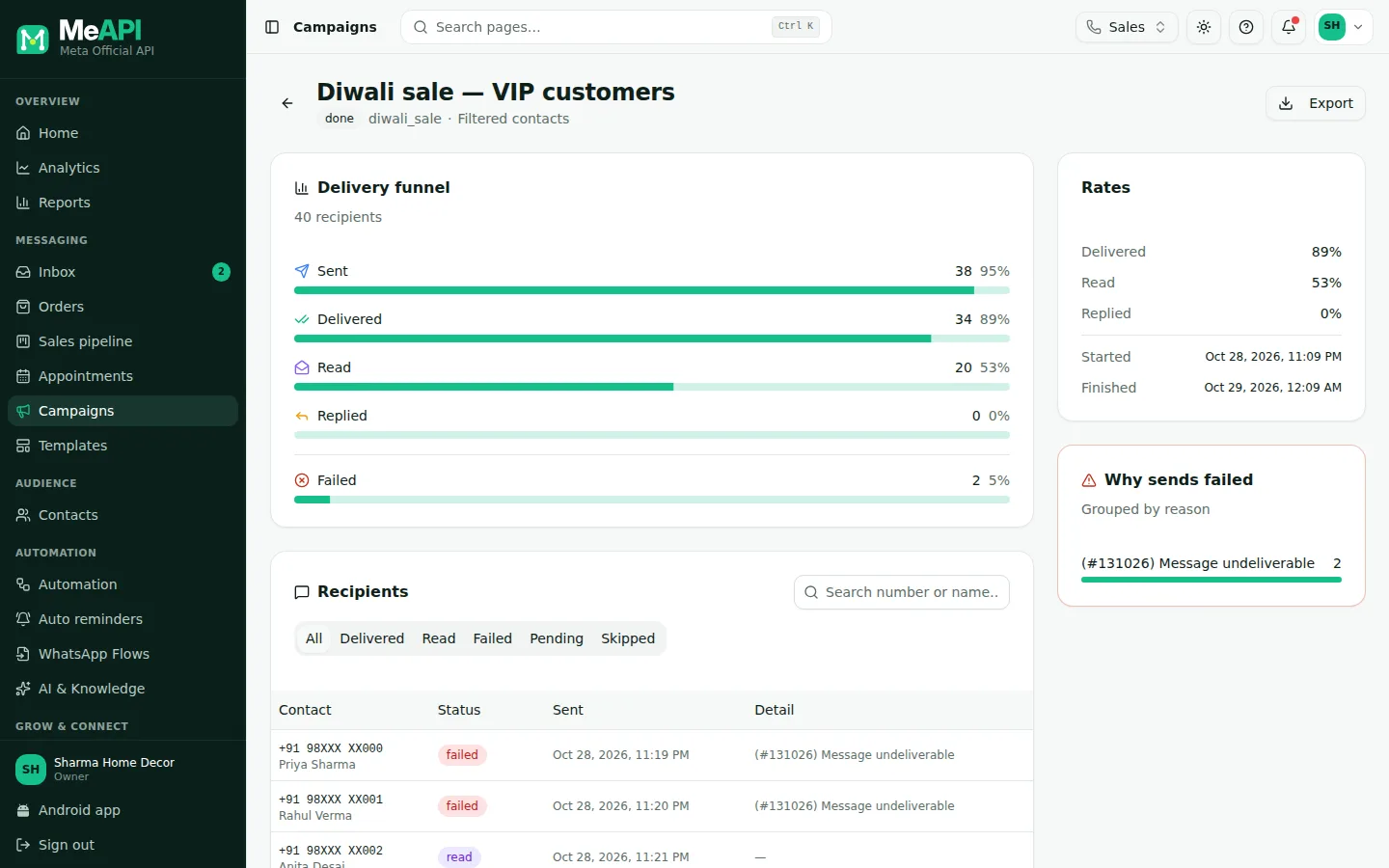
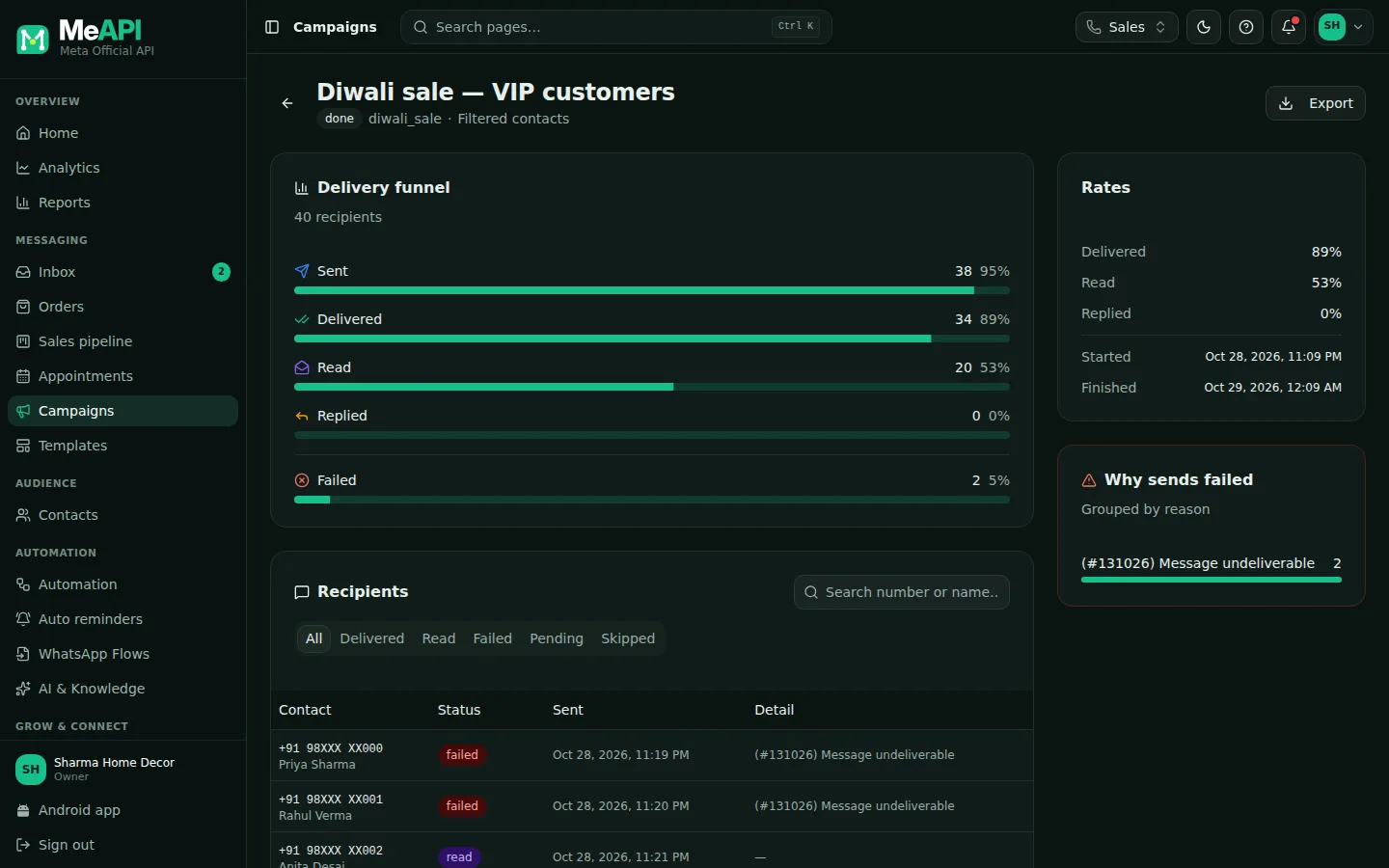
- Campaign name and status, with Pause / Resume and Export.
- Rates: Sent, Delivered, Read, Replied and Failed.
- Over time, failures Grouped by reason, and the recipient list.
What’s next
Section titled “What’s next”Was this page helpful?
Thank you — we read every comment.
Could not send right now. Please try again later.
© 2026 MeAPI by TheWebStore028 · RADHAMADHAV WEBSTORE LLP · GSTIN 27ABJFR6148J1ZO · Contact us ·Cookie settings