

Welcome message, away message and drip sequences
🎯 Goal
Greet every new customer, answer after hours and nurture leads automatically, all in a few minutes.
🧰 What you need
- A connected number
- For the away message: business hours set (Automation → Hours & teams)
Open Automation → Built-ins. Each built-in creates a normal run-alongside flow behind the scenes. Click Open in builder any time to extend it.
Welcome message
Section titled “Welcome message”Sent once, to a customer’s very first message.
- Under Welcome message, write the text:
Hi {{name}}, welcome! 👋 Thanks for messaging us. How can we help you today? - Optional: Then continue in a flow, for example your Main menu chatbot.
- Switch it Active and save.
Away message
Section titled “Away message”Sent when a message arrives outside your business hours.
- Set your business hours first.
- Under Away message, write:
Thanks for your message! We're closed right now and will reply from 10 am. 🙏 - At most once every 12 hours per customer, so people who send several messages don’t get the reply again and again.
- Switch it Active and save.
Both are skipped when a chatbot already answered the message.
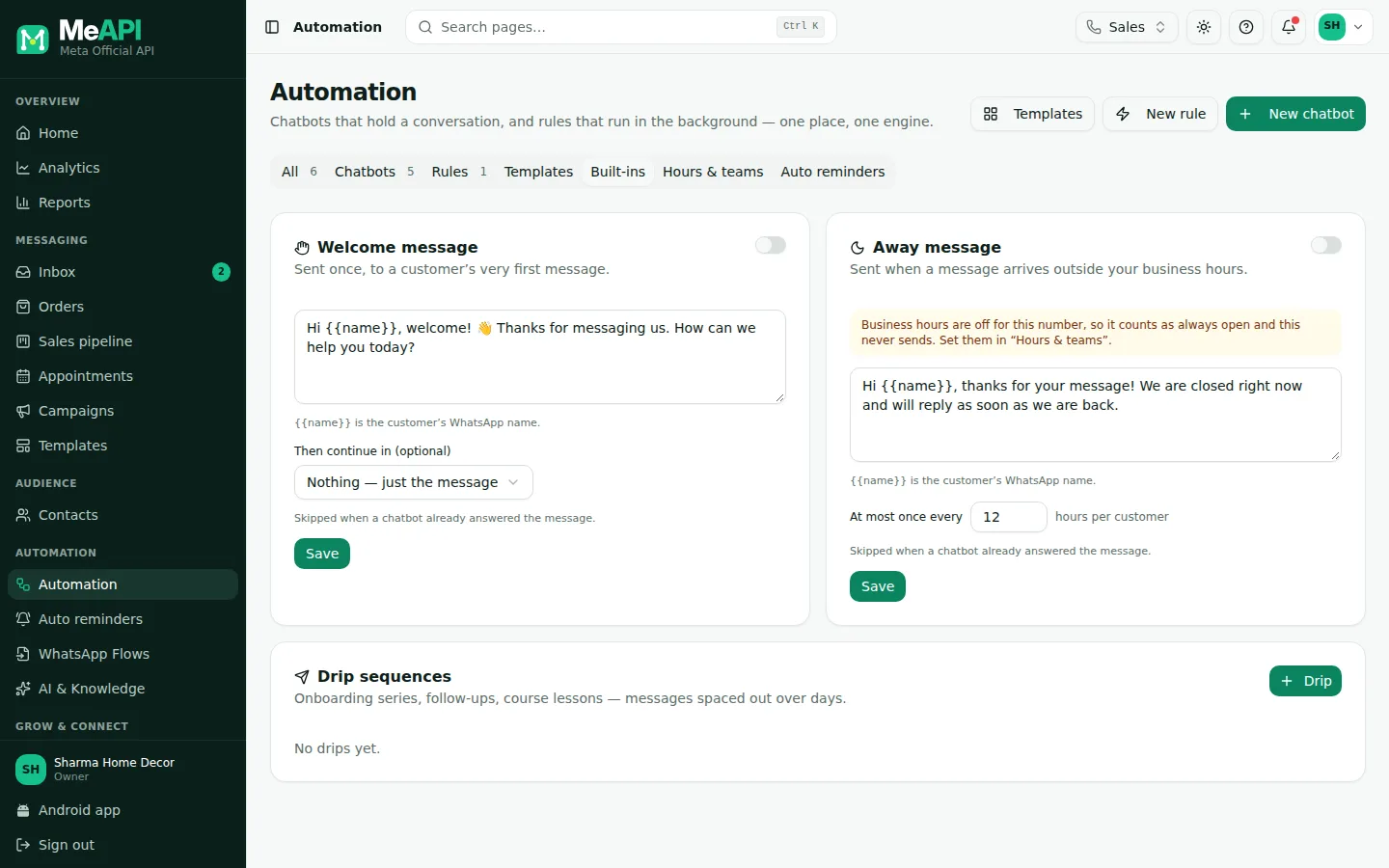
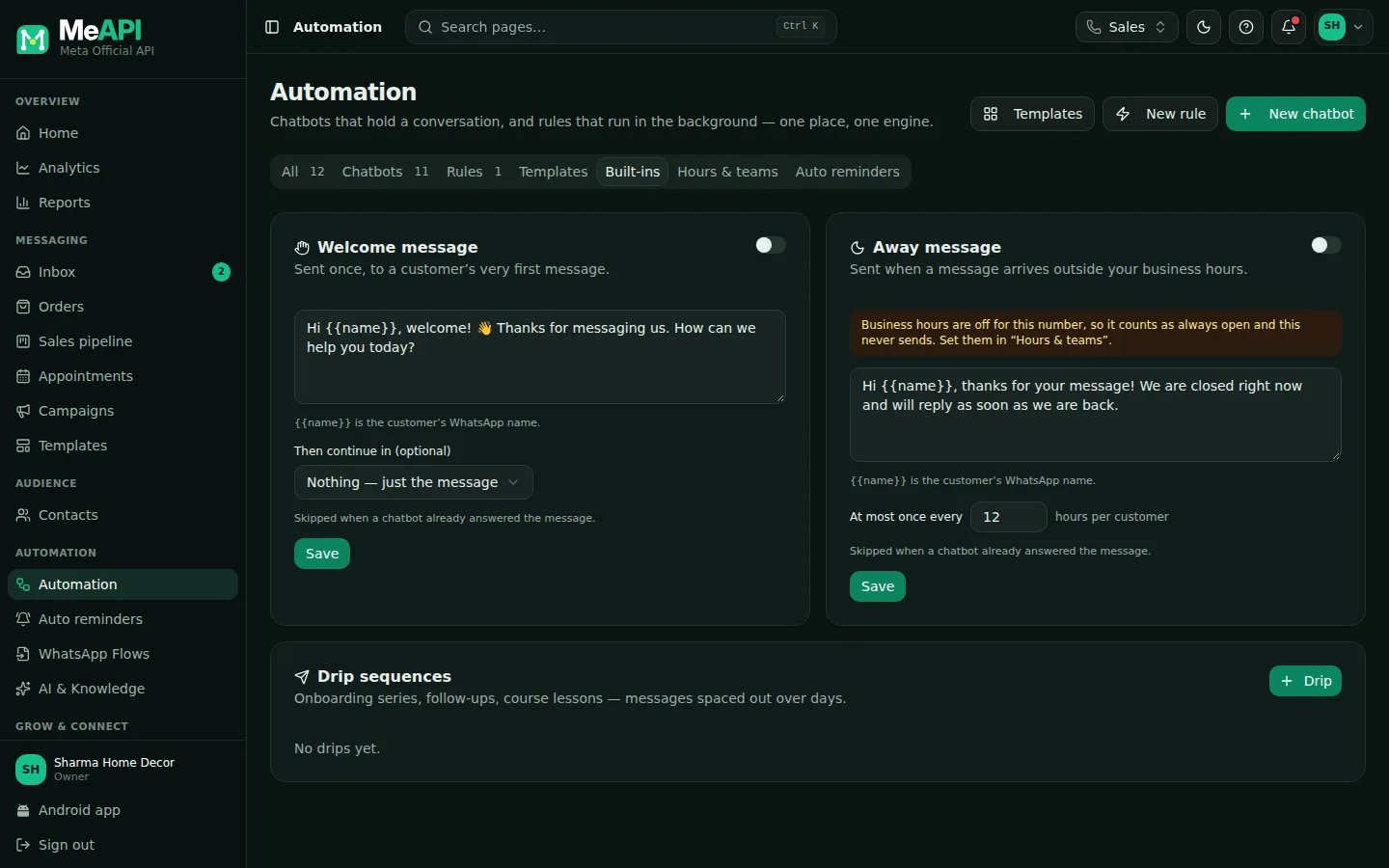
- Welcome message and Away message cards, each with an Active switch and the message text. Variables like {{name}} work.
- Welcome: Then continue in (optional) another flow. Away: At most once every N hours per customer.
- Open in builder opens the flow behind a built-in.
- Drip sequences: your drips with Edit and Builder, and the Drip button for a new one.
Drip sequences
Section titled “Drip sequences”A series of messages spaced out over time, starting when the trigger fires. Examples: onboarding series, follow-ups, course lessons.
- Under Drip sequences, click Drip.
- Name it, for example New lead follow-up, and pick the trigger, for example A tag is added →
lead. - Add Steps. For each one, set Send after (minutes, hours or days after the previous step) and the content:
- Text (only inside the 24-hour window), or
- Approved template (always delivers). Use this for anything sent more than a day later.
- Tick Stop when the customer replies, so a person takes over the conversation naturally.
- Save and switch it on.
Example: Day 0: “Thanks for your interest! Here’s our brochure (PDF)” · Day 1 (template): “Any questions about the brochure, {{1}}?” · Day 3 (template): “This week only: free installation.”
What’s next
Section titled “What’s next”Was this page helpful?
Thank you — we read every comment.
Could not send right now. Please try again later.
© 2026 MeAPI by TheWebStore028 · RADHAMADHAV WEBSTORE LLP · GSTIN 27ABJFR6148J1ZO · Contact us ·Cookie settings