

Automation overview — chatbots, rules and built-ins
🎯 Goal
Understand the automation building blocks, so you pick the right one for each job and launch your first bot in minutes.
🧰 What you need
- A connected number
Two kinds of flow, one engine
Section titled “Two kinds of flow, one engine”| Chatbot (conversational) | Rule (run-alongside) | |
|---|---|---|
| What it does | Holds a conversation: asks, waits for answers, branches | Does something in the background when an event happens |
| Examples | Main menu, lead capture, order status bot, booking | Tag price enquiries, notify sales on “bulk order”, follow up if nobody replied |
| Waits for replies? | Yes | No. Steps that wait aren’t available |
| Several at once? | One chatbot holds a chat at a time | Many can run on the same message |
New chatbot and New rule both open the same builder. A flow is a rule when Background rule (runs next to chatbots) is on in its trigger panel.
The Automation page
Section titled “The Automation page”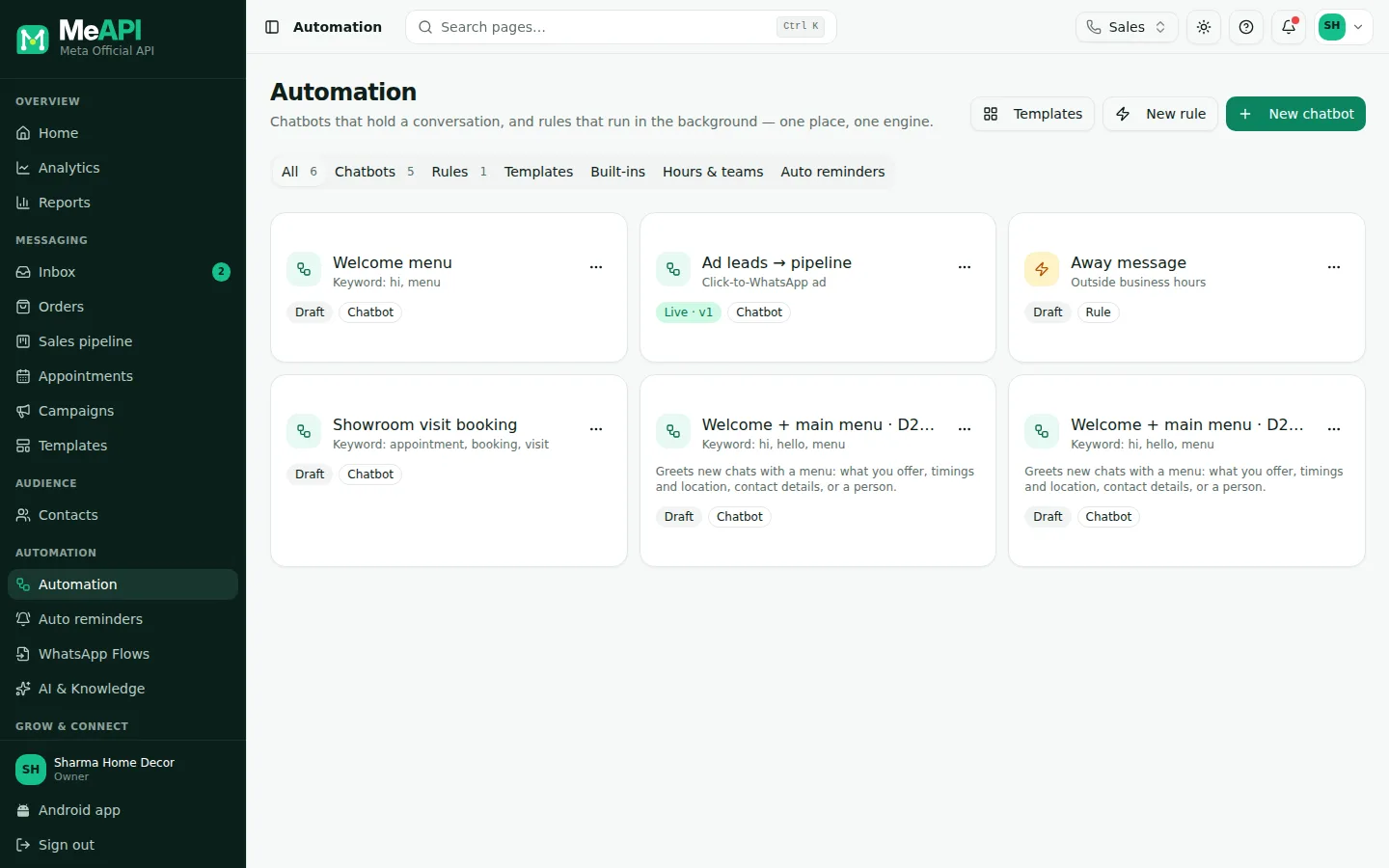
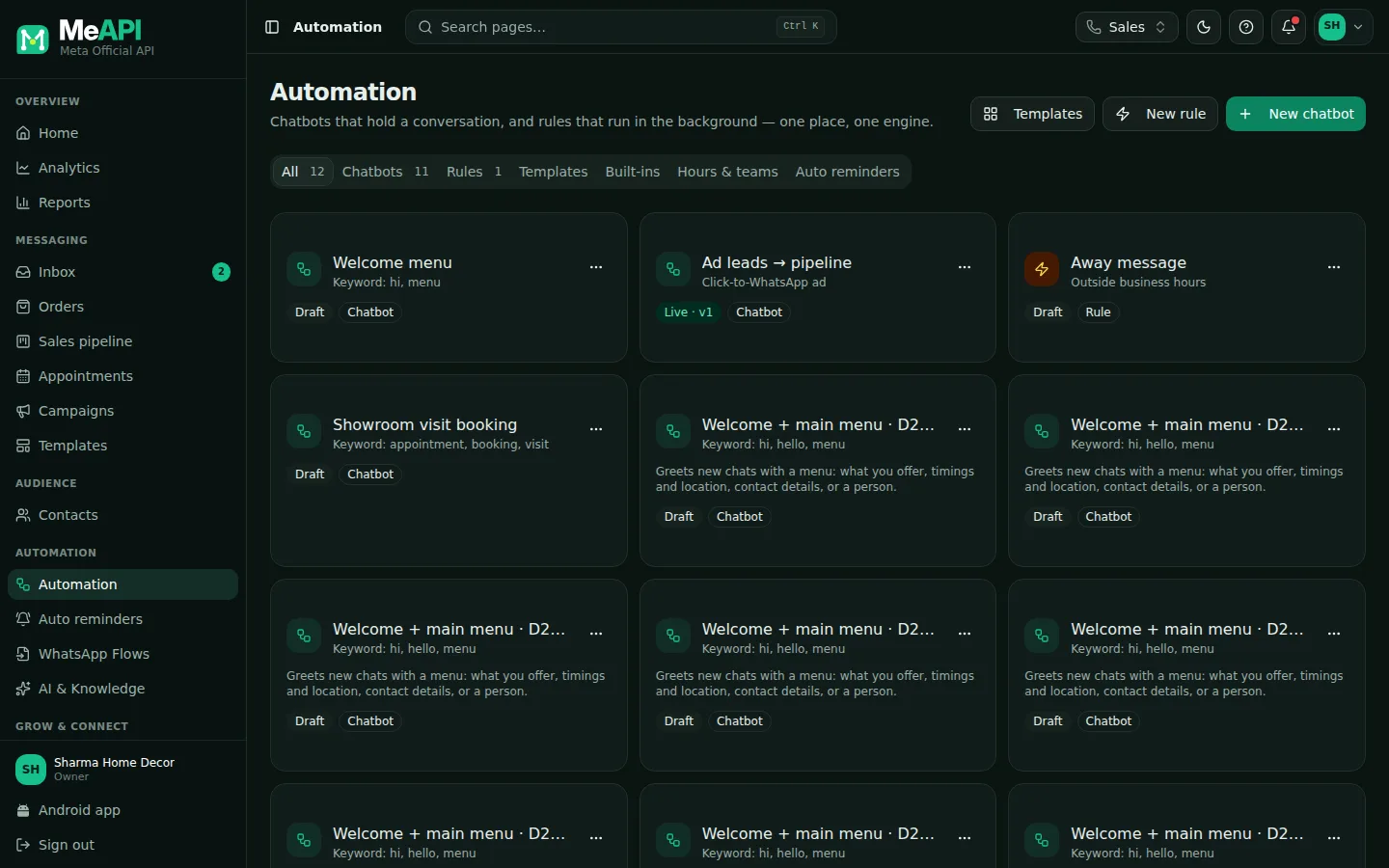
- Top right: Templates, New rule and New chatbot.
- Tabs: All, Chatbots, Rules (each with a count), Templates, Built-ins, and Hours & teams.
- One card per flow: its name and trigger, a Live · v3 or Draft badge, Chatbot or Rule, and how many chats are in progress.
- The ⋯ menu on a card: Edit, Pause (or Publish), Duplicate, Delete. Click the card to open the builder.
Steps: launch your first chatbot from a template
Section titled “Steps: launch your first chatbot from a template”- Open Automation and click Templates.
- Pick Welcome + main menu, check the Chat preview, and click Use this template.
- Fill in your business name, timings, address and links, then Create draft. The draft opens in the builder — see Start from a chatbot template.
- Click Test and type
hias the customer. The path lights up on the canvas; nothing is sent. - Click Publish, add an optional note, and confirm. The switch beside the flow name turns On. Send hi from your phone to your business number to try it for real.
Below the templates, Classic starter flows has 15 more: Main menu · Lead capture · Order status lookup · Appointment booking · Customer feedback (CSAT) · AI answers with human fallback · After-hours lead capture · Click-to-WhatsApp ad welcome · Order confirmation + review request · Birthday wishes · Welcome back after opt-in · Support triage · Product catalogue browser · Language picker · Abandoned cart reminder (webhook).
Safety rules built in
Section titled “Safety rules built in”- Flows only start from customer messages (or explicit events), so a bot’s own message never triggers another bot.
- Loop caps: a run stops after 50 steps, a step visited 3 times, or 5 jumps between flows.
- An agent’s reply pauses the bot on that chat for 2 hours. A Human handoff step pauses it for 12 hours.
- The 24-hour window is respected: outside it, message steps need a template, or the flow stops.
Drafts, publishing and versions
Section titled “Drafts, publishing and versions”You edit a draft. Publish makes it live. Chats already inside the flow finish on the version they started with; new chats use the new version immediately. Every publish is kept under Versions, where you can compare, load an old version as the draft, or roll back. Rules converted from the old automations page carry a from old automations badge. See Test, stats and versions.
What’s next
Section titled “What’s next”Was this page helpful?
Thank you — we read every comment.
Could not send right now. Please try again later.
© 2026 MeAPI by TheWebStore028 · RADHAMADHAV WEBSTORE LLP · GSTIN 27ABJFR6148J1ZO · Contact us ·Cookie settings