

WhatsApp account alerts and codes
🎯 Goal
Hear about payments, renewals and problems on WhatsApp the moment they happen, without missing an email.
🧰 What you need
- A MeAPI account (the account owner)
- Your WhatsApp number on the account
MeAPI sends account alerts from its official WhatsApp number, +1 248-914-2182, shown in WhatsApp as MeAPI. Every alert comes with its email, never instead of it. There are no offers in these alerts.
| Alert | When |
|---|---|
| Welcome | Right after you sign up, once your number is verified |
| Payment received | A payment is approved: the plan, its end date and a link to your invoices |
| Renewal reminder | 7, 3 and 1 day before your plan ends (at most one a day). On a monthly plan: 3 days before and on the day it ends |
| Plan expired | The day after your plan ended, if it was not renewed, with a link to your Subscription page |
| Number problem | Meta reports a problem only you can fix on one of your WhatsApp numbers |
| Support ticket | Our team replied to your ticket, or closed it |
| New sign-in | Your account was signed in on a device it never used before |
| Codes | A 6-digit code when you verify your number or reset your password (step 2 and 3) |
1. Turn the alerts on or off
Section titled “1. Turn the alerts on or off”Left menu → Account → Account (or your initials at the top right → Account & password), then the Notifications · WhatsApp alerts card.
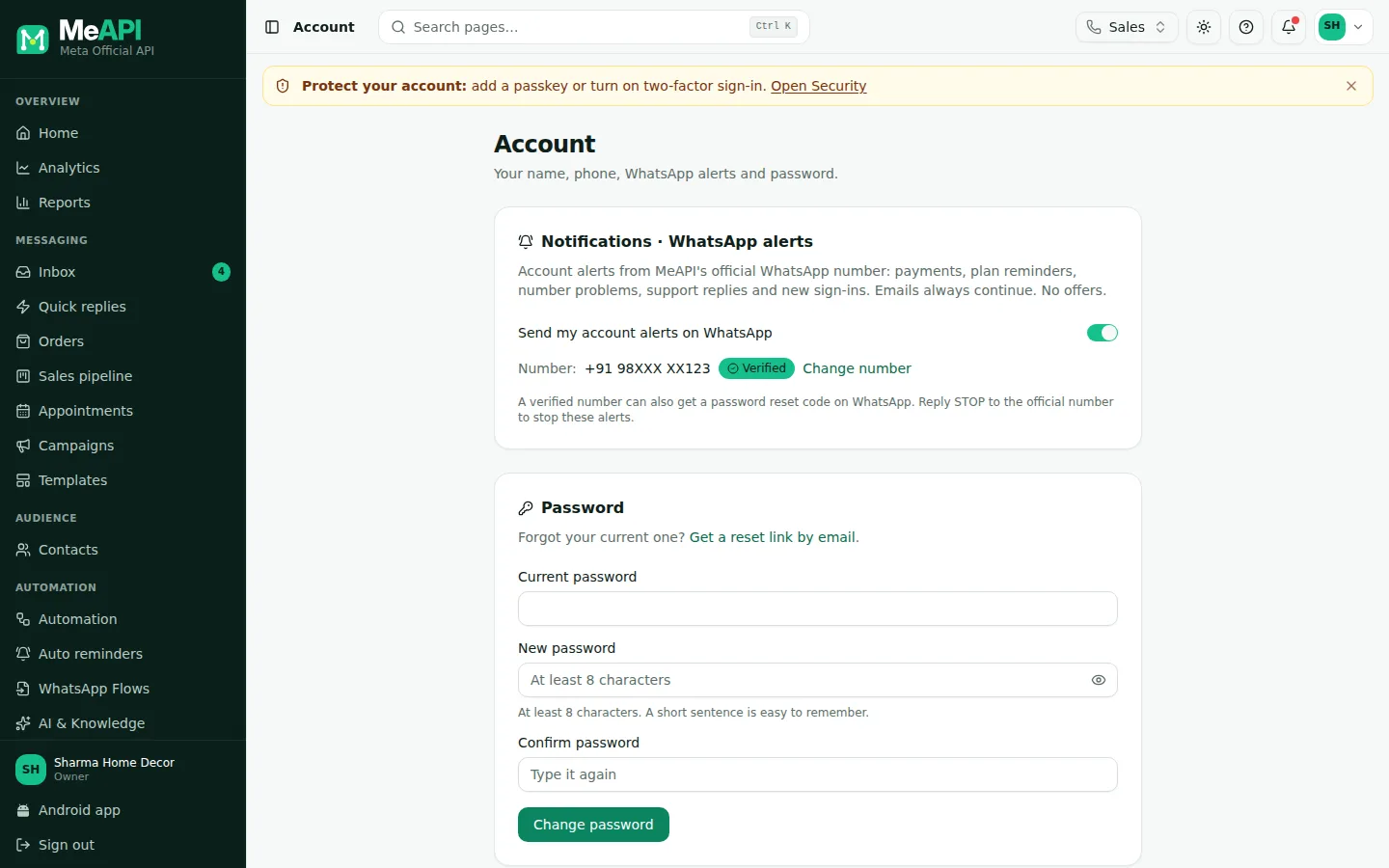
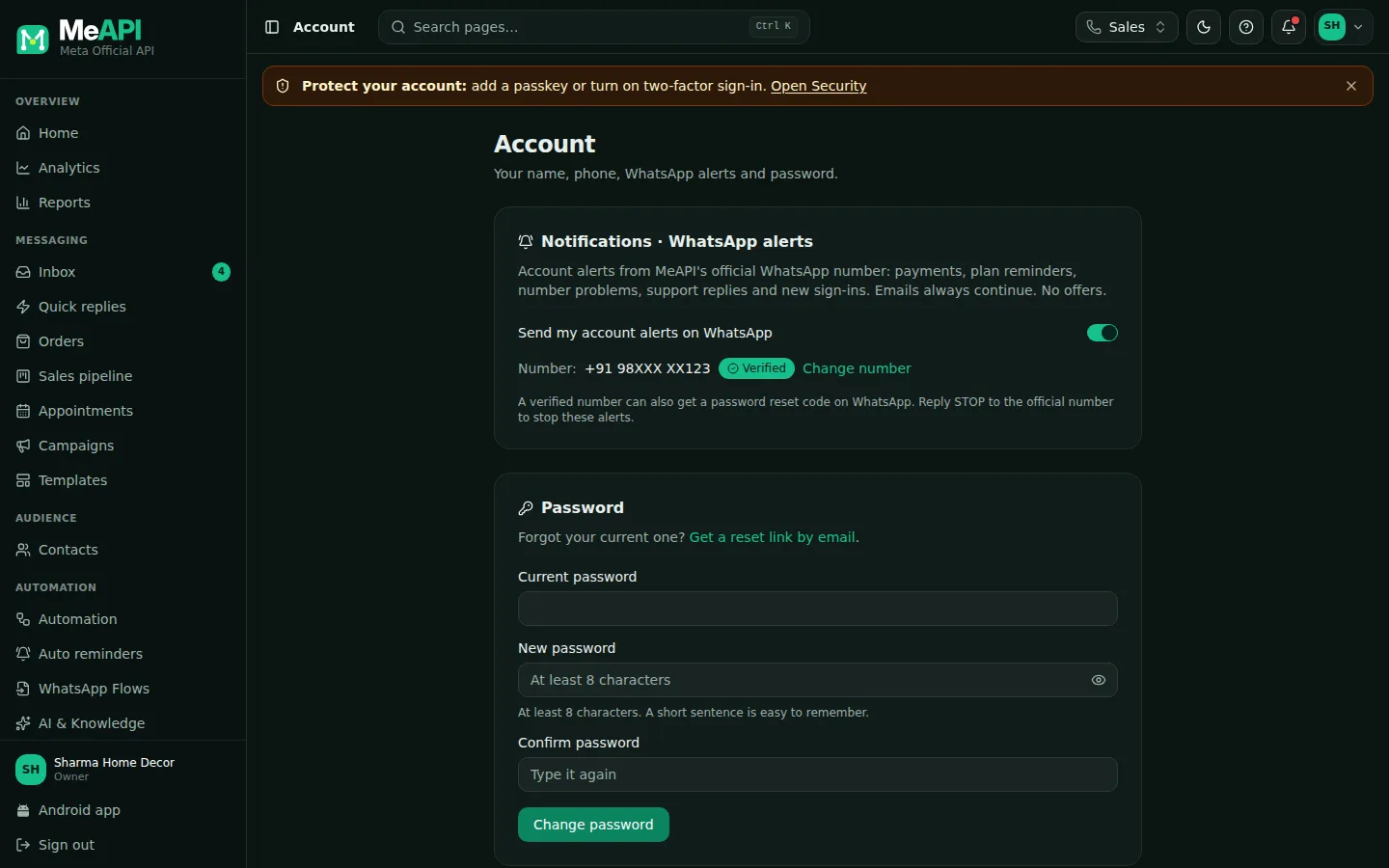
- Send my account alerts on WhatsApp: on for every account until you turn it off. Emails always continue.
- Number: the WhatsApp number we send them to, and whether it is verified.
- Verify with a code / Change number: see step 2.
You can also reply STOP to the official number: that turns your alerts off, and WhatsApp codes stop too. Reply START to get both again.
2. Verify your WhatsApp number
Section titled “2. Verify your WhatsApp number”- On the card, click Verify with a code (or Change number to use another number).
- Check the number, with its country code, and click Send code on WhatsApp.
- Open WhatsApp: a message from MeAPI holds a 6-digit code with a Copy code button.
- Type the code and click Verify. The card shows Verified.
When you sign up, the form has the same box, Send my account alerts on WhatsApp, under your WhatsApp number, with Verify this number. It is optional: your account is made either way, and the WhatsApp welcome comes only to a verified number.
3. Forgot your password? Get a code on WhatsApp
Section titled “3. Forgot your password? Get a code on WhatsApp”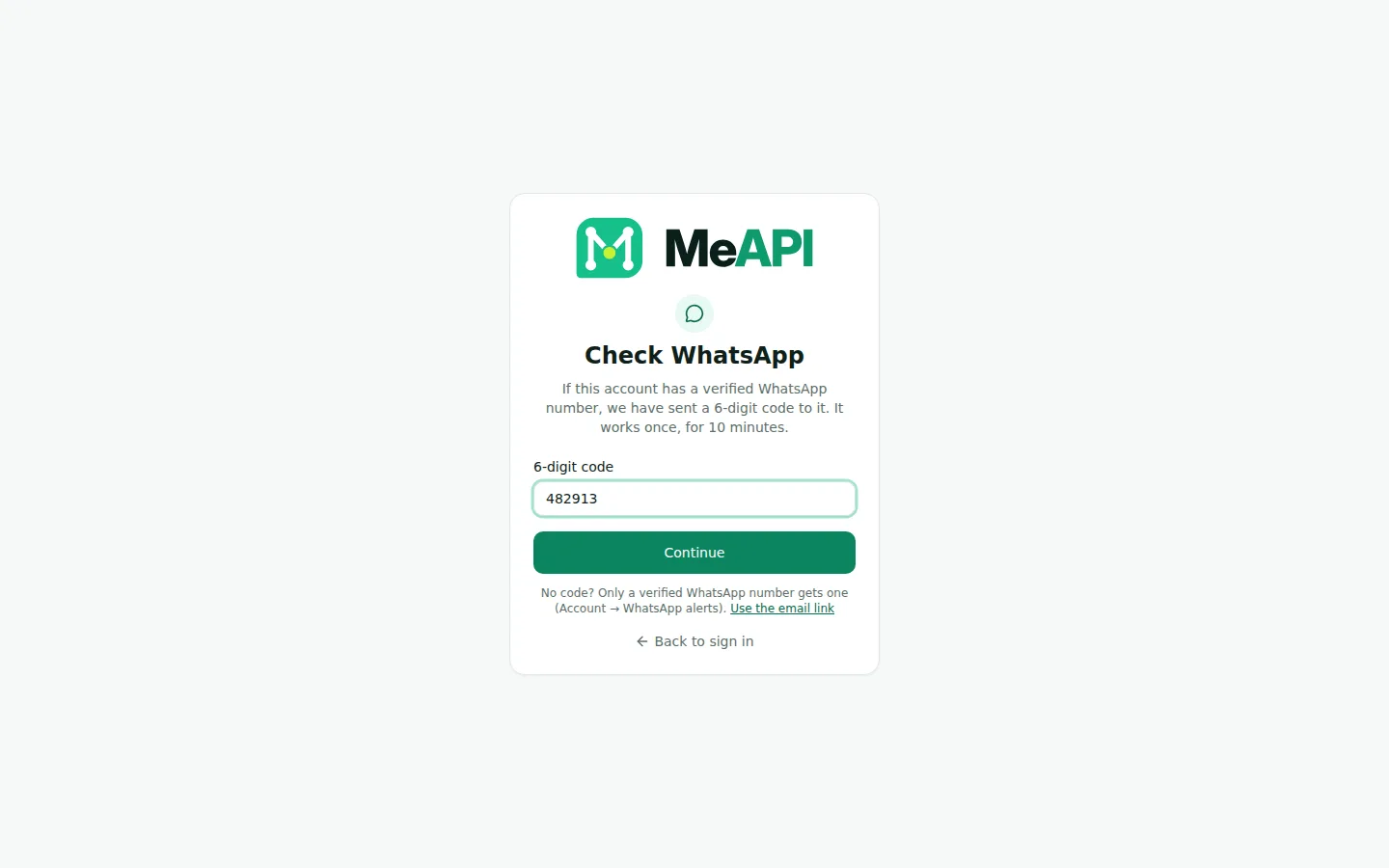
- On Forgot your password?, click Get a code on WhatsApp instead, enter your account email and click Send code on WhatsApp.
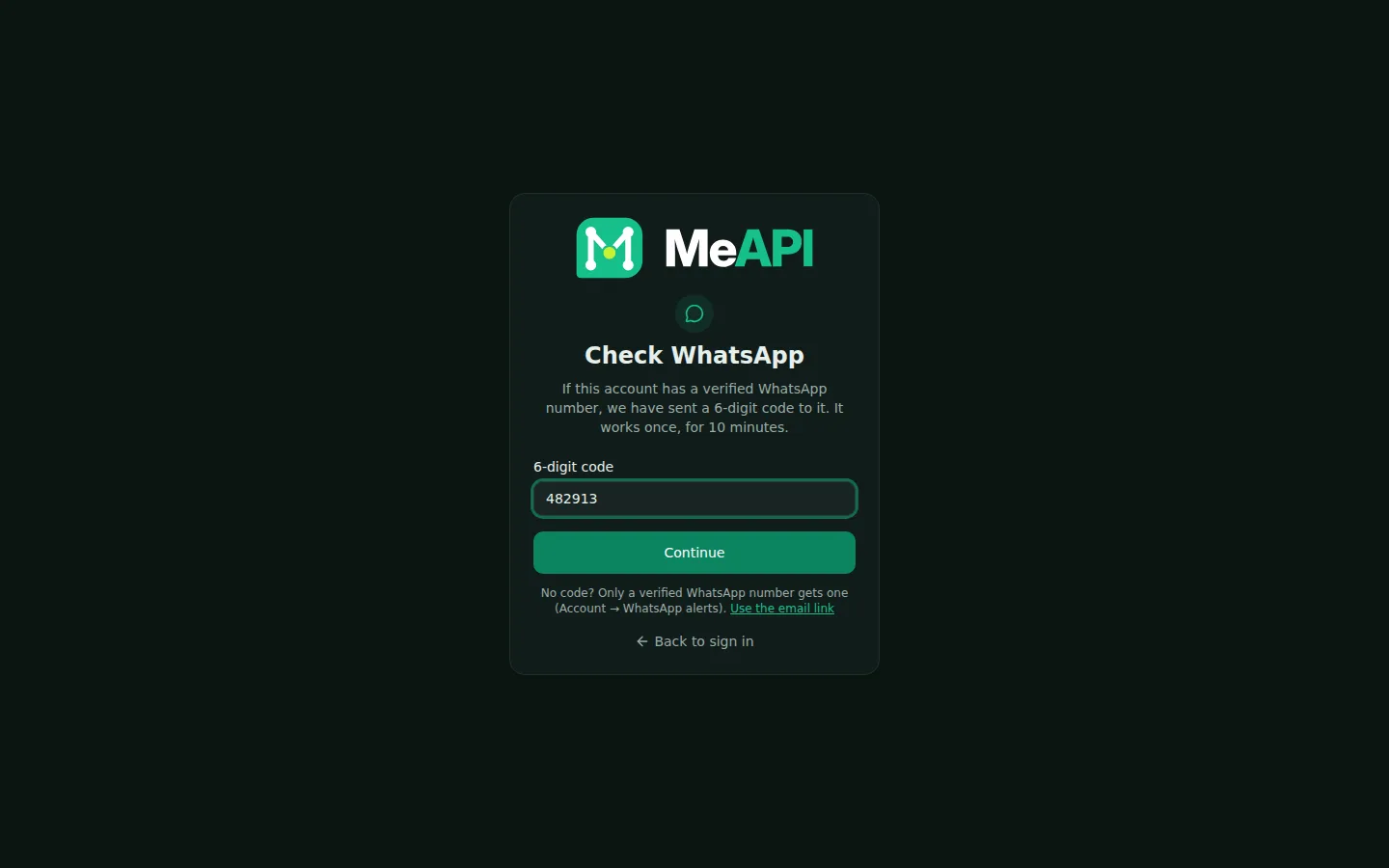
- Type the 6-digit code from WhatsApp and click Continue: you choose a new password on the usual page.
- The code goes only to a verified number (step 2). No code? Click Use the email link.
A code works once, for 10 minutes. After five wrong tries, ask for a new one. Two-factor sign-in still uses your authenticator app or a passkey, never a WhatsApp code.
If something goes wrong
Section titled “If something goes wrong”- No alerts arrive. Check the switch and the number on the card. Alerts are sent only once each message is approved by WhatsApp; your emails arrive meanwhile.
- “We could not send a WhatsApp code to this number.” Check the number and its country code, and that WhatsApp is installed on it.
- “Too many codes for this number.” Wait 15 minutes, or use the email link.
- “That code is not right.” Use the newest code: asking again cancels the earlier one.
What’s next
Section titled “What’s next”Was this page helpful?
Thank you — we read every comment.
Could not send right now. Please try again later.
© 2026 MeAPI by TheWebStore028 · RADHAMADHAV WEBSTORE LLP · GSTIN 27ABJFR6148J1ZO · Contact us ·Cookie settings
Registered Office: 19th Floor, A-1903, Exotica Wing A, Casa Rio Main Road, Lotus Pond, Palava City Phase 1, Kalyan, Thane, Maharashtra 421204, India
Operations: Thaltej, Ahmedabad, Gujarat
Phone / WhatsApp: +91 91676 96213 · Email: support@meapi.in ·Terms · Refund & cancellation · Shipping & delivery