

Seats and invoices to your customers
🎯 Goal
Understand seat billing, give seats to your resellers, and send your own invoices to your customers.
🧰 What you need
- A partner plan
- For seats: a partner plan that bills by seats, and money in your Wallet
Partner plans billed by seats
Section titled “Partner plans billed by seats”Some partner plans bill by seats instead of per customer. Your plan shows it on its Seats page. Nothing changes for a partner plan that bills per customer.
- Seats per customer plan. Your plan comes with free seats for each customer plan, and you can buy more from your wallet at the seat price for 12 months. Free seats of one plan are never used for another.
- Each paid customer uses one seat of its plan. Trials use none. A paused or switched-off customer keeps its seat; one that expires ends it. A seat is never moved to another customer while it runs.
- No free seat? One is bought from your wallet by itself. If the wallet is short, the customer is not created: it waits for your top-up and is created by itself, or is cancelled after 7 days. Nothing is ever owed, and your customers’ checkout shows “Not available right now” until a seat can be had.
- Renewal: seats in use renew for 12 months from your wallet on their end date, and seats not in use end. You are told 7 days before by email and WhatsApp.
- Resellers (sub-admins): creating one is free. Give each reseller seats per plan and a cap. It uses its own seats, then your free ones up to its cap, then a seat is bought from your wallet. MeAPI never bills your reseller, and you never see the prices it sells at.
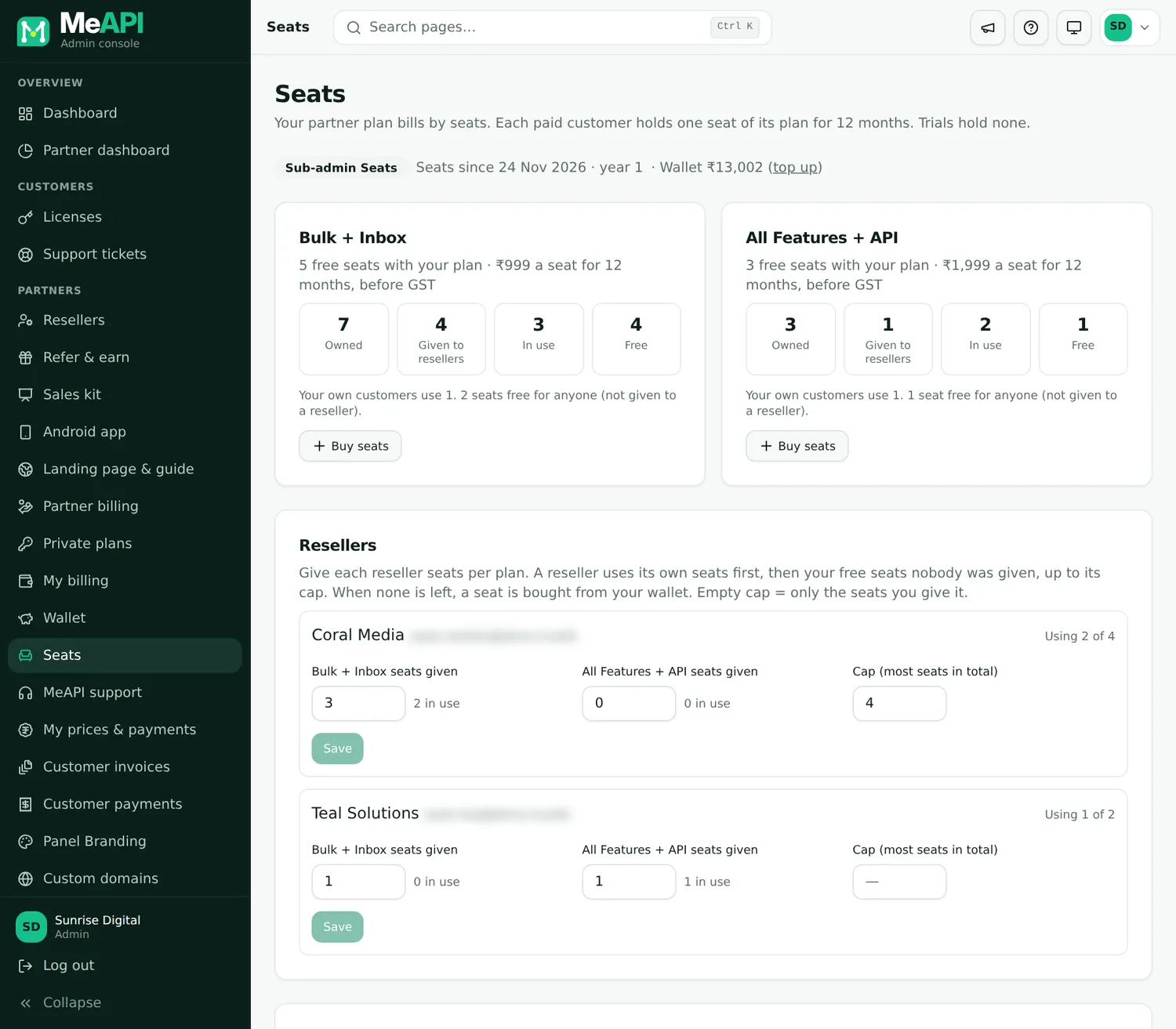
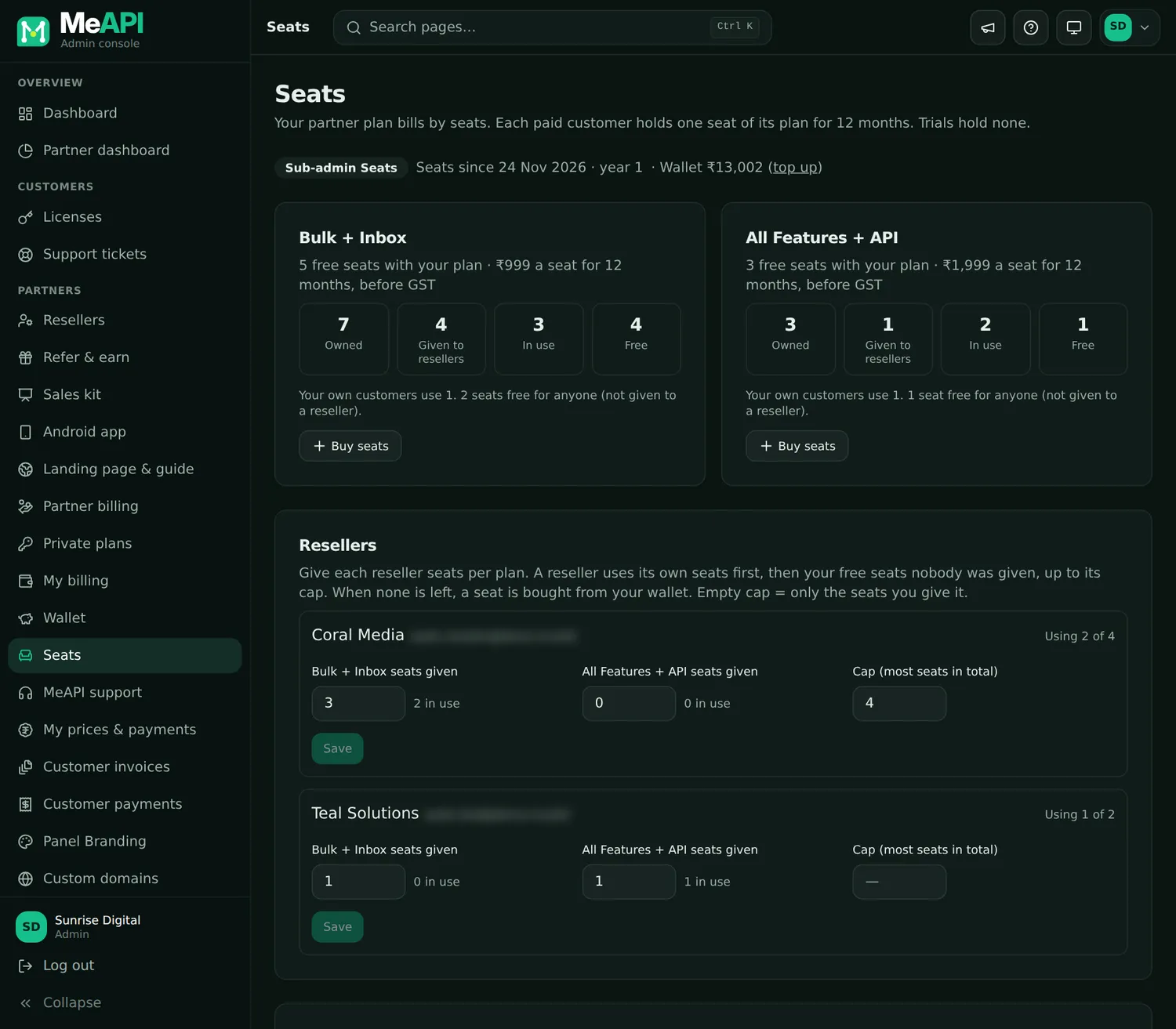
- Seats per plan: owned, given to resellers, in use, free.
- Buy seats: the price for 12 months and the GST, paid from your wallet.
- Resellers: the seats you give each one and its cap.
- Seats: who uses each seat, the customer's plan and end date.
Invoices to your customers
Section titled “Invoices to your customers”The panel can make a document in your own name for every payment your customers make you. It is off until you switch it on in Customer invoices, and every partner has it: sub-admins and resellers, each in its own name.
- Your GST registration decides the document: Regular GST → a tax invoice with your GST; Composition scheme → a bill of supply; not registered → an invoice marked “Not registered under GST”, with no GST. Confirm with your CA which one you need: you stay responsible for your invoices and returns.
- E-invoicing: to switch it on you confirm your yearly turnover is below five crore rupees, so e-invoicing (IRN) does not apply to you. Above that, you issue e-invoices on the government portal yourself.
- SAC: every document prints your SAC, which starts as the one MeAPI uses.
- One document per payment, with CGST + SGST for a customer in your state and IGST for one in another. Your customers are asked their state at checkout.
- Mark as paid takes the amount received including GST and splits it.
- Refunds make a credit note. A full refund asks whether to end the customer’s plan; a part refund never does. A credit note can be made only until 30 November after the end of the invoice’s financial year.
- Your resellers (sub-admins): use Mark as paid on a reseller to send it a document for what you charge it, such as seats or your fee, with the same numbering and GST rules.
- Your customers get the document by email and under Invoices on their Subscription page. Nothing on it names anyone but you.
- Download CSV gives your CA every document.
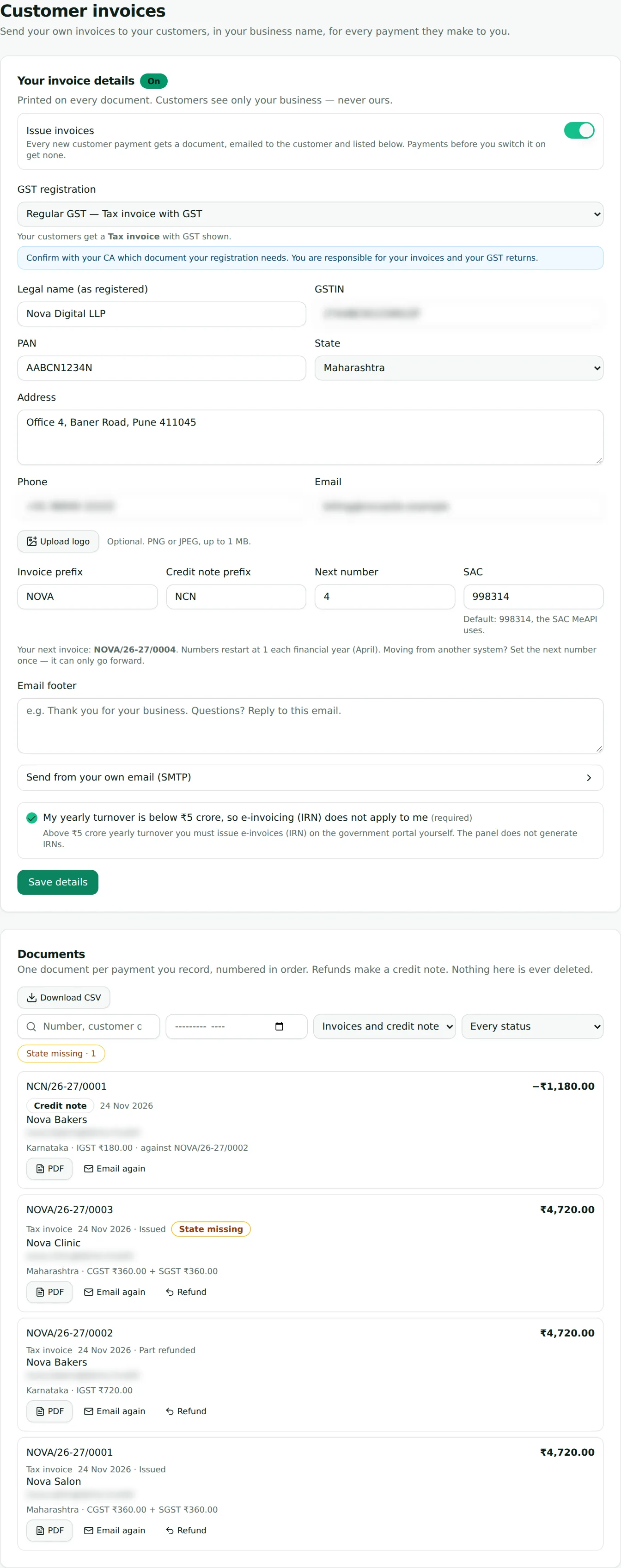
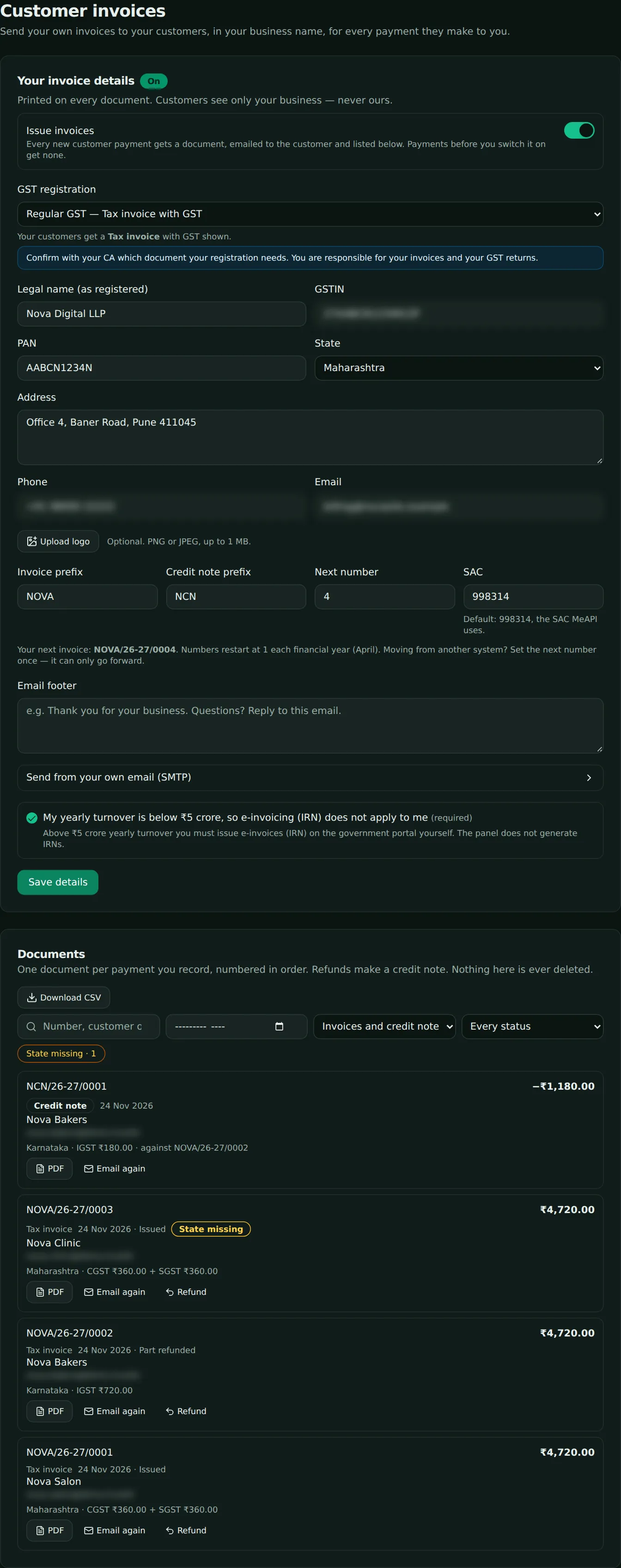
- Your details: registration, legal name, GSTIN, address, state, prefix and next number.
- Issue invoices: the switch, which only goes on once the details are filled.
- The list: PDF, Email again, Refund and Download CSV.
In the Partner Guide
Section titled “In the Partner Guide”The full rules are in the Partner Guide inside your partner panel. It needs a partner sign-in.
What’s next
Section titled “What’s next”Was this page helpful?
Thank you — we read every comment.
Could not send right now. Please try again later.
© 2026 MeAPI by TheWebStore028 · RADHAMADHAV WEBSTORE LLP · GSTIN 27ABJFR6148J1ZO · Contact us ·Cookie settings
Registered Office: 19th Floor, A-1903, Exotica Wing A, Casa Rio Main Road, Lotus Pond, Palava City Phase 1, Kalyan, Thane, Maharashtra 421204, India
Operations: Thaltej, Ahmedabad, Gujarat
Phone / WhatsApp: +91 91676 96213 · Email: support@meapi.in ·Terms · Refund & cancellation · Shipping & delivery