

How to start a WhatsApp API business, step by step
🎯 Goal
Understand how a WhatsApp API business works, then follow the steps from your first idea to your first customer.
🧰 What you need
- Your business details, with a GSTIN or PAN
- A domain you own, if you want to sell under your own brand
- Time to look after your customers. They come to you first
What a WhatsApp API business is
Section titled “What a WhatsApp API business is”Businesses use WhatsApp for sales and support. To do that with a team, they need Meta’s official WhatsApp Cloud API and a panel on top of it: an inbox, campaigns, templates and, on the bigger plan, chatbots.
You sell that panel to businesses. MeAPI runs the platform behind you. You choose your partner plan, set your own prices and collect the money yourself. Your customers are yours: you sell to them, support them first and keep them informed.
Who does what
Section titled “Who does what”| Job | You | MeAPI | Meta |
|---|---|---|---|
| Selling, your prices, collecting from customers | Yes | ||
| Invoices and tax on what you charge | Yes | ||
| “How do I…?” questions | First | Helps you if you are stuck | |
| Helping a customer connect a number | First | Helps you if you are stuck | Decides eligibility |
| Something broken in the panel | Tell us | Fixes it | |
| Message charges | The customer pays Meta directly | ||
| Template approval, quality, limits, restrictions, bans | Guides the customer | Explains what it can see | Decides |
The service depends on Meta’s platform, which we do not control. We cannot lift a ban, approve a template or raise a limit, and neither can you. Never promise a customer any of these.
The steps
Section titled “The steps”-
Decide how you want to sell. Share a link and earn commission, sell under MeAPI’s name, or sell under your own brand. See Choosing your partner plan.
-
Apply. On the application page, pick a plan, add your business details and accept the Partner Agreement. There is nothing to pay on the form.
-
Sign in to your partner panel. When your application is approved, we email you a link to choose your password. Then sign in, accept the Partner Agreement and turn on two-factor sign-in. On a white-label plan you sign the White-label Partner Agreement in the panel: read it to the end, tick the box, type your name and title, add your business’s legal name and registered address if we don’t have them, and enter the one-time code we send to your registered email or WhatsApp. We email you a PDF of the agreement with its acceptance certificate.
-
Pay what your plan asks for first. Referral partner and Reseller have nothing to pay at the start. Free White-label starts with one customer account. Paid and 2-Year White-label start with a payment request. See Partner billing.
-
Add your brand and domain. This is for the white-label plans. Create your brand on Panel Branding, then add one DNS record. See Connecting your domain.
-
Set your prices. Open My prices & payments. Type your yearly price for each plan you sell, and add at least one way to pay: Razorpay, UPI or bank. Without this, a customer cannot buy from you. You can also sell monthly, quarterly or half-yearly: switch the length on under the plan and type a price per month. No price can be below your cost, which the page shows, and Your margin at the bottom shows what you keep.
-
Test it as a customer. Make a test customer with a second email of yours. Check the name and logo, your prices on Subscription, and connect a number you own. Send it a message from another phone and check that it reaches Inbox.
-
Add your first customer. See Adding your first customer.
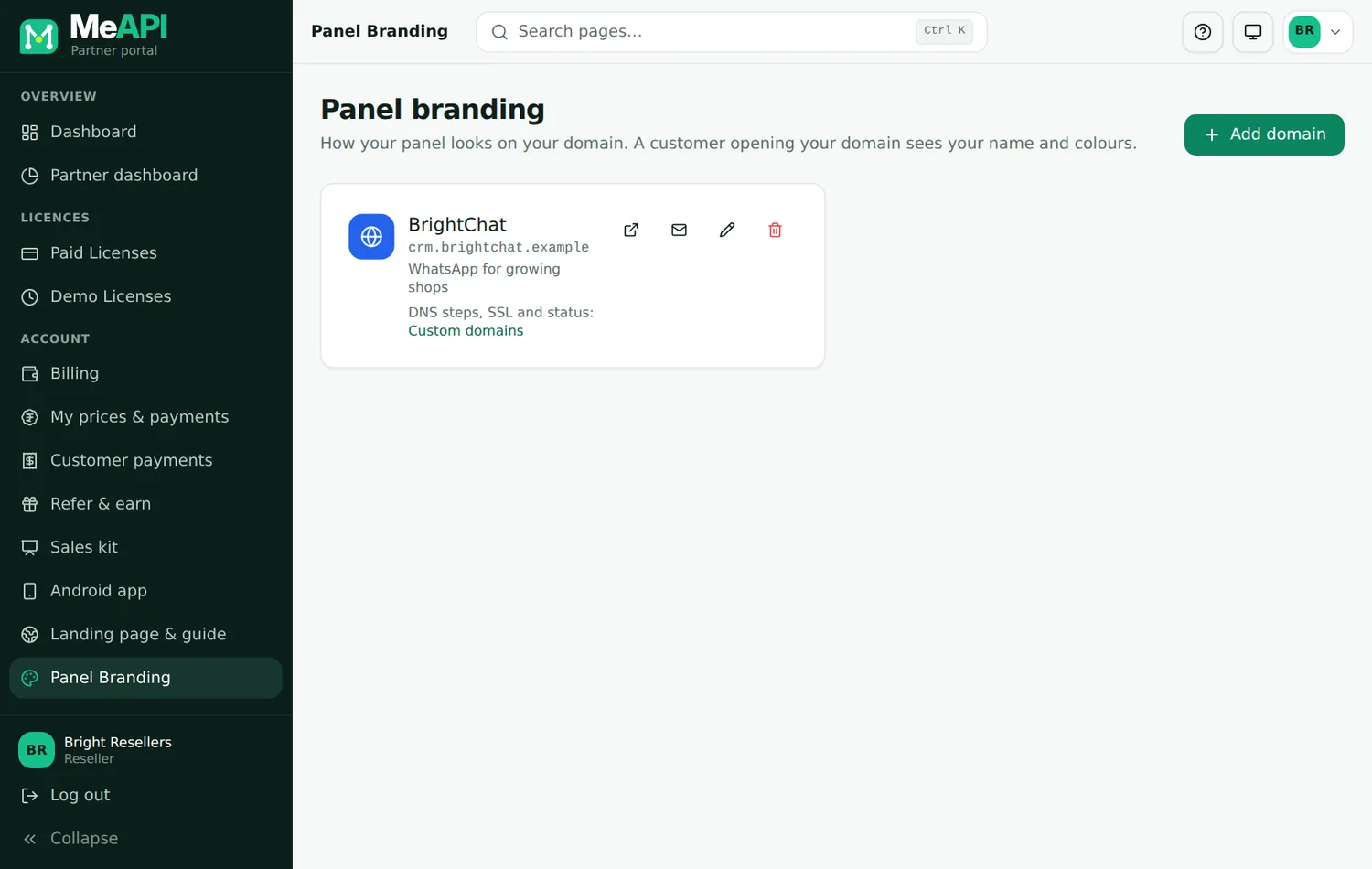
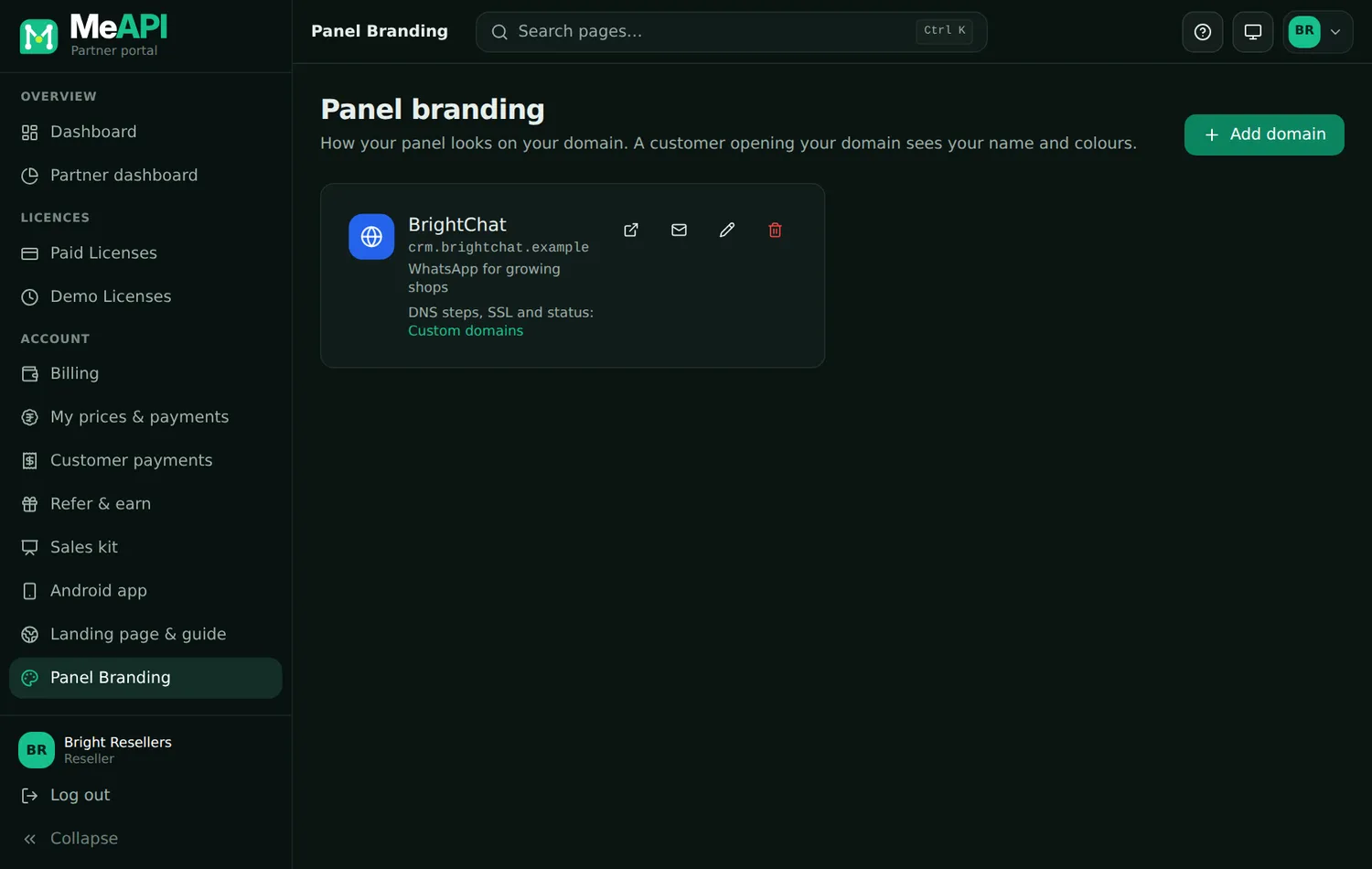
- Panel Branding holds your brand, your address and your contacts. Sample data.
An example with today’s prices
Section titled “An example with today’s prices”This table uses today’s live prices. It is an example of the arithmetic, not a forecast. It leaves out your own costs, such as staff, advertising and tax. Meta’s message charges are not in it either, because each customer pays Meta directly.
Example only. Every customer on Starter Annual Plan, and you charge ₹999 a year + GST — what MeAPI’s Starter Annual Plan costs a direct customer. Your own prices and plan mix will differ. Before GST; a 2-year fee is spread over its years. Referral partner: your customers pay MeAPI that price and you earn 20%.
| You keep a year | 10 customers they pay you ₹9,990 | 25 customers they pay you ₹24,975 | 50 customers they pay you ₹49,950 |
|---|---|---|---|
| Referral partner | ₹1,998 20% of ₹9,990 | ₹4,995 20% of ₹24,975 | ₹9,990 20% of ₹49,950 |
| Reseller | ₹9,990 cost ₹0 | ₹24,975 cost ₹0 | ₹49,950 cost ₹0 |
| Free White-label | ₹2,000 cost ₹7,990 | ₹5,000 cost ₹19,975 | ₹13,995 cost ₹35,955 (−10% volume) |
| Paid White-label | −₹10,009 cost ₹19,999 | −₹7,009 cost ₹31,984 | ₹1,187 cost ₹48,763 (−10% volume) |
| 2-Year White-label | −₹7,510 cost ₹17,500 | ₹7,476 cost ₹17,500 | ₹14,473 cost ₹35,477 (−10% volume) |
You can try your own numbers in the calculator on the Partner Program page.
Tell every customer from day one
Section titled “Tell every customer from day one”Customers will ask you about quality, limits and bans, and Meta decides them. Put these points in your welcome message:
- Message only people who opted in, and say who you are in the first line.
- Make leaving easy. People can reply STOP, and the panel keeps opted-out contacts out of campaigns.
- Never buy contact lists. It breaks WhatsApp’s policy and it is the fastest way to a Low quality rating.
- Add a payment method in WhatsApp Manager. Without one, Meta blocks templates and campaigns.
- Grow slowly. A sudden big send to a cold list causes blocks.
Common mistakes
Section titled “Common mistakes”- Promising what only Meta decides. Say plainly that only Meta can approve a template, raise a limit or lift a ban.
- Sending customers to MeAPI’s own sign-up page. They become MeAPI’s customers, not yours. Use your own sign-up link.
- Leaving prices empty. A customer then sees a card asking them to contact you, with no prices and no buy button.
- Forgetting your own payment request. If one stays unpaid past its grace days, all your customers are paused until it is paid.
In the Partner Guide
Section titled “In the Partner Guide”The full steps are in the Partner Guide inside your partner panel. It needs a partner sign-in.
What’s next
Section titled “What’s next”Was this page helpful?
Thank you — we read every comment.
Could not send right now. Please try again later.
© 2026 MeAPI by TheWebStore028 · RADHAMADHAV WEBSTORE LLP · GSTIN 27ABJFR6148J1ZO · Contact us ·Cookie settings
Registered Office: 19th Floor, A-1903, Exotica Wing A, Casa Rio Main Road, Lotus Pond, Palava City Phase 1, Kalyan, Thane, Maharashtra 421204, India
Operations: Thaltej, Ahmedabad, Gujarat
Phone / WhatsApp: +91 91676 96213 · Email: support@meapi.in ·Terms · Refund & cancellation · Shipping & delivery